
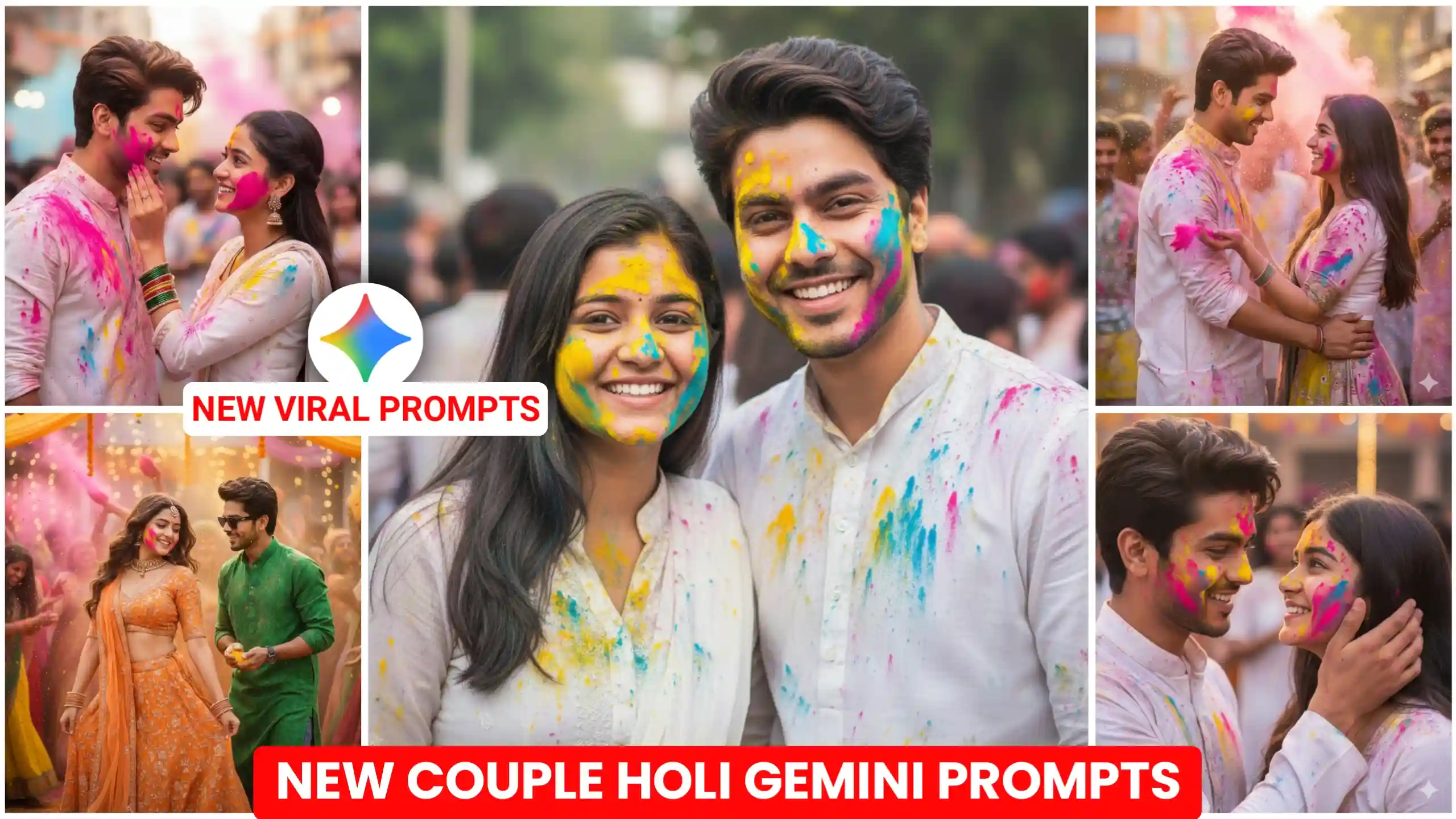
In this article, I’m going to give you Happy Holi Couple AI Photo Editing Prompts. So you can create a photo with your couple. In which you’ll be playing Holi with each other. This photo is going to be quite unique. As you know how much people are using AI these days. AI has entered every field. And in such a situation, many people create their photos using AI. You can easily create your photos in this way. Most people use Google Gemini here. So, friends, what I’m going to tell you in today’s article is also a kind of photo editing trend. Where people are creating their Happy Holi photos with Google Gemini. Now, look, it’s very easy. And we can do this very easily. I’ll explain to you in a simple way. How you can create such Happy Holi photos using AI. Because you probably know that Google Gemini generates our photos in a very professional and realistic way.
Couples Happy Holi Ai Photo Editing Prompts
Here you’ll find prompts for all kinds of photos. And especially, we’ve included some prompts that resemble village scenes. You know how enthusiastically people in villages celebrate Holi. And we’ve only talked about couples here. If you have a boyfriend or girlfriend, you can easily create this kind of photo with them. they’re playing Holi with each other and applying gulal (coloured powder). In some photos, they’re simply throwing gulal (coloured powder) in the air. In this way, you’ll find prompts for different scenes. You’ll know that previously, people used to create these kinds of photos in Photoshop. Which used to take a lot of time. But now, using the right prompt, you can easily create your own photos like this. And it’s become much easier. Now, it’s not as if I’m only giving you couple prompts. If you’re just creating a single photo of yours. Happy Holi photo. If you want to create something, whether you are a boy or a girl, I will tell you about it further.
Cinematic Bollywood Holi Portrait
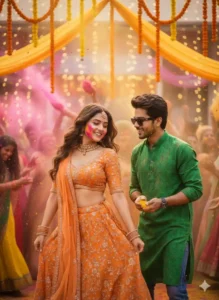
Romantic Candid Holi Close-Up
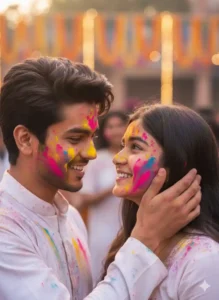
Natural Holi DSLR Portrait
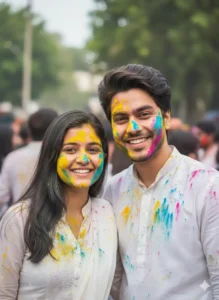
Vibrant Romantic Holi Poster
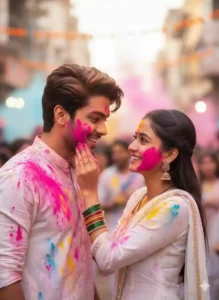
Golden Hour Cinematic Hol
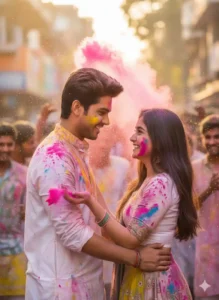
How to Create Your holi Image With Prompts
Now look, if you guys want to use these prompts to create your own Happy Holi photos in this way, in which you and your couple will be there, whether it is boyfriend or girlfriend, then friends, now I am going to explain it to you guys in a simple way. Look, for this you just have to do this much that first of all, in the prompts that we have given you guys above, you have to first see what kind of photo you want to create. Whichever photo you like the most from the photos given above and whichever you want to create, you will have to copy the prompt given below it. After that, click on the create your image button, which you will find on the top side only.
After that, the Google Gemini website will open in front of you. First of all, you have to paste the copied prompt here and add the photo of you and your couple by clicking on the plus icon. After that, turn on the option of create image nano and send it to Google Gemini and wait for a while. When your photo once created, you can easily save it to your phone’s gallery by clicking on it. This way, you can create your own photo using the Happy Holi Couple Photo Prompts.
How to Make Your Photo More Romantic and Unique
Look, if you want your photo to look even more romantic and unique, then for this, friends, you will have to do one thing. And this is that you will have to add such photos of yours in which you will look absolutely real to look at. And you have to get your photo clicked with a little smile on your face so that Google Gemini can understand your facial expression well and give it an even more real look. Apart from this, friends, if you want something unique in your photo, then for this you can do one thing. You can make a few changes in the prompt that I have given you, like you can change the pose of the photo and you can also change the color of the gulal in the photo. Apart from this, you can make a few more changes. By doing this, your photo will start looking even more amazing.
And if you want your photo to look a little more colorful, then for that, friends, you can use the Adobe Lightroom application. You just have to add this photo of yours in it and then go to saturation and increase it a little and also the vibrance. You just have to increase it a little, friends, this much work is done. The colors in your photo will appear more prominent. Due to this, the photo will start looking even more attractive and romantic.
Last Word
Look, we have tried our best here to explain each and every thing to you in a good manner. I have given you my hundred percent. And I hope that now you must have understood it well. And by using the Couples Happy Holi AI Photo Editing Prompts that I have given you here, you can very easily create this type of Happy Holi photo with your own couple, be it girlfriend or boyfriend, and increase your love. Look, apart from this, I have also written two articles in which I have given you different types of Happy Holi photo editing prompts. If you want, you can also use the prompts provided and create this type of photo.




Holi ke photo Bana do