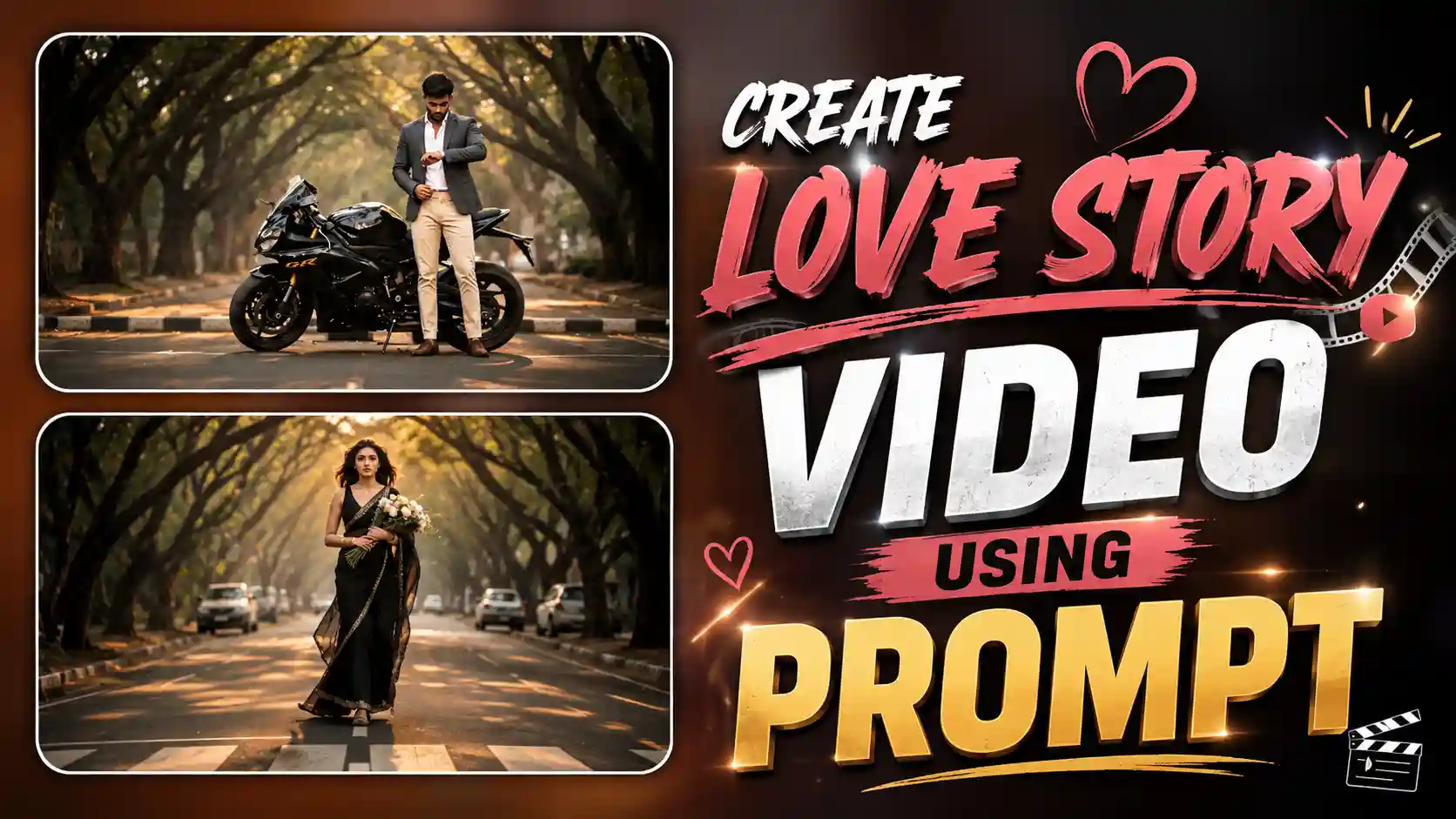
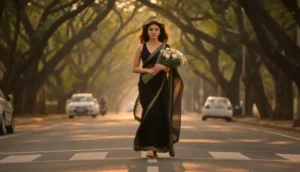
Cinematic Love Story Video Editing – Nowadays, a new AI love story romantic video trend is going viral on Instagram, where people are creating cinematic scenes that look just like a movie. In this trend, a boy is shown standing on the road, waiting, and a girl walks slowly towards him in a very smooth and aesthetic way. The whole scene feels very emotional and romantic because of the background elements like moving cars, soft lighting, and natural expressions. The boy’s reaction when he sees the girl and the girl fixing her hair while walking adds a very realistic and heart-touching vibe to the video. This is the main reason why this trend is getting so much attention and people are loving it. The best part is that you do not need any professional editing skills or expensive equipment to create this type of video. With the help of AI tools like Luma AI, Flow AI, or Google Gemini, you can easily create this kind of high-quality cinematic romantic video in just a few steps. Today, we are going to learn how you can also create this trending video in a simple way.
Read More: Instagram Most Viral video Editing
How This Romantic AI Video Trend Works
In this trending AI love story video, everything is designed in a very cinematic and emotional way so that it feels like a real movie scene. The setting is usually a road or street where the environment looks natural, and small details like moving cars, soft sunlight or evening light, and background blur are added to create depth. The boy is shown standing still, waiting calmly, which builds a sense of emotion and curiosity in the scene. On the other side, the girl walks slowly towards him with smooth motion, and her expressions are very soft and natural. One of the most eye-catching parts is when the girl gently moves her hair back with her hand, which adds a very romantic and aesthetic touch to the video. The camera angles are mostly close-up and slightly cinematic, which makes both characters look more clear and attractive. The lighting is also balanced in such a way that even with background movement, the focus stays on the couple. This perfect combination of motion, emotion, and cinematic style is what makes this trend so viral and engaging.
How to Create This Romantic AI Video Using Google Gemini
If you also want to create this trending AI love story video, then the process is very simple and easy to follow. First of all, you need a clear couple photo in which both faces are visible properly, because this will help the AI match expressions and create a realistic video. After that, open Google Gemini on your device, you can use it in the browser or app version. Once you open it, you have to upload your couple photo by clicking on the image upload option. After uploading the photo, copy the prompt that we have given above in this article and paste it into Gemini. Now simply send the prompt along with your image. Gemini will process your request and within a short time, it will generate a cinematic romantic video where the girl walks toward the boy, cars move in the background, and natural expressions are shown clearly. The output will look very smooth and realistic if your input photo is clear. Once the video is ready, you can download it and easily share it on Instagram or any other social media platform.
Romantic Love Story AI Video Prompt
CREATE VIDEO
Create Different Styles Using Custom Prompts
If you want to create this type of AI video in a different style or with a completely new concept, then you can easily do that as well. You are not limited to just one romantic walking scene. The main thing you need to understand is that everything depends on the prompt you use. If you want a different type of video, then you simply need to create a custom prompt. For this, you can take help from ChatGPT by clearly telling what you want to show in the video, like the scene, actions, expressions, background, and overall mood. For example, you can describe a different story, a different location, or even a different type of interaction between the couple. ChatGPT will generate a proper detailed prompt based on your idea. After that, you can use that prompt in tools like Google Gemini or other AI video generators to create your desired video. This way, you can experiment with multiple styles and create unique content every time without repeating the same concept.
Conclusion
So friends, I hope now you clearly understand how this viral romantic AI video trend works and how easily you can create it on your own. This trend is not just about editing, it is about storytelling, emotions, and creating a cinematic experience that looks like a real movie scene. With the help of AI tools like Google Gemini and the right prompts, anyone can create a high-quality video without any professional skills. You just need a clear photo and a proper idea of what you want to show. If you follow all the steps carefully, you will definitely get a smooth and realistic output that looks very attractive on social media. I recommend you try this trend at least once and experiment with different styles to make your content unique. This Cinematic Love Story Video Editing method is simple, creative, and perfect for gaining attention on platforms like Instagram. If you liked this guide, do share it with your friends, and if you have any doubts, feel free to ask in the comments.