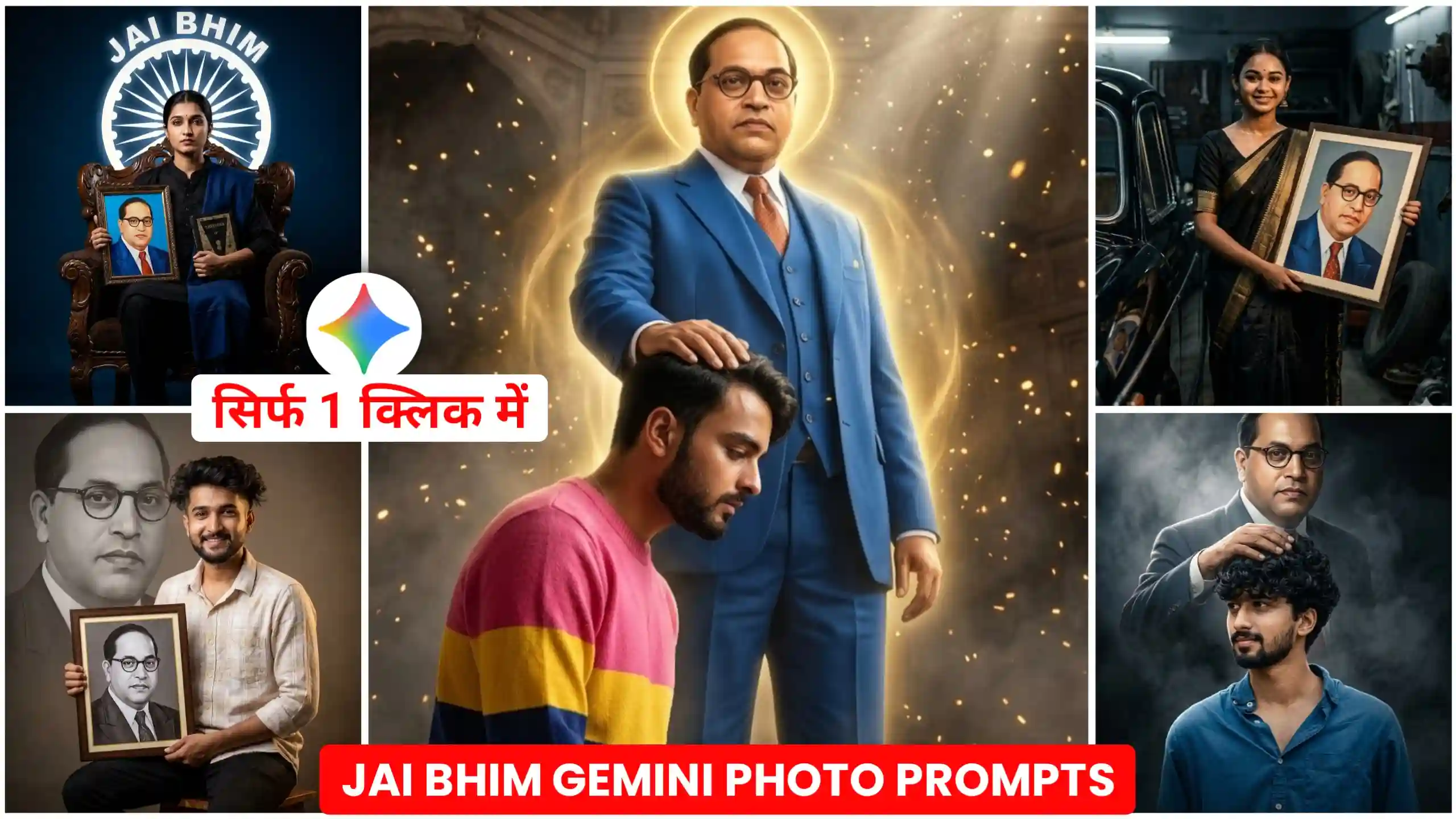
In this article, I am going to give you Babasaheb Ambedkar Jayanti AI photo editing prompts, using which you can create your own photo on this Dr. Bhimrao Ambedkar Jayanti, in which you will also be there, that is, your face will match completely. So friends, in this article, I am going to explain everything to you as to what you have to do. And see, this photo here is going to look very realistic type. Friends, as you know that Baba Saheb Bhimrao Ambedkar’s birth anniversary is about to come, and many people make this day with great pomp and celebrate it in a very good way. So in the present time, people are also uploading such AI-made photos on social media in which he and Baba Saheb Bhimrao Ambedkar’s photo is there. He keeps blessing us. In this way, people are creating different types of photos. So I am telling you all to understand how you can make it, and it will be very easy, friends.
dr br ambedkar jayanti photo
If you people do not know, then let me tell you that Dr. Bhimrao Ambedkar Jayanti is celebrated every 14th April. Friends, this day is celebrated as the birthday of the creator of the Constitution of India and a great social reformer. If I tell you the truth, Dr. Bhimrao Ambedkar had made a huge contribution to our country, and his biggest role was to create the Constitution of India, whose purpose was to bring equality among everyone. On this day, people remember him and offer flowers to the statue in his name. And if you upload photos like this on social media, then many people are also uploading photos by generating them with AI. So today, we are going to give you their prompt. Friends, you too can easily create your photo with Dr. Bhimrao Ambedkar Ji. Let me teach you further about how to create it.
Ambedkar Jayanti AI Photo Prompts
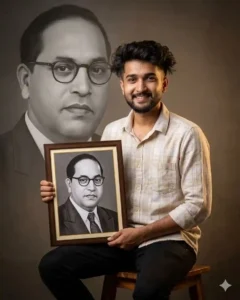
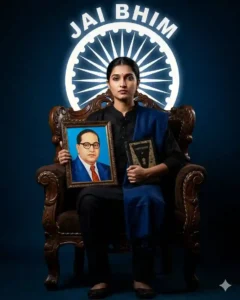
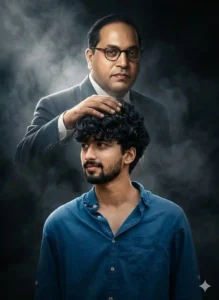
Jai Bheem Photo Editing Prompts
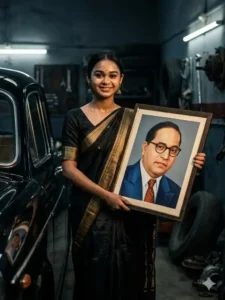
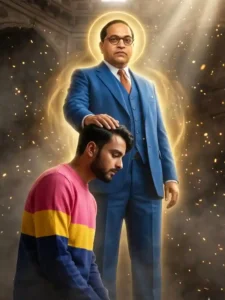
how to make ambedkar jayanti photo from gemini
If you also want to create a photo of Ambedkar Jayanti, then for this you will need Google Gemini, and along with it you will also need its prompt through which we will create this type of photo. So see friends, the first thing you have to do is to look at the photos given above very carefully, and whatever style you want to create your photo, you have to copy it by clicking on the prompt given below, and then click on the name Create Your Image. You have to click on the button, or you can also use it by installing the Google Gemini application from the Play Store. Now see, here you get to see a plus icon, then by clicking on it you have to add a photo of yourself in which your face will be clearly visible, and then there you have to paste the prompt. And then look, one thing you have to do is that there is also an option to see nano banana create image, then you must click on it. Now friends, here you will have to wait for a few seconds. Just like you will wait for us for a while, your photo will be created and will appear in front of you, and then you will easily be able to save it in your phone’s gallery.
What would be required to make such a photo?
Look, if you want to create your own photo in this way, then friends, for this you will require some things which I will tell you. Look, first of all, we will require the Google Gemini application here because friends, we are going to create this type of photo using the Google Gemini application. After that, friends, you will also need the prompt given above, from which you can select by simply pressing hold, you just have to keep in mind that you will have to copy the entire prompt. If you copy half of the prompt or miss a little bit, then your photo will not be created completely, there will definitely be some deficiency in it. After that, friends, we will also need your own photo here. Look, at the photo you people will have to click in such a way in which your face is visible well. Only then, friends, Google Gemini will generate your photo in a good way and give it to you. Only these things will be required for you. Rest all the things, friends, Google Gemini will automatically create your photo and give it to you. You just have to follow the steps mentioned above to create the photo.
Conclusion
Friends, by using the steps given by us, you can very easily create your own photo on this Ambedkar Jayanti by using Babasaheb Ambedkar Jayanti AI photo editing prompts, and we have also put prompts on this website to create different styles of photos. Most of them are from ChatGPT and Google Gemini, so friends, you can also use them to create your own trading photos. We hope that you will like it. You must have liked our today’s article very much. If you liked it, then please let us know by commenting, and we are going to bring more such trading photo editing prompts on this site. And if you have a requirement for any style of prompt, then you can tell us by commenting below, we will provide it to you in a new article.