
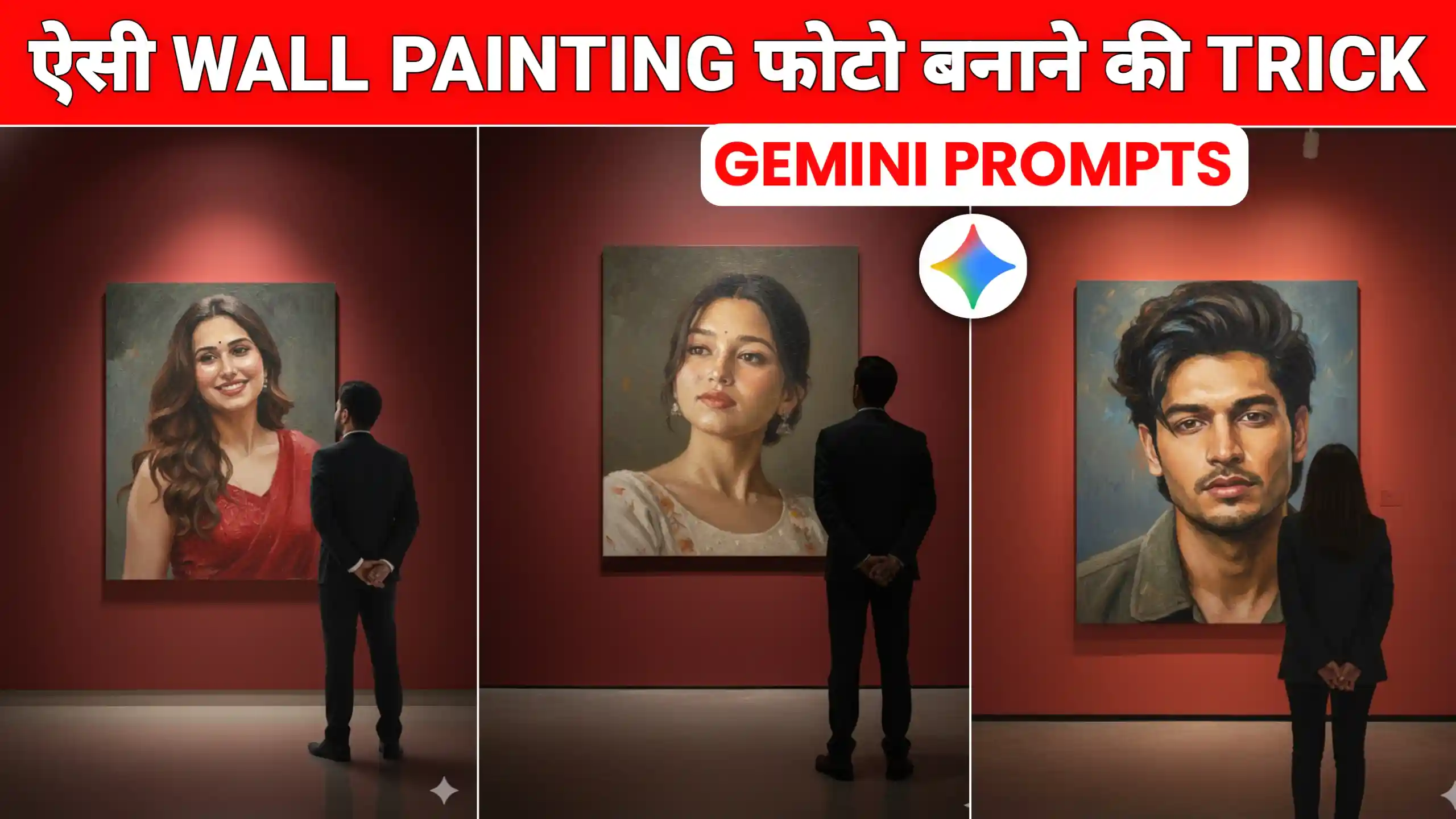
Friends, in today’s article, I am going to give you Gemini Wall Painting AI Photo Editing Prompts, using which you can easily create trending photos of this type. If you are using Instagram or Facebook, then you must have seen a photo with this type of wall painting effect somewhere. It is going viral very much. In this photo, friends, a boy or a girl is looking at our photo in a big painting hanging on the wall. It looks very amazing. People are also creating videos of this type. So friends, how can you make a photo of this type? After that, how do you have to make a video of it? In today’s article, I am going to explain everything to you in a simple way. You just have to read this article from beginning to end. Follow all the steps in the same way as I tell you.
Gemini Wall Painting AI Photo Editing Prompts
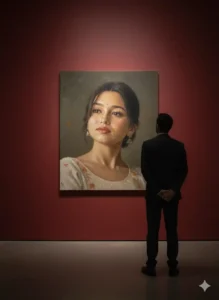
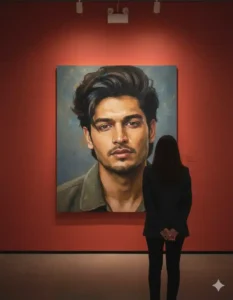
First of all, people make this type of photo hanging on the wall and then convert it into a video using any video editing app. Then they upload it on Instagram. So friends, we are also going to do the same here. First of all, we will make this type of wall painting AI photo here. After that, we will convert it into a video here. First of all friends, let me tell you about it. People are making it in different ways. Girls are also making such photos, and boys are also making such photos. If there is a girl in the photo hanging on the wall, then a boy is standing and looking at her. If there is a boy in the photo hanging on the wall, then a girl is standing and looking at him. In this way, this photo looks very amazing. First of all friends, we are going to create this type of photo here, and we will make it using Google Gemini.
Prompt For Girls
Prompt For Boys
Create your photo
How To Create This AI Wall Painting Photo
If you want to create this type of photo, then for that, friends, first of all, you have to copy any one of the prompts given above. After that, click on the button named Create Your Photo and go to the Google Gemini website and log in. After that, you will find a plus icon on the bottom side. Click on it and add one of your photos. Then, after pasting the prompt, you have to select the Create Nano Banana Tool and then send the photo and prompt to Google Gemini. Friends, you will have to wait for a while here. Within a few seconds, Google Gemini will create your photo. When your photo is ready, you can easily save it in your phone’s gallery by clicking on it. In this way, you can very easily create this type of photo, and you will not face any problem of any kind.
Conclusion
In this way, you can easily create this type of photo by using the above-given Gemini Wall Painting AI Photo Editing Prompts. Friends, we hope that you must have liked this article very much. If you liked it, then please do let us know by commenting. We have provided many more such new photo editing AI prompts on this website, with the help of which you can create such photos of your own. If you need a prompt for any other type of photo editing, then you can also tell us about that by commenting. We will give you the prompt for that type of photo in the next article.



Trading photo type