
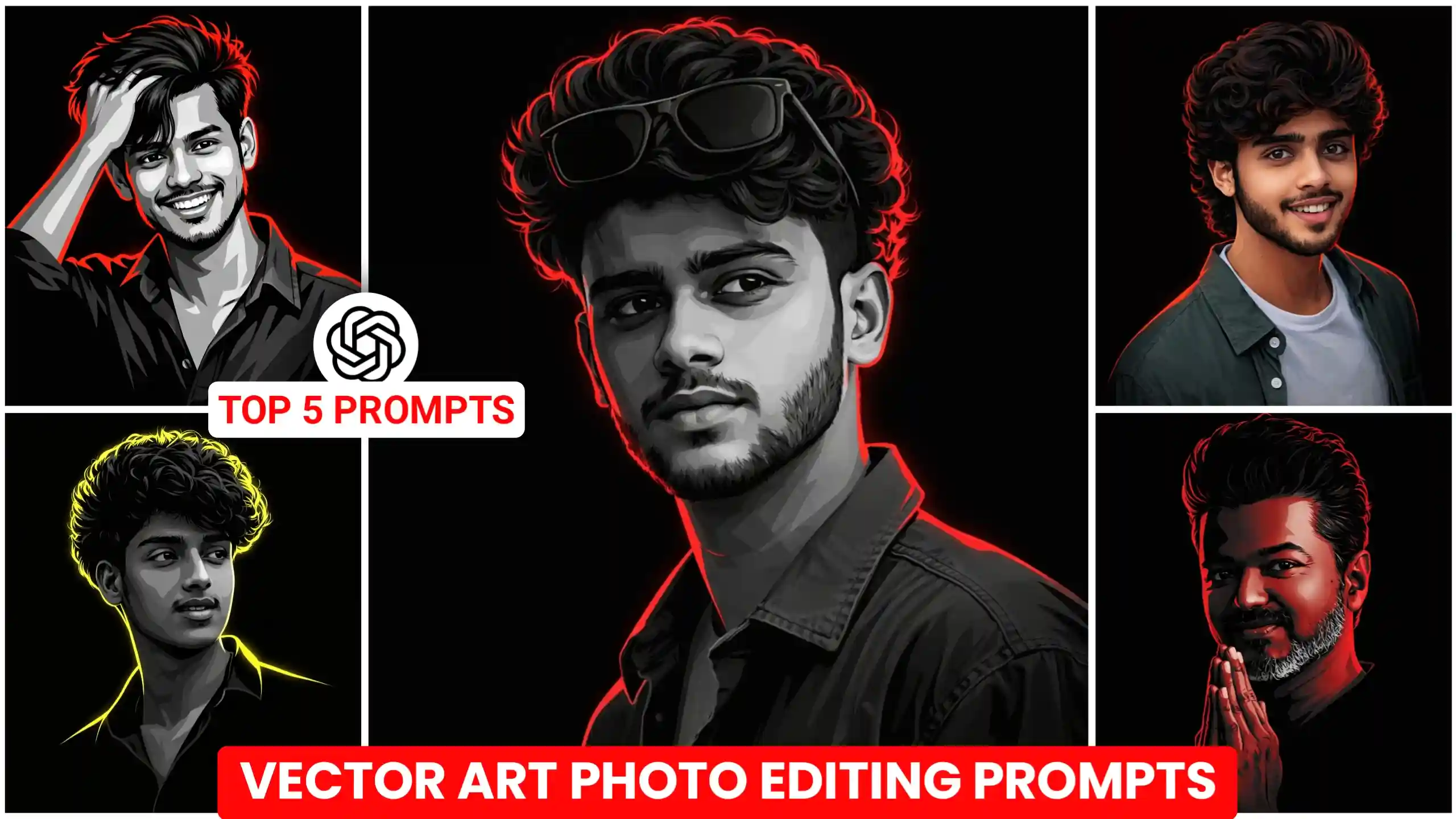
Friends, in today’s article, I have brought you a collection of Vector Art Ai Photo Editing Prompts. A trend that is currently going viral on Instagram. People are converting their personal photos into this distinct vector art style and uploading them. Resulting in images that look incredibly cool. So, if you wish to transform your own photos into this type of vector art, you can do so with great ease. In this article, I will demonstrate exactly how to convert any ordinary photograph into this specific vector art style. Now, to achieve this, we will be utilizing ChatGPT. As it is capable of generating high-quality, personalized images that look absolutely amazing. Therefore, I urge you to read this article from start to finish and follow every step precisely as I outline them. If you follow these instructions carefully, you will be able to create your own vector art effortlessly.
What is Vector Art?
Friends, before we learn how to create this specific photo, let’s first gain a thorough understanding of what exactly vector art is. Let me explain it to you in simple terms. Essentially, a graphic designer or a photographer takes a standard photograph and converts it into a piece of digital art. In this process, facial features—such as the nose, ears, mouth, and other details—are depicted using distinct lines and are filled with vibrant colors. The result is that the digital rendering closely resembles the original face. Transforming the photograph into a true work of digital art that appears incredibly detailed and intricately crafted. And indeed, this is true. If you were to commission a professional graphic designer to create such a photo, it would cost you a significant amount of money and require a considerable amount of time. However, as you are all well aware, AI technology has advanced tremendously in recent times. We can now create these types of photos in just a few seconds using ChatGPT. And do so with absolute perfection. So, that is precisely what I am going to show you today. How to create these stunning vector art photos.
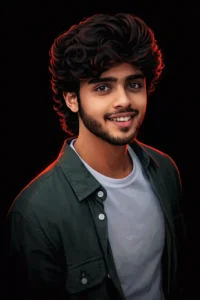
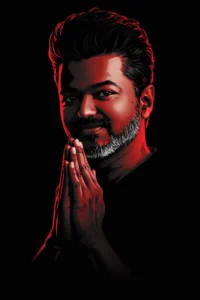
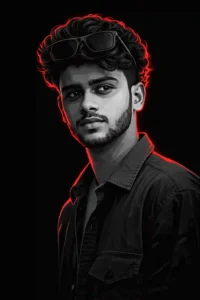
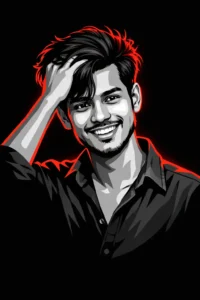
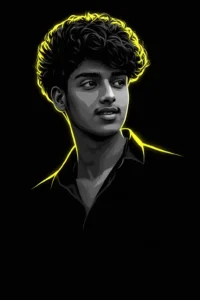
How to create vector art photos like this?
Friends, if you wish to create vector-style art photos like these, all you need to do is take a picture of yourself. Specifically, you should pose for the photo in the exact style you envision for your final vector image. In other words, give your photo a bit of flair. Next, carefully observe the sample images provided above. Identify the one you like best. The one that matches the style you want to replicate. And copy the prompt listed directly beneath it. Then, click on the “Create Your Image” button. Clicking this will take you to the ChatGPT website. Once there, click the plus (+) icon to upload your own photograph. Finally, paste the prompt you copied earlier and click the “Send” icon. Now, you will need to wait just a few seconds. Shortly thereafter, your vector-style image will be generated. You can then simply click on the image to easily save it to your phone’s gallery.
Where You Can Use Vector Art Photos?
Look, if you are creating this type of personalized vector art image in the standard way, that is certainly something you can do. However—to be completely honest with you, friends—people typically create these kinds of images for the purpose of personal branding. This helps them establish a distinct and unique identity for themselves. If you have observed famous cricketers, for instance, you will notice that this serves as a form of branding for them. It essentially becomes a personal logo that they rarely, if ever, change. Therefore, if you are creating your own vector art image of this nature, you have the option to use it as your profile picture on Instagram, Facebook, or even as your display picture (DP) on WhatsApp. My point is simply this. People primarily use these types of vector art images as their profile pictures. They generally do not post them as they would their regular, everyday photographs. Furthermore, if you run a YouTube channel, you can create a vector art profile image like this to enhance your YouTube branding. Some people even go so far as to set these images as their mobile phone’s home screen wallpaper. Ultimately, you are free to use it in whatever way you prefer. Though the vast majority of people choose to utilize it specifically as their profile picture.
Conclusion
So friends, by utilizing the Vector Art AI Photo Editing Prompts I have provided, you can create your very own trendy vector art photos just like these. Transforming any boring, ordinary picture into something incredibly cool. I have listed numerous prompts above. Simply choose the style you like best to generate your own unique photo. Furthermore, if you would like me to share even more vector art prompts of this kind, please let me know in the comments section below. I have a vast collection of such prompts that I’m sure you’ll absolutely love. I regularly publish a wide variety of trending photo prompts on this site. Covering all the latest trends. Which you can use to create your own stunning images. Finally, I also run a YouTube channel called “Edit by Anup Sagar.” Where I upload editing tutorial videos that you can watch to learn how to create these types of edits yourself.


Manjeet Kumar