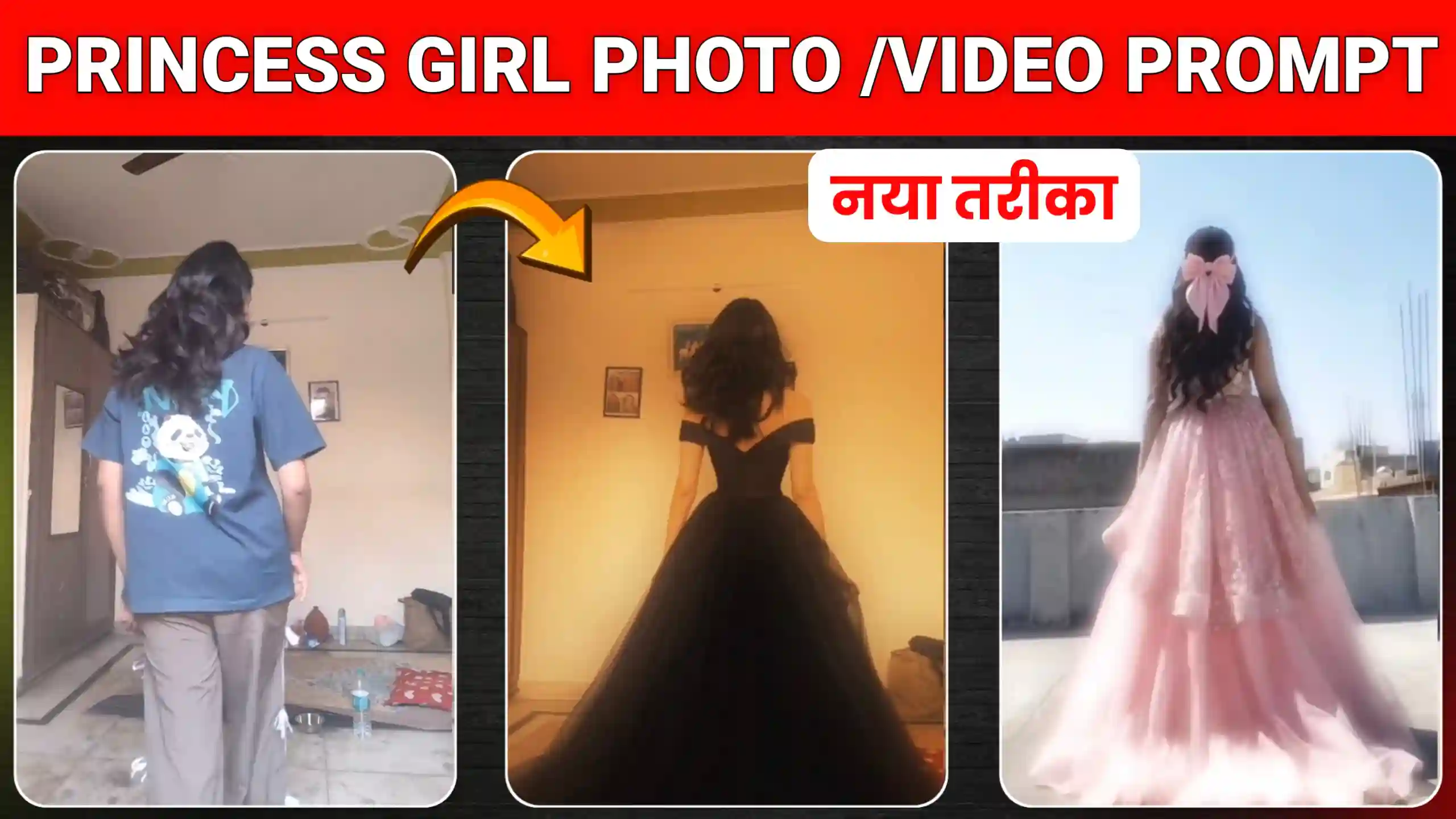
In today’s video, I am going to provide you with AI video editing prompts for “Princess Girl Dress Change” videos. A trend that is currently going viral on Instagram. The reason I say this is that, right now, a large number of girls on Instagram are creating videos featuring princess-style outfits. In these clips, they don stunning, princess-like lehengas or dresses that make them look absolutely adorable. Now, let me explain exactly how this works. The video typically begins with a girl appearing in her regular, everyday clothes. She then turns her back to the camera. A sudden transition occurs where her outfit instantly changes. Transforming into a breathtakingly beautiful dress. These dresses are so exquisite that they resemble the high-end, gorgeous outfits we often see actresses wearing in movies. This is precisely the kind of trend we are talking about here. So, if you would like to create your own version of this video. Featuring the princess dress of your choice. You need to read this article from start to finish. I will walk you through the entire process in simple, easy-to-follow steps. Showing you exactly how to create it.
Princess Girl Dress Change Ai Video Editing
Many people are also referring to this trend as the “Princess Trend.” Because—to be honest with you—the girls in these videos look so incredibly charming that they appear as though they are actresses from a major film. Clad in extremely expensive designer outfits. Most people in these videos are opting to wear lehengas. However, it is entirely up to you to decide what you wish to wear. For instance, there is a red-style lehenga that many girls are choosing. As well as black and blue variations. These lehengas look absolutely stunning. If you were to go out and purchase such a lehenga yourself. You would have to spend a considerable amount of money—often costing in the hundreds of thousands. However, as you are likely already aware, people are generating these videos using AI. Consequently, you can create this look completely free of charge. And effortlessly “wear” the outfit of your choice. Furthermore, if you wish, you can even alter the colors. And add other elements to the design. I will explain exactly how to do that further down below.
How To Create Princess Girl Dress Photo?
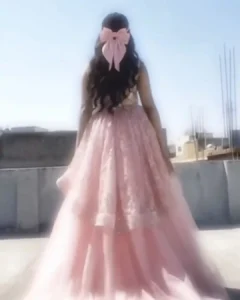
Look, friends: the very first step is to create a custom image of ourselves. Specifically, one in which we are wearing a princess-style dress. Much like how many people are currently wearing lehengas or other elaborate outfits. We are going to generate a similar image. To do this, we will utilize ChatGPT. As it is capable of generating our image with incredible detail and precision. Below, I will guide you through the process step-by-step in a simple, easy-to-understand manner. All you need to do is read each of the steps provided below very carefully. And follow my instructions exactly as described. Once you do that, you will be able to create this with ease. Finally, once our image has been successfully generated. We will convert it into a video—meaning we will add animation to it as well.
- First, friends, you need to copy the prompt given below and then click on the button named “Create Your Image.”
- After that, friends, you need to go to the very end of your own video—specifically to the point where you are turning around—and take a screenshot there. Then, simply crop out the unnecessary parts.
- As soon as you click the “Create Your Image” button, you will be redirected to the ChatGPT website; there, simply add your photo and paste the prompts.
- After that, friends, you need to send this to ChatGPT and wait until the image is generated. Once the image is created, simply click on it to save it.
Photo Prompt
How to create Princess Girl Dress Video ?
Friends, once you have successfully created a photo like this, it is time to add animation to it and convert it into a video. For this purpose, we will be using the Flow AI website, as it performs this task very effectively. Therefore, please read the steps outlined below with great care and follow them exactly.
- First of all, friends, you need to copy the video prompts provided below.
- After that, click on the “Create Your Video” button to proceed to the Flow AI website.
- Once you get there, friends, you will find an option located at the bottom; click on it, and then select the options for Video, Ingredients, and Portrait.
- Then, click on the plus icon at the top to add the photo that we created using ChatGPT.
- After that, you need to paste the video prompts there, send them, and wait for a few seconds.
- Once the video is created, you can click to save it to your phone’s gallery.
Video Prompt
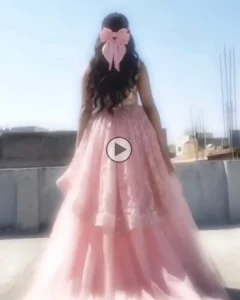
How to combine original video and AI dress video?
Friends, once our dress-change video has been created, it is time to integrate it into our original footage and add effects. Simply import your original video into any video editing app. Navigate to the exact point where you took the screenshot. And then insert the AI-generated video. Next, align the two clips perfectly. If the AI-generated clip happens to be slightly too long, you can trim it down. Once both videos are properly aligned, add a transition effect between them. Specifically, choose an effect that ensures a seamless and smooth visual flow during the transition. Once you have completed these steps, your video will be ready in a truly amazing form. You can then export it and easily upload it to Instagram or any other platform of your choice.
Conclusion
In this way, friends, by utilizing these “Princess Girl Dress Change AI Video Editing” prompts, you can create your very own videos. Similar to those currently trending on Instagram. And virtually wear any outfit of your choice within them. We sincerely hope you thoroughly enjoyed today’s article. If you did, please be sure to let us know by leaving a comment. Additionally, we have posted a wide variety of other new and trending video and photo editing prompts on this site. Feel free to explore them as well to create even more of these trending videos.