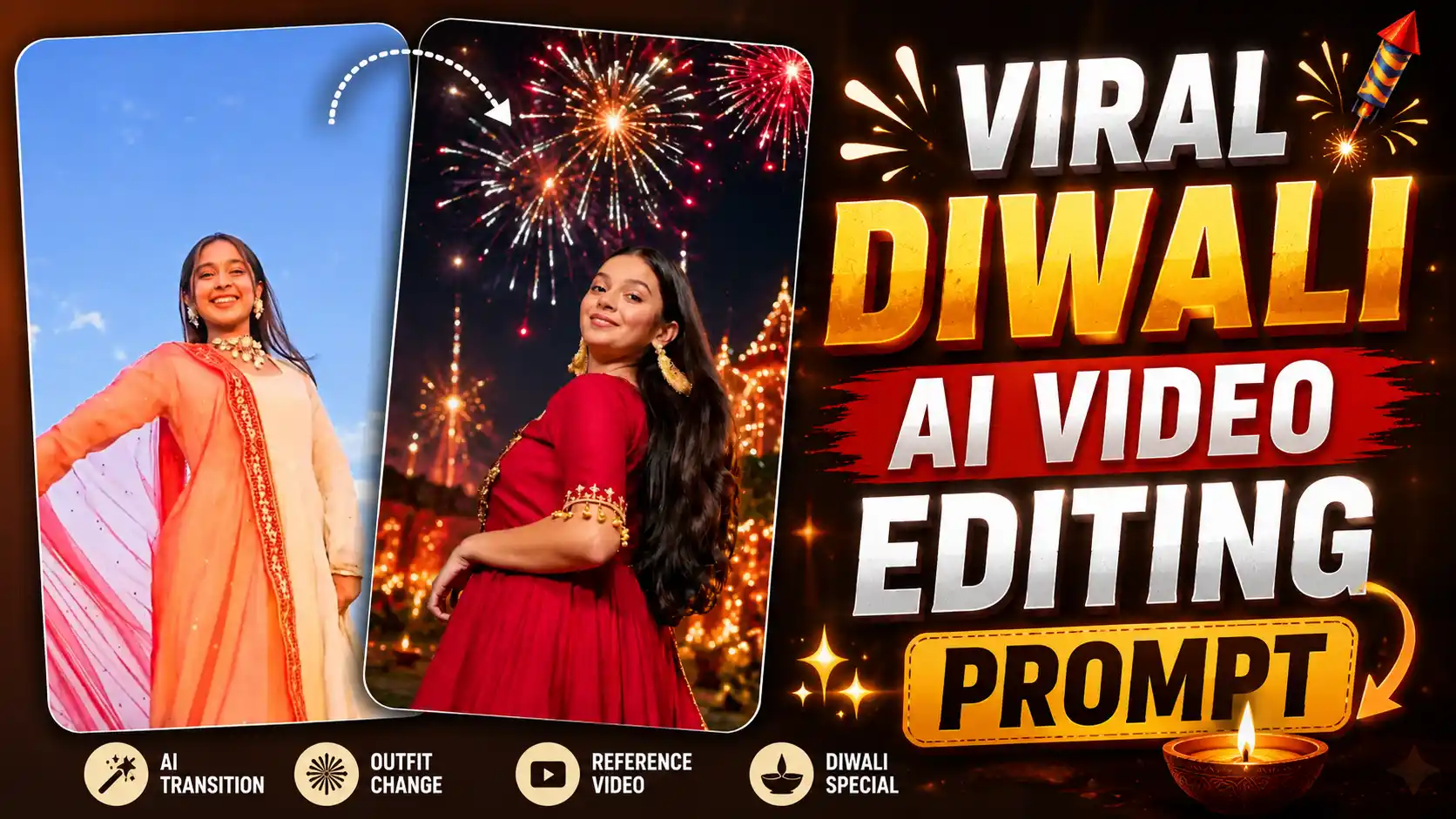
Viral Diwali AI Video Editing Prompt – Nowadays a new Diwali video trend is going very viral on Instagram where girls are making beautiful festive videos with their own photos. In this video, a girl is standing in a normal outfit and then she turns around and brings her chunri in front of the camera. As soon as the chunri covers the camera, her outfit changes into a beautiful Diwali dress and the full scene changes into a night view. After that we can see Diwali fireworks in the sky and the girl is enjoying the festival, turning around and having fun with the lights and crackers all around her. This video looks very beautiful and gives a proper Diwali feeling. Many people are trying this trend to make their festive reels and share them with friends. If you also want to create this type of viral Diwali video, then you can easily make it by using a reference video and your own photo. You don’t need to shoot the full video by yourself. Just use the right AI tool and follow some simple steps to create your own Diwali outfit change video.
NEW AI VIDEO EDITING
Diwali AI Video Editing Trend
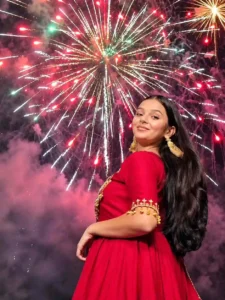
You can easily create this viral Diwali outfit change video by using a reference video with your own photo. In this trend, we can see a girl standing in a beautiful place wearing a normal outfit. After that she slowly turns around and brings her chunri in front of the camera. When the chunri covers the full screen, suddenly her outfit changes into a beautiful traditional dress. At the same time the whole scene changes from day or normal light into a night view. After this, we can see a beautiful Diwali night with lights and fireworks glowing in the sky. The girl is enjoying the festival, moving around and turning happily while crackers are bursting in the background. The full video looks like she is celebrating Diwali in a very beautiful place with lots of lights all around her. The outfit change and chunri transition makes the video look very smooth and interesting. Many girls are making this type of video for their Instagram reels because it gives a proper festive feeling. The best thing is you don’t need to record all these scenes by yourself. You can use a reference video to guide the AI about the movement, outfit change and camera style. Just add your own photo with the reference video and use the right prompt to create your own Diwali video easily.
DIWALI AI VIDEO PROMPT
CREATE DIWALI VIDEO
How to Make Viral Diwali Outfit Change Video Using Flow AI?
Now let’s learn how you can create this viral Diwali outfit change video using Flow AI. First of all, open Flow AI and click on the plus icon. After that go to the Media option and upload your own two photos so AI can use your face in the video. Now download the reference video which I have given in this article and upload it in Flow AI also. This reference video will help AI to understand the outfit change, chunri movement and camera style. After adding your photos and reference video, click on the plus icon again and add these selected photos and video for editing. Now copy the video prompt which I have given below in this article and paste it in the prompt box. Make sure you have added all the required photos and reference video before sending it. Once everything is ready, send the prompt to Flow AI and wait for some time. Flow AI will start processing your request and after some time your Diwali video will be ready. In the generated video, you can see your face, outfit change and the Diwali night scene with fireworks. If you like the result, simply click on the Export option and save the video on your phone or computer. Now your own viral Diwali outfit change video is ready and you can share it on Instagram reels or with your friends.
Why This Diwali Outfit Change Video Is Going Viral
Nowadays many people are making this Diwali outfit change video and sharing it on Instagram because it looks very different from normal Diwali reels. The main thing people like in this video is the chunri transition where the outfit suddenly changes and the full scene turns into a beautiful Diwali night. This small transition makes the video look very interesting and people enjoy watching it again and again. Another reason is that everyone wants to make something special during Diwali and this video gives them a chance to show their festive look in a creative way. Girls can show their beautiful traditional dresses, jewellery and Diwali makeup in this video without recording many different clips. The fireworks and glowing lights in the background also make the video look more festive and beautiful. Many people are using this trend to share their Diwali wishes with friends and family in a different style. Some people are also making it just for fun because they like seeing their own face in these AI generated videos. The best thing about this trend is that you can create it using your own photos and a reference video with the help of Flow AI. You don’t need to go outside or record fireworks yourself. This is why many people are trying this trend and making their own Diwali reels for social media.
Conclusion
So guys, this is how you can create your own viral Diwali outfit change video using Flow AI. With the help of your own photos, a reference video and the right prompt, you can easily make this beautiful festive video without recording everything by yourself. You can show your traditional outfit, Diwali lights and fireworks in a very different way. If you are also looking for a new Diwali reel idea, then you should try this trend once. Just follow all the steps given in this article and your video will be ready in some time. If you face any problem while creating the video, then you can tell me in the comments. I will try to help you. Also share this article with your friends and family so they can also make their own Diwali video and enjoy this trending AI effect. Happy Diwali to everyone!