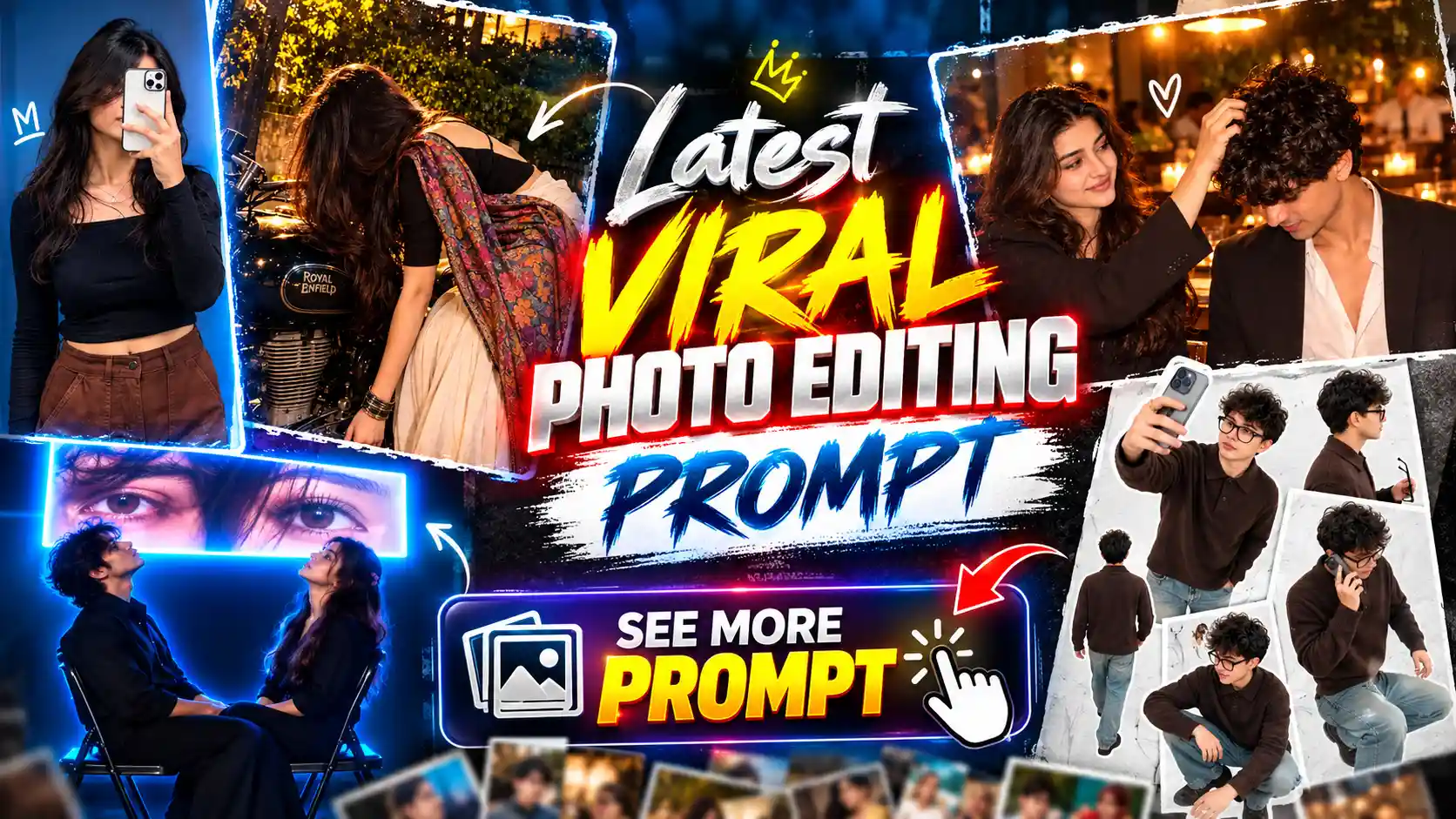
New All AI Photo Editing Prompts – This article is going to be a little different from other AI photo editing articles because here I am not going to give you prompt for making only one type of trending photo. In this article, I will share different types of AI photo editing prompts which you can use to create many new and viral photos. You know that every day we see some new photo editing trend going viral on Instagram and other social media platforms. Many people want to make these trending photos with their own pictures but they don’t know which prompt they have to use or how to create them. So I have made this article for all those people who want to try new AI photo trends. Here I will keep adding prompts for different types of photos which are getting popular on social media. You can find couple photo prompts, stylish boy and girl photo prompts, cinematic photos, birthday photos and many more types of trending photo ideas. I will try to share those photo prompts which people are liking and making viral on social media. You just have to choose the photo trend you like, copy its prompt and use it with your own photo. So you don’t have to search for different prompts everywhere because you can find many trending AI photo editing prompts here.
MERI NAS NASH ME VIDEO EDIT
Only Get the Most Viral AI Photo Editing Prompts Here
One more thing I want to tell you is that in this article you will not find normal and simple photo editing prompts which you can find on every other website. Here I will share only those AI photo editing prompts which are based on the most viral photo trends on social media. You know many websites share simple prompts for making normal photos, but people are mostly looking for something new which they can share on Instagram and get attention from their friends. So my main focus in this article will be on those photos which are trending a lot and people are actually making them using AI tools. Whenever a new photo trend comes on Instagram or other social media, I will try to add its prompt here so you can also create that same type of photo with your own picture. I will also try to give different styles and ideas instead of sharing the same type of prompts again and again. Every prompt will be given in a way that you can easily copy and use it with your photo. So if you like making new trending photos and always want to try something different, then this article will be useful for you. Just keep visiting this page because new trending photo prompts will be added here.
Diwali AI Photo Editing
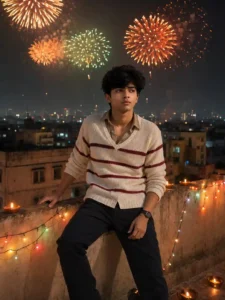
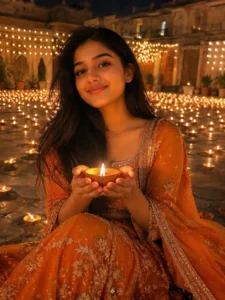
BEAUTIFUL BACKGROUND PHOTO PROMPT
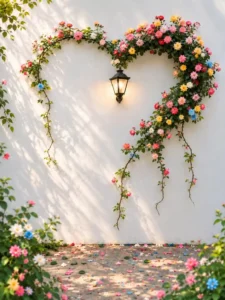
SELFIE MIROOR PHOTO PROMPT
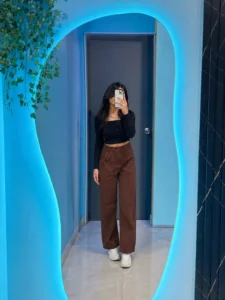
GOLDEN HOUR PHOTO PROMPT
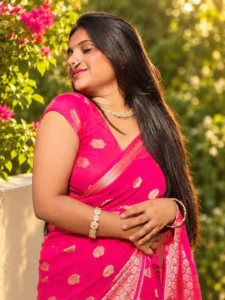
GENERATE PHOTO
How to Create Photos Using These AI Photo Editing Prompts
Now let’s see how you can make photos using these AI photo editing prompts. First of all, you have to check which type of photo you want to create from this article. After that, check if that photo needs only one person or more than one person. Because many times we have couple photo trends or friends photo trends where two people are sitting or standing together. So if you want to make a couple photo, then you need photos of both people. And if you want to make a friends photo with two friends, then you also need both friends pictures. Now after this, copy the prompt which is given below that photo. Then open the ChatGPT app on your phone because we are going to create our photo using ChatGPT. Now paste the copied prompt in the chat box. You will see a plus icon near the chat box, just click on it and upload your photo or photos which you want to use. After adding your photos, send everything to ChatGPT. Now ChatGPT will understand your prompt and create the photo in the same style which you have selected. Wait for some time until your photo is ready. Once the photo is generated, simply open it and save it in your phone gallery. That’s it, your trending AI photo is ready to share!
Why Bookmark This Article?
If you love making new AI photos and always want to try the latest photo trends, then you should bookmark this article. Because I will keep adding new AI photo editing prompts here whenever a new trend goes viral on Instagram or other social media. You don’t need to search on Google again and again for new prompts because you can find different types of trending photo prompts in one place. Whenever you visit this article, you can check if any new photo prompt is added or not. You can simply copy the prompt, upload your photo in ChatGPT and create your own trending picture. So I suggest you save this article in your browser bookmarks so you can easily find it whenever you want to make a new AI photo. I will keep updating this page with new photo trends and their prompts.
Conclusion
So guys, in this article I have shared how you can find and create different types of viral AI photos using simple prompts. You can choose any photo trend which you like, copy its prompt and use it in ChatGPT with your own pictures. I will keep adding new and trending AI photo editing prompts here so you can try different photo styles whenever a new trend comes on social media. So make sure you bookmark this article and keep visiting to check new prompts. If you like any photo or face any problem while creating it, you can tell me in the comments. I will try to help you. Also share this article with your friends so they can also make these trending AI photos easily.