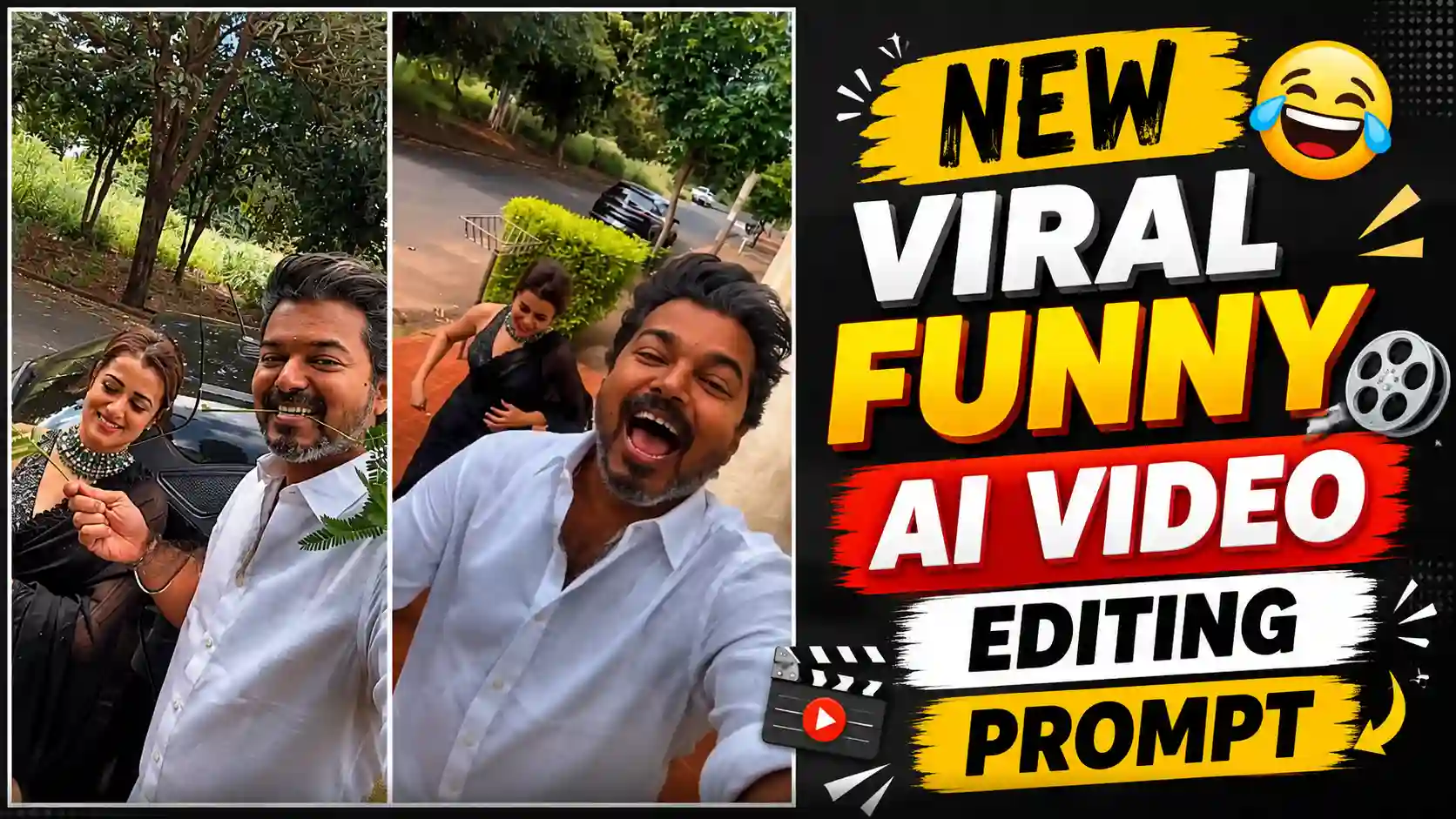
Vijay Thalapathy Funny AI Video Editing – A video is being widely traded on social media, in which actor Vijay Thalapati is shown, and a girl is with him. Vijay holds the leaves of a plant with his teeth. With the other hand, he also gives a branch to the girl, which has a lot of leaves attached to it. The girl also presses it in her teeth, and Vijay immediately grabs the branch and pulls it out, due to which only leaves are left in the girl’s mouth, touching the branch. After that, Vijay runs away, and the girl runs behind him. Friends, this is a kind of funny video. This video is going on a lot of trading. Many people are recreating this video, and many people are using AI to make their own videos by considering this video as a reference video. Friends, this is a very trading video. So, in today’s article, I will tell you how you can make your own viral video. In this video, you will also be acting in the same way. You will not need to do anything. You just have to keep a photo of yourself and a photo of your girlfriend or the photo of the person with whom you want to make a video. After that, you have to read all the steps given below very carefully and follow them in the same way. Then you will also be able to easily make your own viral AI video in this way. So, friends, now let us learn to make this video.
DIWALI AI VIDEO EDITING
Vijay Thalapathy Funny AI Video Editing
Look, I will tell you below how to make this funny video. But before that, let us know what is shown in it, due to which it is becoming so viral. See, I will explain it to you in an easy way. When this video starts, we are shown Vijay. He is holding a branch with his mouth, which has many small leaves attached to it. There is also a girl standing near him, so Vijay waves at that girl with his hand. They give another similar branch, which the girl keeps in her teeth. Then Vijay suddenly grabs the branch and pulls it out, due to which all the leaves attached to it remain in the mouth of this girl. Then suddenly Vijay starts running, and the girl starts running after him from behind. Meaning, friends, if I say it is a kind of funny video that people are making, now watch this video, considering it as your reference video, with which you will get to see yourself in such a situation. If you want to make a video, you can make your own trading AI funny video by using its photos, which will look very amazing. So, in today’s article, we are going to explain this to you and tell you the best and new way to make this video.
Viral Funny Ai Video Editing
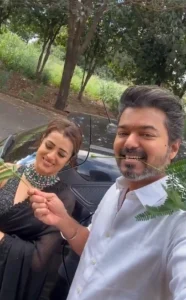
REFERENCE VIDEO
FLOW AI
Create Vijay Thalapathy AI Video in Simple Way
Look, if you people also want to make your own such funny AI video, then first of all, you people have to save the reference video. Then, you will get to see the button on the top side. You have to click on this button and save the reference video in your gallery. After that, you people have to go to Flow AI. For that, if you want, you can also go there by using the button given in the article. Otherwise, you can also go there by typing Flow AI in the browser. Friends, you guys have to click on the new project. You have to click on the icon above and then add your reference video. Also, add your photo and the photo of anyone whom you want to show in your video. Then, the prompt that we have given in this article, which is the most important, you have to copy and paste it and then submit it. Now, friends, here you will have to wait for a while. As soon as you wait for a while, your video will be generated and appear in front of you. Then, you can easily do this. You can watch the video by clicking on it, and you can also save it in your phone’s gallery by clicking on the save icon.
Benefits of generating video from Flow AI
See, although there are many other AI tools for video generation, I am suggesting only Flow AI to you guys. There are many reasons behind it. See, first of all, in Flow AI, you can create your own video in a normal way without any editing skills. You just have to select the ratio within which you want to make your video, select how many seconds you want to make it, and select the quality. After doing this much work, you can create your own video right from the app. Friends, the best feature in it, I think, is that of tagging, which means you can add your reference video to it, add your photos, and tag your photos in the prompt. You can explain well to Flow AI which photo has to be shown where. This makes it easier for the AI to understand, and it creates your video in a perfect manner. Its interface is also so simple that even if someone has not used it before, then that too is a little confusing. You can use it with your brain and create your own video. The audio we get in it also matches with the video in a perfect manner, so this is the reason why I have told you about Flow AI here.
Conclusion
See, friends, I have tried my best to explain everything to you in a good way. In the same way, I have taught you to make this funny AI video step by step. If you follow the steps given by me, then you will also be able to easily make your own similar trading AI video, in which you will also be acting in the same way. So, friends, if you have liked our today’s article, then friends, please do let us know by commenting below. This will give us a lot of motivation. Apart from this, if you people need guidance or need a prompt to make any other type of video, then you can tell us by commenting below. We will also teach you how to make that type of video in the next article.