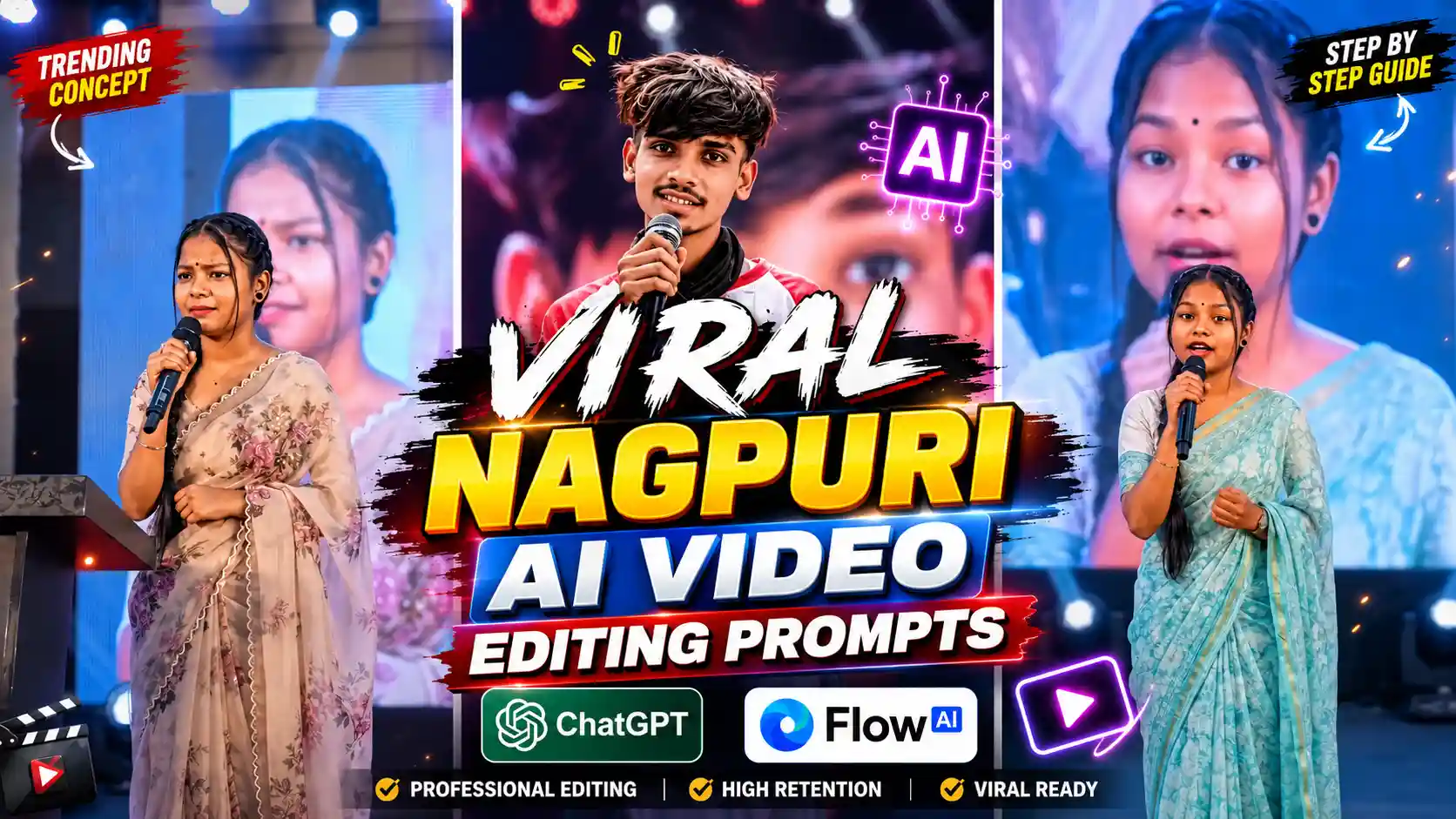
Nagpuri AI Video Editing Prompts – Many people on social media are creating trading AI videos using Nagpuri AI Video Editing Prompts, in which a boy or a girl is standing on a big stage and speaking some poetry or some dialogue in Nagpuri language. And friends, it looks so realistic that at first glance no one can tell whether it is AI generated or real. This video is going on in flower trading on Instagram. Every boy and girl is doing this type of poetry video. Look, although people are making it using different different AI tools, but friends, I will tell you about those AI tools, with the help of which you will be able to create it very easily. I will try to explain everything in a very simple way, and you will not face any problem in it. All you have to do is read our today’s article from the beginning till the very end, and do not miss even a single step.
Create Viral Photos: Chatgpt Viral Photo Editing
How To Create Nagpuri AI Photo ?
See friends, first of all, we will create this type of Nagpuri photo, and only after that, this photo will be converted into video. So, the first step is to create our photo, in which we will be standing on a stage, and we will have a mic in our hand. So, the first thing you all have to do is to copy the prompt of the photo given below. After that, go to chatgpt and add your own selfie photo by clicking on the plus icon given there, and then you will be there. You have to paste this copied prompt and send it to chatgpt. Now friends, you will have to wait for a while there. After some time, your photo will be created and will appear in front of you. Then you can easily save that photo in your phone’s gallery. In this way, you people will be able to create Nagpuri photo. Now friends, when it comes to converting this photo into a video, we have told you below, so you have to follow the steps given below.
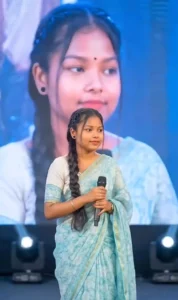
Create Photo
How To Create Nagpuri AI Video Using Flow AI?
Look friends, now I am going to tell you how you can convert the Nagpuri photo made with chatgpt into video. For this, you all have to go to the website of flow ai. You can also search in the browser and go there, otherwise you can go there by clicking on the link given below. So, after going there, first of all, you have to click on the plus icon given on the top side and add the photo created with chatgpt, and then click on it. You get an option to type. Then there you have to write whatever you want to be called in the video, and then send it to flow AI. Now friends, flow AI will start processing, and within a short time, it will create a video of you speaking and give it to you. Then you can easily click on that video and save it in your phone’s gallery. In this way, friends, you will be able to create Trading Nagpuri AI video very easily.
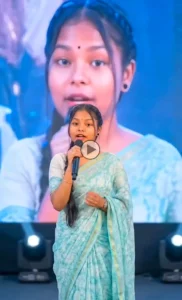
Create Video
Nagpuri AI Video Editing Trend
As you all know that every day new trends of different styles keep coming on Instagram, and people create them and gain a lot of followers. In this way, another trend has come, and see, as you all know that in the present time, we mostly provide you AI photo editing prompts on this website, but after a long time, we are writing a new article, in which we are going to give you trending video editing prompts. And in this, we are going to teach about video editing, so this video of Nagpuri Shayari is trending a lot on Instagram, many people are engaged in creating it. So here we are going to tell you how to make this type of video in a very simple and easy way. Especially here we will use chatgpt to create the photo and use flow AI to convert that photo into video, because friends, flow AI can convert our photo into video very well. It does it, and its quality is also very high.
Conclusion
Look, as I have told you step by step, if you follow our steps in the same manner and use Nagpuri AI Video Editing Prompts, then friends, you too can easily create this type of Nagpuri Shayari video, which is being traded on Instagram. Friends, we hope that you would have liked our article very much. If you liked it, then please do let us know by commenting, and if you have demand for any other type of video editing prompt, then tell us that too below. You can tell by commenting. We will try to provide it to you in the next article, and if you have not understood anything well even after reading this article, then friends, we have also put the editing tutorial of this video on our YouTube channel named Edit by Anup Sagar, so you can understand it well by watching that video also.