
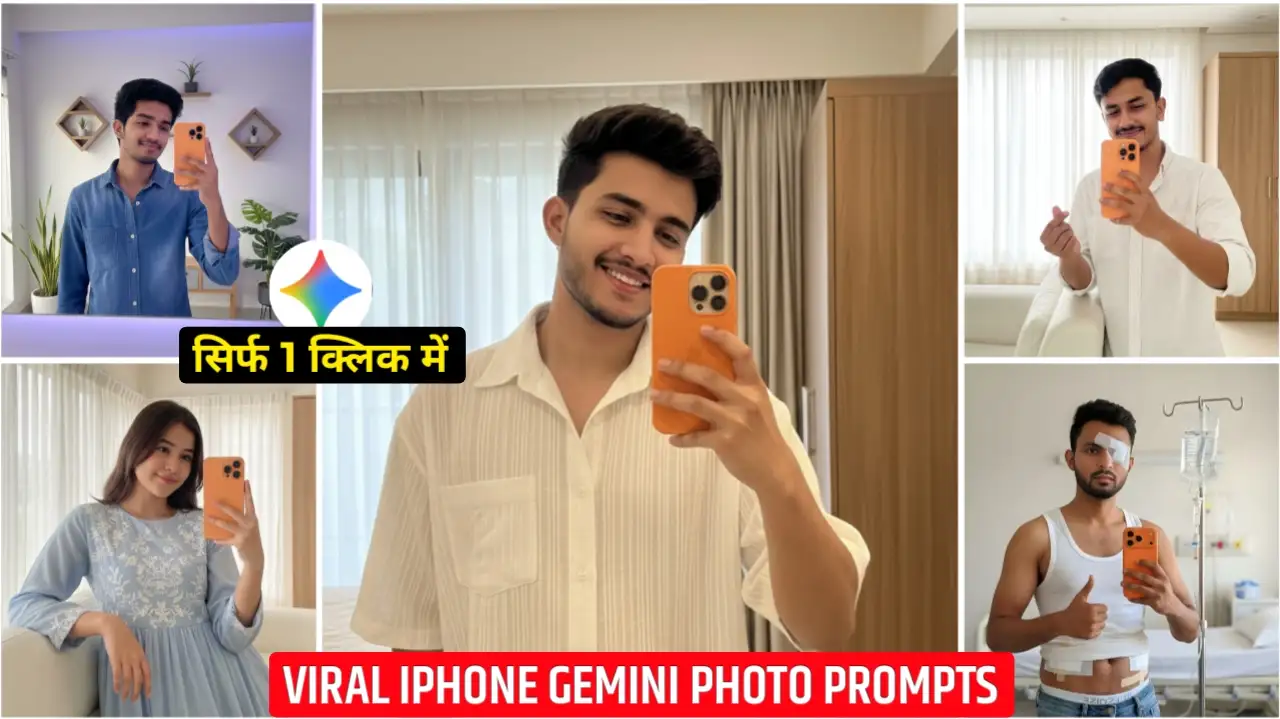
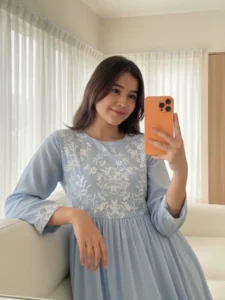
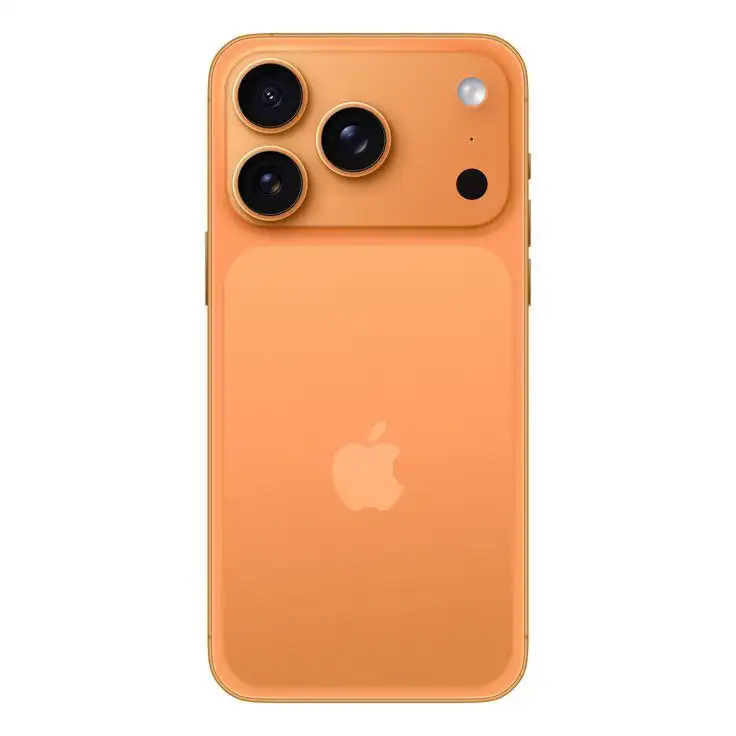
Friends, currently, iPhone 17 Pro Max selfie photos are going viral all over social media. To tell you the truth, recently I saw a photo on Instagram in which a boy was standing in front of a mirror holding an iPhone 17 Pro Max and taking a selfie. Friends, that phone was a brand new iPhone 17 Pro Max. It had just been launched. This phone was orange in color. When I saw that photo, friends, I couldn’t believe that the photo was created using AI. The boy’s photo, his face, and everything else looked absolutely real. It seemed as if the boy himself had taken a selfie in front of the mirror with an iPhone 17 Pro Max. But friends, later I found out that it was created using the Google Gemini website. Friends, how can you create this type of iPhone 17 Pro Max selfie AI photo? I’m going to explain it in a simple way in today’s article. You just have to stay with us from start to finish.
Gemini iPhone 17 Pro Max Selfie Ai Photo Editing Prompts
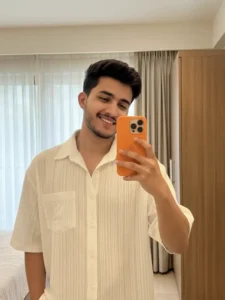
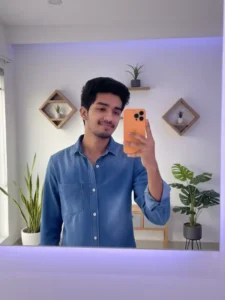
Another trend is happening a lot on Instagram. People are making their own photos in which they are taking selfies with the iPhone 17 Pro Max, which has just been launched. The phone is orange in color. Their photos look absolutely realistic and luxury type. This photo is so real that I myself could not recognize whether it was made using AI or is real. So friends, you can make this type of photo very easily. We are going to give you Google Gemini AI photo editing prompt to make this type of photo. This prompt will make your photo very realistic and in very high quality. By the way, I am going to give you many types of prompts. Whatever type of photo you want to make, you can copy the prompt of that photo by looking at the preview below. Then, using Google Gemini, you can add your own photo to it and make your photo by inserting the prompt. Friends, this work is going to be very simple.
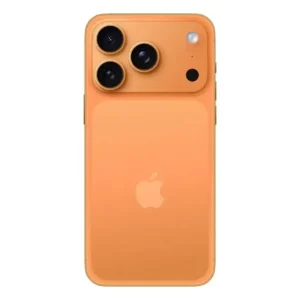
Photo download
iPhone Selfie Ai Photo Prompts


Create your photo
How To Create iPhone 17 Pro Max Selfie Ai Photo?
To make an iPhone 17 Pro Max selfie photo, friends, you have to read all the steps given below very carefully. First of all, you have to copy any of the photo prompts given above. You have to copy the prompt of the photo you want to make. After that, you have to follow the same method as I have explained below in a simple step-by-step manner.
- First of all, copy any one of the photo prompts given above.
- Then click on the Create Your Photo button given above and go to the Google Gemini website.
- After that, click on the plus icon and add your own photo.
- Then paste the copied prompt here and select Create Image.
- Then send it to Gemini and wait for a while.
- Once the photo is ready, click on it and download it
Nano Banana Realistic Photo Generator
Friends, till now you must have generated AI images using ChatGPT. But let me tell you that now a new product of Google Gemini has been launched, whose name is Nano Banana. Friends, this one works so well that when you create a photo with it, it will look absolutely realistic. As we used to create our photos using ChatGPT earlier, it used to change our face also. Our photo used to look like it was made by AI, meaning anyone could tell that this photo of ours was made by AI. But this is not the case with Google Gemini Nano Banana at all. Friends, it works so cleanly and in such a realistic manner that the photo looks as if it is a real photo. The best thing is that it keeps the details of your face same to same. It neither smoothens it too much nor adds too much glow to it. Hence, at present, this Google Gemini Nano Banana is the best AI photo generator.
Conclusion
In this way, you can create the iPhone selfie photo that is going viral on Instagram. Friends, we hope that you liked this article very much. You must have also learned how to use iPhone 17 Pro Max Selfie AI Photo Editing Prompts in simple steps. If you liked the prompts given by us, then please do let us know by commenting. The best thing is that we have provided many more trending photo editing prompts on this website, with which you can also create your own photos.



New
Single boy
Ek ladka khada Hai apna chehra dalna
Real
Mahendra