Today, we’ve brought you Happy Holi AI Photo Generator prompts. They are trending widely everywhere. Many people are using these prompts on Instagram to create photos. In this article, we’ll teach you how to create these Holi photos. We will demonstrate them step by step. We’ll also provide you with a variety of photo editing prompts customized for Holi. We’ve created them with great care. I’ll also tell you one more thing. When you create your photos with them, your photos will have a 3D look. All you need to do is read this article from the beginning to the end. I’ll explain everything below. This includes how to create photos and how to find the prompts. We’ve also posted an editing tutorial on our YouTube channel, Edit by Anup Sagar. If you’d like, you can watch the video on the channel. You can create your own photos by looking at them.
Happy Holi Ai Photo Generator Prompts 2026
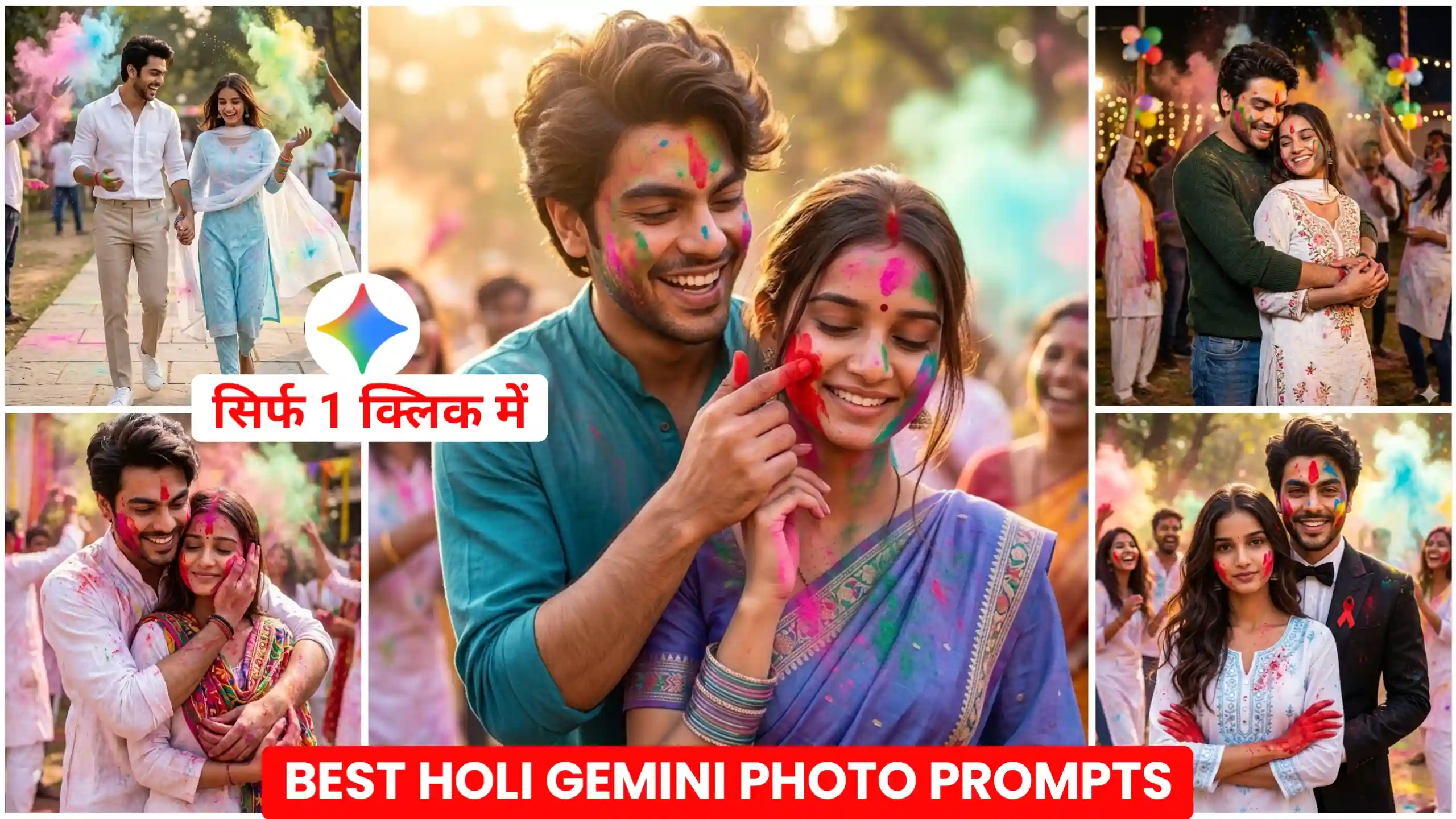
If you’re not familiar, let me tell you that we’ve added a lot of Holi photo editing prompts to this website. In one article, we’ve provided prompts for couples. In all the other articles, we’ve included prompts for both boys and girls and couples. If you’re active on Instagram, you’ll know that many people are converting their bike and car photos into Holi vibes. We’ve explained how to create such photos in this article. We have also provided photo editing prompts for those as well. If you’d like us to offer you some other prompts, please let us know by commenting below. The best thing about these types of photos is that they look absolutely realistic. The lighting and colors are studio-level. It feels as if you’ve personally clicked these photos in a large studio.
Cinematic Romantic Holi Portrait
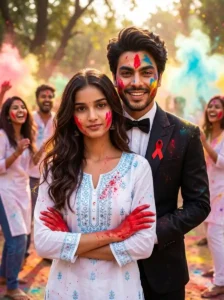
Romantic Holi Portrait
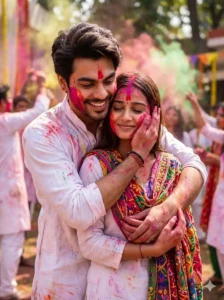
Festive Night Holi Portrait
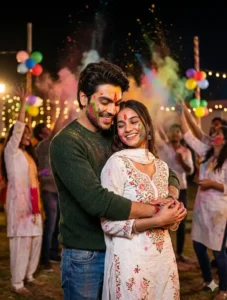
Natural Romantic Holi Portrait
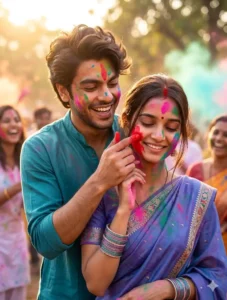
Lifestyle Fashion Holi Portrait
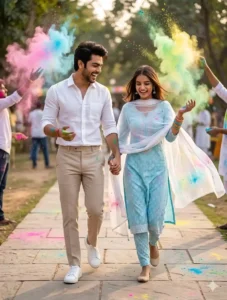
Will these photos of ours also have a 3D look?
Friends, while I was scrolling through Instagram, I saw some Holi photos that looked completely 3D. seemed as if the boy or girl in the photo was emerging from the photo. looked completely different. It seemed to have been designed in a completely different way. When we click photos with our phones, our photos appear completely normal. Many times, due to poor lighting, the photos come out flat. But the photos I’m talking about are completely different. They appear to have a completely 3D dimension. It seems as if the background is far behind. Our subject, the boy and the girl, is coming far forward. This makes it look quite amazing. So, let me tell you that I’ve provided some prompts here. They will help you create your own Holi photos, giving you a 3D look. Friends, this looks quite amazing. So you must try creating it with your photo once.
How to make your photo with these Holi prompts.
So if you also want to create this type of 3D Holi effect photo or if you want to create normal photos, then friends, I will explain it to you in a simple way. For this, all you have to do is first of all keep any one of your photos ready in which your face will be clearly visible because friends, we are going to match the face here, so you should have a photo of your own in which your face will be visible in a very real way. You can also click this photo from the back camera of your phone because if you click your photo from the back camera, then there will be more details in it and the photo will also be clicked in very high quality, so you must do this work, after that you have to follow the steps given below.
Follow these steps
Look, as I have told you guys that you can create these photos using chatgpt and you can also use Google Gemini. If you want your photo to be generated in very high quality then you can use chatgpt. If you want your photo to look absolutely natural then friends you can use Google Gemini. Here we are going to create the photo with Google Gemini only but the process of both is exactly the same. If you have learned to create photos with Gemini then you can do it with chatgpt also.
- First of all, you have to look carefully at the photos given above and copy the prompt given below the type of photo you want to create.
- After that friends, you have to click on the button with create your holi photo.
- The Google Gemini website will open in front of you. There, you will first have to click on the plus icon and add your own original photo in which your face is clearly visible.
- After that, paste the copied prompt there and make sure to turn on the nano banana button because this will make your photo look absolutely real.
- After that you have to send it to Gemini and wait for a few seconds, when your photo is created, you can easily save it by clicking on it.
Conclusion
Friends, we have tried our best to explain each and every thing to you in a good manner. We are sure that now you will be able to create this type of Holi photos very easily. If you still have any doubts, you can ask us by commenting below. You can also use the Happy Holi AI Photo Generator prompts that we have provided to you here. If you want, you can visit our YouTube channel. There you will find videos to create this type of photos. We keep uploading videos of photos there every day. You can learn a lot from them too.