

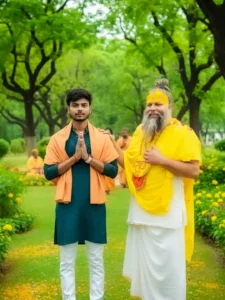
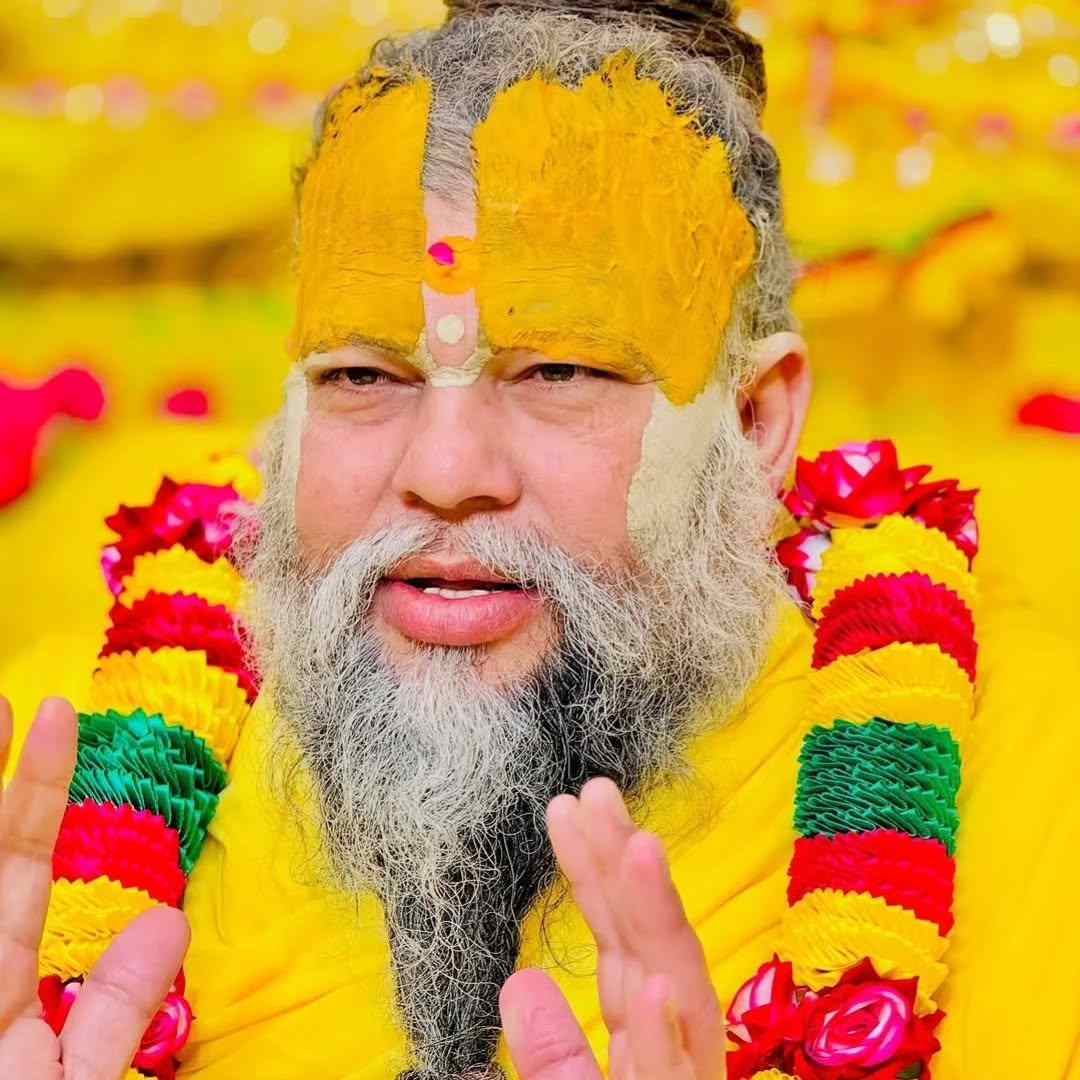
In today’s article, I’m going to give you Google Gemini Premanand Ji Maharaj AI Photo Editing Prompts. Using these prompts, you can easily create your own trading photo with Premanand Ji Maharaj. Friends, you must have seen this type of photo on Instagram and Facebook recently. In these photos, a boy or girl sits near Premanand Ji Maharaj and seeks his blessings. Many different types of photos are being created. People are uploading them to their social media accounts. They look realistic. That is why people are liking and sharing these photos a lot. So, friends, how can you create this viral Premanand Ji Maharaj photo? In today’s article, I’ll explain the process. You should watch this article from start to finish. If you haven’t yet subscribed to our YouTube channel, Edit by Anup Sagar, then be sure to subscribe. We post video editing tutorials on this method there.
Google Gemini Premanand Ji Maharaj AI Photo Editing Prompts | Gemini Prompts
People are creating different types of photos with Premanand Ji Maharaj. Some are sitting at his feet. And Some are sleeping in his lap. Some are walking with him. In this way, people are creating different types of photos according to their own creativity. Friends, you can easily create your own photo with Premanand Ji Maharaj in any style you want. You can do this in a very simple way. Look friends, for this, I am going to give you some prompts below. You can easily use these prompts. To tell you the truth, you have to use these prompts only using Google Gemini. If you create your photo with Google Gemini, your photo will look more realistic and amazing. I have optimized these prompts only for Google Gemini so that you get the best possible output. If you want, you can also edit these prompts a little and add new elements.

Premanand Ji Maharaj Photo Prompts
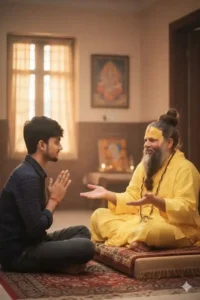
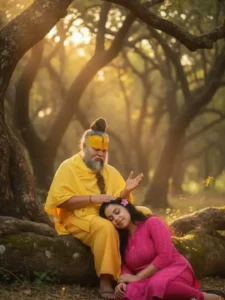
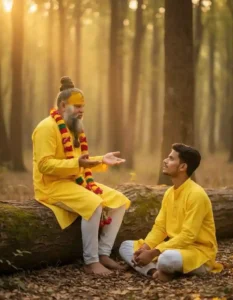
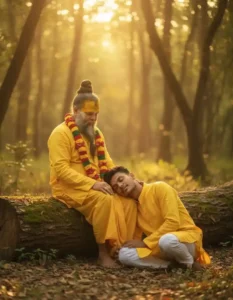
Create Your Photo
How to Create Premanand Ji Maharaj AI Photo?
Friends, I know that this question must be coming in your mind that how will we make such a photo. So if you are also thinking the same thing, then friends, let me clear all your doubts and explain to you step by step how you can make such a photo of your own with Premananda Ji Maharaj.
- First of all, copy any one prompt from the above.
- Then click on the red Create Your Photo button.
- You will be redirected to the Google Gemini website. Log in there.
- There you will find a plus icon at the bottom, click on it.
- After that add your photo and that of Premananda Ji Maharaj.
- And then paste the copied prompt there.
- Then click on the send icon and wait for a while.
- When the photo is ready, click on download and save it.
Google Gemini Website Vs App
At some point or the other, it must have come to your mind that why do we use the Google Gemini website when its app is also available on the Play Store and App Store. So friends, I am going to tell you about it. See, when you use the Google Gemini app, friends, it works very smoothly. Its interface is also very simple and smooth. But when you use the Google Gemini website, it definitely lags a little bit at some places. But friends, as you all know, this is a Google product. So Google is completely engaged in optimizing it. To a great extent, it has become more optimized than all the other tools. But friends, let me tell you the truth. When you create such photos, if you use the website, then it will create your photo as quickly as possible. Whereas if you use the application, then it takes some time. This is the reason why we take you to the Google Gemini website so that you do not have to wait much.
Conclusion
In this way, by using Google Gemini Premanand Ji Maharaj AI Photo Editing Prompts and by using all the steps mentioned above, you can very easily create the Premanand Ji Maharaj trending photo that is going viral on Instagram and Facebook. And friends, if you make this thing, then you are going to get a lot of likes and views as well.




Thank
Peremand ji ke sath