
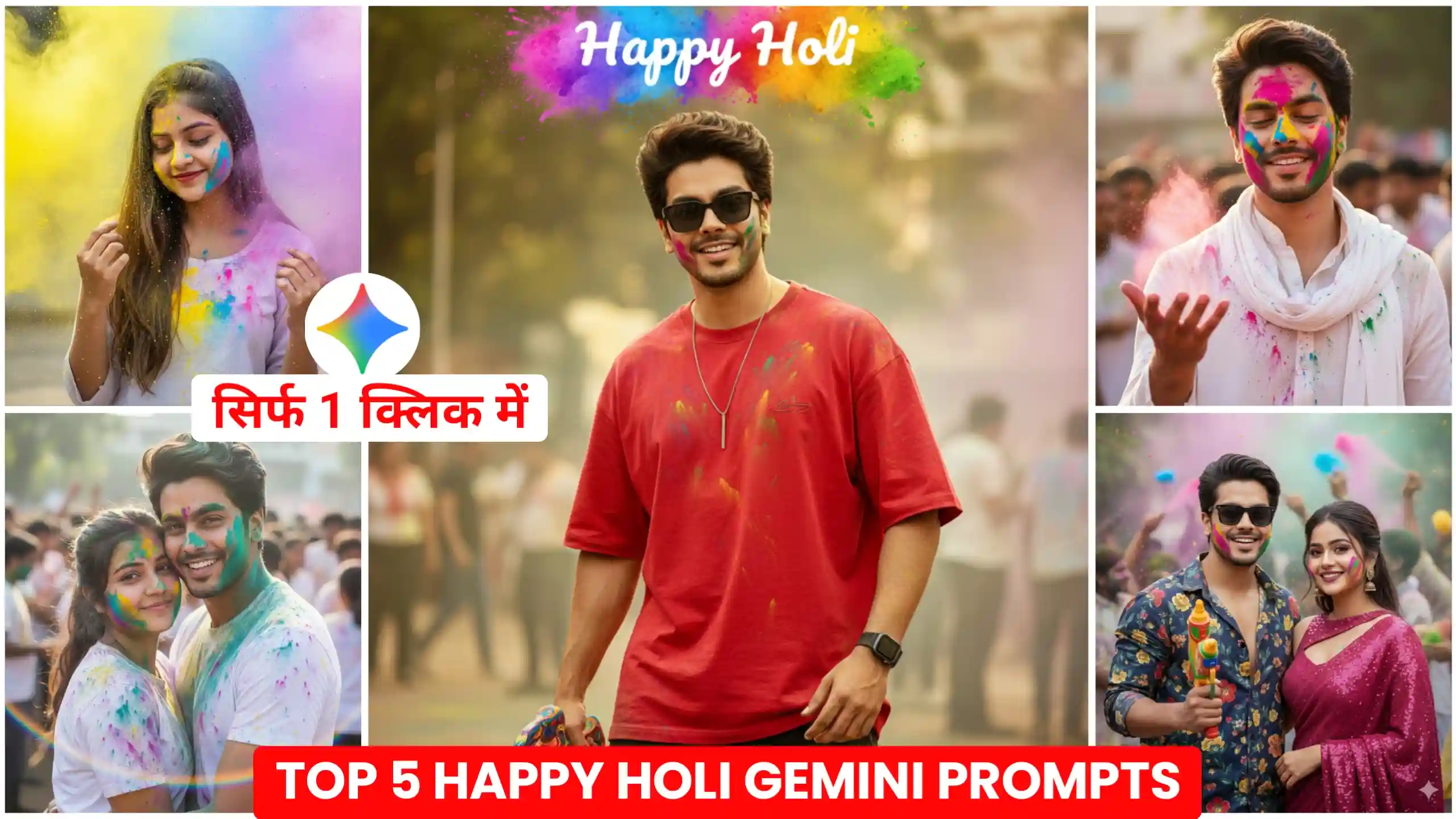
In today’s article, I’ve brought Happy Holi AI Photo Editing Prompts, using which you can create your own Happy Holi photos and upload them to social media. Look, if you don’t know, let me tell you that Holi is coming very soon. People are already creating such Happy Holi photos and videos. They are uploading them to their social media accounts like Facebook and Instagram. It looks absolutely realistic. Friends, you might remember that some time ago, people used to edit such photos themselves. Some people used to create their photos from different PNGs. They used such applications as Picsart, Snapseed, and so on. It took a lot of time. Even after that, our photos didn’t look that good. But as you all know, AI has advanced so much today. Now people can easily generate such photos with just one click. It looks even more realistic than manually edited photos because the lighting is absolutely perfect. If you create such photos yourself, then, friends, many times it happens that your photo and PNG are not able to match properly. Due to this, it looks completely different. But in this, everything matches perfectly.
Happy Holi Ai Photo Editing Prompts
You all know how enthusiastically we celebrate Holi. Everyone celebrates this festival of colors, and we celebrate it well too. In such a situation, people apply color to their faces. They click photos and videos and upload them to social media. In the past, people used to make videos like this, but now the trend of video editing has gone away. Now people upload simple photos because they look more natural. Therefore, in today’s article, I am going to give you some photo editing prompts. If you create your own photo, you will look absolutely real in it. I am also going to give you different types of prompts. For example, if you are a couple, if you have a wife or girlfriend, you can create a couple photo like this with them, and your faces will match well in it. I am also going to give you different prompts which you can create according to your choice. Whichever photo you like, it will look absolutely real. So, friends, here we are going to use Google Gemini and create this type of photos because it will create our photo in a completely natural way and give it to us.
Holi Couple Photo Prompt
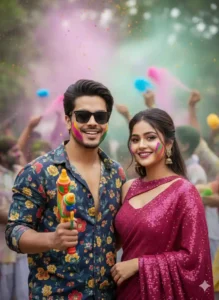
Happy Holi Photo Prompts
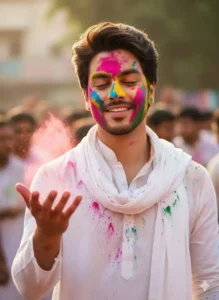
Lovely Couple Holi Prompt
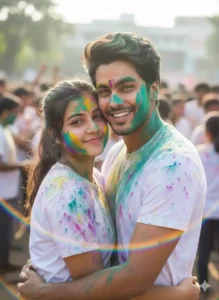
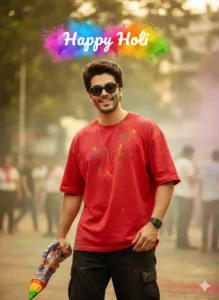
Boy Happy Holi Photo Prompt
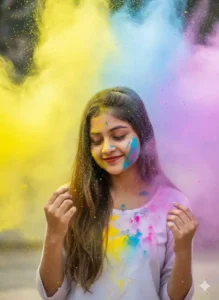
Girl Happy Holi Prompt
create Your photo
How is this better than manual editing?
Friends, you must be aware that before now, when Google Gemini and ChatGPT had not come, people used to create all kinds of photos on their own. Holi is about to come now, so earlier people used to create their own photos by using such applications as Picsart and Snapseed, for which they used to take PNG from different places and then add it to their photos. Many times, it used to happen that they were not able to find PNG according to their photos, and their photos did not look that good to look at. Now, if you see, this thing used to take a lot of time for them because finding PNG according to their photos and then editing it properly and matching it was a big thing. But as you all must be knowing, now everything has become very easy, and since applications like Google Gemini and ChatGPT have come, creating such photos is no longer a big deal. People can easily create such photos. Hence, these AI photos look much better because no matter how much we try to make the photos with manual editing, they do not get a realistic look. Can’t give.
What to do to make a happy holi photo?
Look, I’m going to tell you how you can create this kind of Happy Holi photo without any editing knowledge. If you’ve never created photos like this before and don’t know how to use prompts, you can still create photos like this very easily. I’m going to tell you the best and newest method. First of all, you’ll have to click a photo of yourself with your phone, in which your face is clearly visible. After that, click on the button named “use this template” given above. As soon as you click on it, the Google Gemini website will open. Now, here, first of all, you’ll find a plus icon at the bottom, so click on it. Click on it and add the photo you’ve clicked on your phone. After that, copy any prompt from our website and paste it there. After that, you’ll have to send it. You have to wait for a few seconds. After waiting for a while, your Happy Holi photo will be ready in front of you, by clicking on which you can see it, and by clicking on the save icon, you can also save it in the gallery of your phone.
Conclusion
By using the Happy Holi AI Photo Editing Prompts given above, you can easily create your Happy Holi photo in this way. Also, friends, we have provided different types of photo editing prompts on this website, which you can use and create your photos with them. Look, whenever a new trending photo editing trend comes on Instagram, we first provide prompts on this website to create that photo. So, if you want, you can come to our website every day and use new trending prompts. By working with the trend, you can make your photos and videos viral because when you work on the trend and create trending photos and videos, then you get maximum reach because that thing is in trend and people are liking it very much.


Holli ka photo edit
Holi ka new photo edit