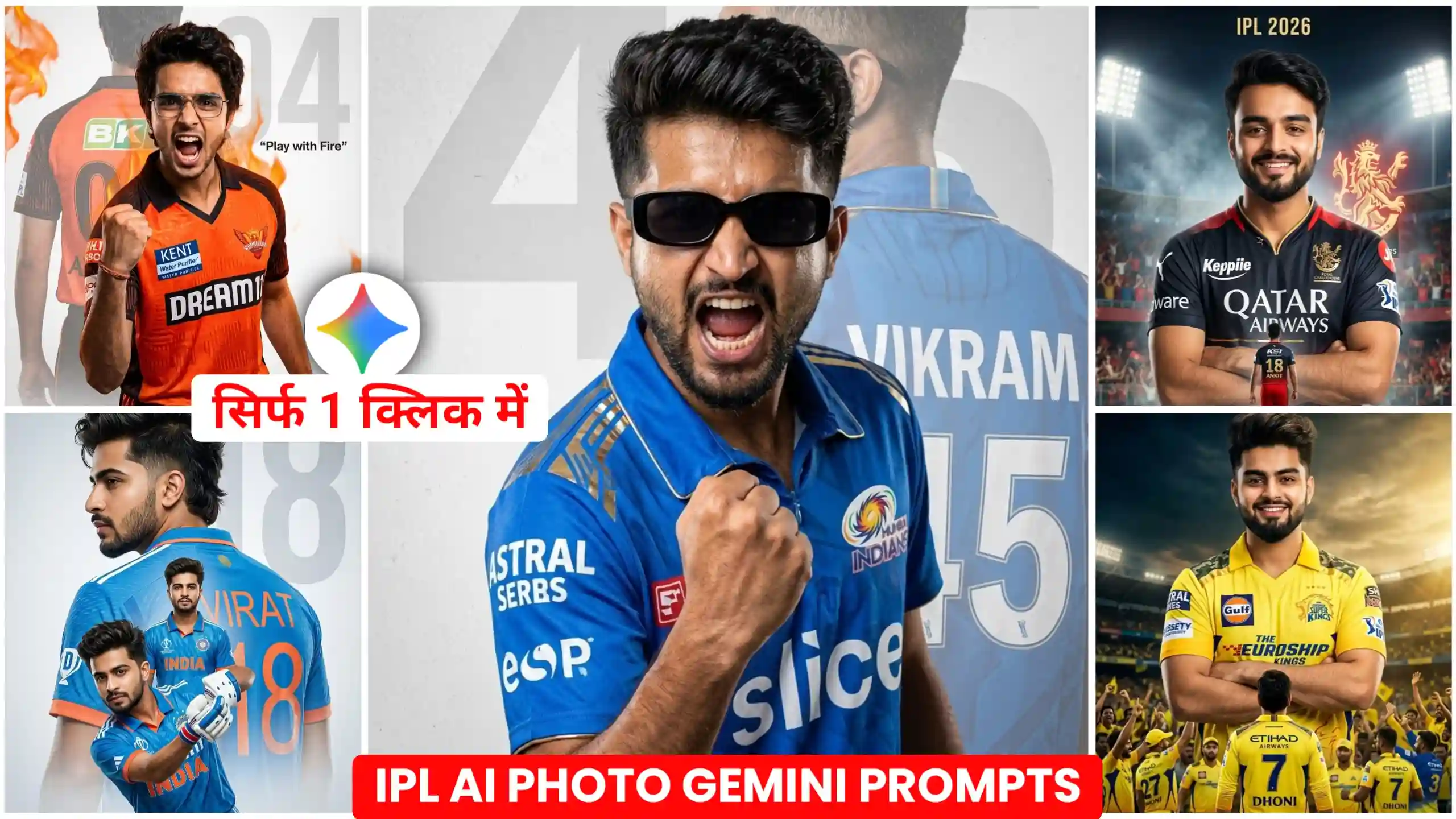
Today we have brought Gemini IPL Cricket Teams Al Photo Editing Prompts for you people. Through which people are creating their own IPL photos on Instagram. And we are going to give you all types of prompts here. That is, we are going to provide prompts for all the teams in IPL. You people will be able to create your own photo according to the team you support. See, these prompts are made to generate very realistic photos. Whenever there is IPL. The cricketers upload their own photos on their social media. And there is a photo of them in their dress. Whatever their team is. In this way, friends, you can also create your photos like them. Now see, even if you do not have a cricket dress. You can do this work. I am going to explain this to you in a good way. So you just have to read this article from the beginning to the very last. And the prompts I will give you here are the same. I have created all these prompts with a lot of hard work. And have made them in such a way that whenever you create your photo. It will look absolutely realistic. It will seem as if you yourself have gone there. And got your own photo clicked wearing the dress.
Gemini IPL Cricket Teams Al Photo Editing Prompts
Friends, if anything is celebrated the most in India apart from Holi and Diwali, then friends, it is IPL. Every year, whenever IPL comes. Those people become completely active. And those who like to watch cricket. They even leave their own work to watch IPL. Because I have also seen some of my friends like this. They are so crazy about IPL. That they even create their own photos and videos. And upload them on social media. But in the present times, as you all know that every thing can be done in just one click. Like in the present time, many people are using Google Gemini to create their IPL photos in this way. In which friends, they are wearing the dress of their favorite team. And standing with the trophy. Like if someone is a fan of CSK, then he is standing in the stadium wearing the dress of CSK. And Mahendra Singh Dhoni is also standing near him. And if someone is a fan of Mumbai Indians, then he too is standing with his trophy in this way. The cricketer stands in style in the photo wearing a dress. Friends, no matter which cricket team you are a fan of. I am going to give you all types of photo prompts. You can make this type of photo with your favorite team very easily. Let us now learn to create your own IPL type photo in this way.
Mumbai Indians double exposure Prompt
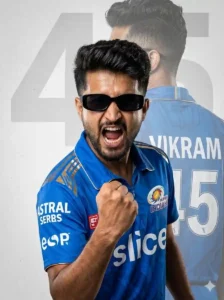
Chennai Super Kings double exposure Prompt
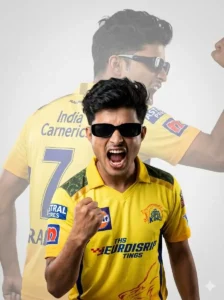
Royal Challengers Bangalore Poster Prompt
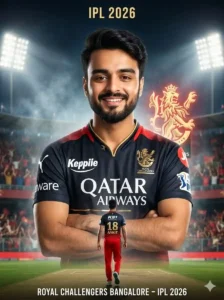
Sunrisers Hyderabad fiery photo prompt
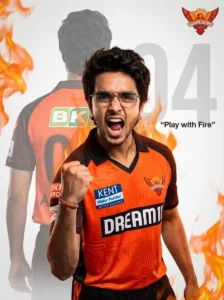
Triple-layer cinematic cricket Photo Prompt
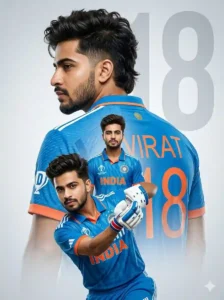
Chennai Super Kings dual-pose photo prompt
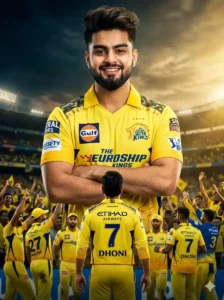
How to create photo with your favorite cricket team
Friends, if you also have a favorite cricket team with which you want to create your own photo, then now I am going to tell you everything in a simple way. See, for this, the first thing you have to do is that you have to see which is your favorite cricket team. Whoever will be your favorite cricket team. You have to copy its prompts from the photos given above. We have given you many photos above. Whichever way you want to create the photo. You will have to see the one below it. You have to copy the prompt by selecting it completely. After that, you have to click on the button named create your photo. After clicking on it, friends, you will reach the website of Google Gemini. See, if you are using its application, then you will not even need to click on this button. You can also paste this prompt in the direct application. After that, friends, you have to add your own photo from there. In which your face is clearly visible. And after that there you will have to create nano. You have to turn on the banana option. And then you have to send it to Google Gemini. Now friend, here you will have to wait for a few seconds. After some time, your photo will be created. And will appear in front of you. By clicking on which you can easily save it in your phone’s gallery.
IPL AI Photo Editing Tips & Mistakes
See, if you people want to get your photo with the best output in just one go, then for this you have to first follow some things very carefully. Look, many people make the mistake that whenever they go to create their own photo. They add a blurred type or low quality photo of their own. Due to which friends are not able to see their face properly. And Google Gemini is not able to match your face completely. So you have to try to create your high quality photo. And I have seen many times that people do not copy the complete prompts. They copy and paste only half of the prompts. So friends, if you people also do this then you do not have to do this work at all. Because unless you give the complete prompt to the AI. It will not create the same photo of that type. And give it to you. Because you people know that unless we give complete information to the AI. It cannot give us the best output. So you should pay attention to the complete prompts. All you have to do is copy it. And after that you have to go there and paste it. And then get your photo generated. By doing this, friends, you can very easily give a realistic look to your photo.
Conclusion
Friends, you all know about me, my name is Anup Sagar. And I have been creating content for the last many years. And we also have a channel on YouTube. Whose name is Edited by Anup Sagar. Friends, we hope that you would have liked our today’s article very much. If you have liked it, then please do let us know by commenting. And the way we have given you Gemini IPL Cricket Teams Al Photo Editing Prompts here. By doing the same in this way, you can create your own way of trading cricket. You can create a team photo. We hope that you will be able to do this work very easily. And if you go to our YouTube channel. Then there you will also get to see the editing tutorial of this photo. If you create it by watching the video. Then it will become even simpler for you.