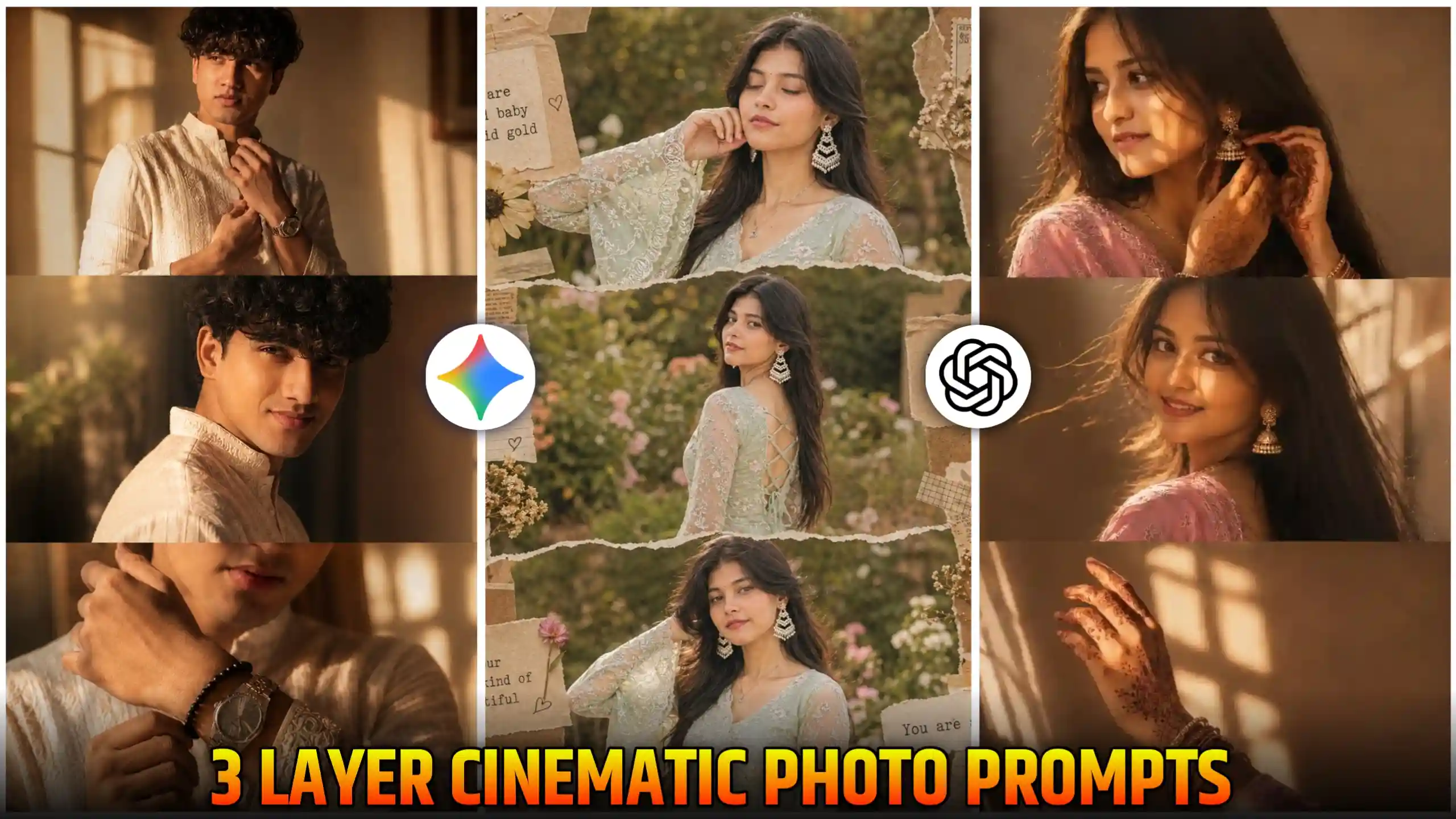
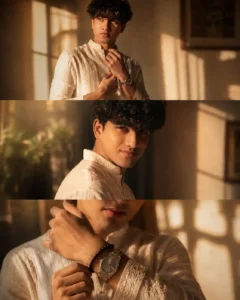
3 Layer Ai Photo Editing Prompt Chatgpt – Friends, you must have seen 3 layer videos, but let me tell you that a trend has come in which people are creating 3 layer photos and uploading them on social media. And see, as you all know that in earlier times, we used to create this type of 3 layer photos using PicsArt because there was an option of collage in it. We had to manually click our three different style photos. Then, we used to go to the collage section and combine them together. But friends, this is not at all the trend. We are creating this 3 layer photo using AI. Now see, the difference in this, friend, is that we do not need three different photos to create it. We will just need one photo. From that photo, AI will create 3 different styled collage photos and give them to us. These are absolutely cinematic and aesthetic type of photos. In these photos, we can see that they look very cute. So friends, if you also want to create such an aesthetic 3 layer photo, then just read every step mentioned in this article very carefully and follow the same method. You too can easily follow this trend and can easily create such a photo.
What is 3 Layer Ai Photo Editing
See friends, let me explain it in an easy way. What happens is that an attempt is made to show our own photos in three different styles. Now see, the easiest way to show this is that we place each of our photos in different parts in the same photo. That is, we make it of a frame type in which all our three photos are visible in different styles. What happens in it is that when we look at this photo of ours, three of our photos are shown to us in this photo, and each photo in it is of a different style. So, whenever someone sees them, the engagement there increases. When people stay on our photos for a little longer, then Instagram’s algorithm feels that there is something different in our photos. Due to this, it increases the reach of our photos to some extent, and our photos are able to reach more people. So friends, the same thing happens. If you create your photos in a little creative way, then your photo will get more likes than before. Chances increase.
Girl 3 layer photo prompts
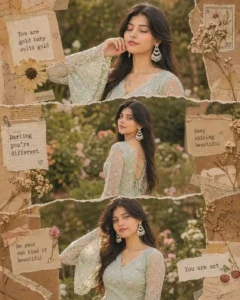
Cinematic 3 layer photo prompt
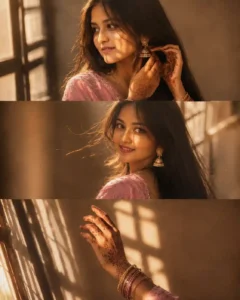
Boy cinematic photo prompt
How to make 3 layer photo with AI?
To create this type of collage three layer photo, first of all, we will need a photo of ourselves whose face we are going to show in this photo. Then, for this, you have to click a photo of your front face from the back camera of your phone in which your face will be clearly visible. Try, friends, that your face should not be even a little blurry because if it is even a little blurry, then AI will not be able to recognize your face properly. After that, friends, all our steps are mentioned below. Have to read it very carefully and follow it in the same manner.
- The first thing you all have to do is to keep your own photo ready because from that our different style photos will be generated.
- After that, you have to look at the photos given above very carefully and copy the prompt given below whatever style of photo you want to create.
- You see, if you want, you can also use the chatgpt application, otherwise you can also use its website version by clicking on the button given above.
- After coming to chatgpt, you get to see a plus icon there. Click on that icon and add your own photo whose face you want to keep in the photo.
- And here you have to paste the prompt which you had copied from our website, send it to chatgpt and wait for a few seconds.
- Within a short time, your photo will be created and appear in front of you. You will be able to easily click on it and save it in your phone’s gallery.
all type photo prompt
What Kind Of Image You Should Select?
Listen to me very carefully. Look, if you select the wrong photo, your photo will be created, but either your face will not match perfectly in it or the style of your photo will also get spoiled. The main thing here is to select the face. A small mistake can spoil your entire photo. So see, let me tell you one thing. Friends, all we have to do is that whatever features of our face, like nose, ears, mouth, we have to get them matched perfectly. This happens only when we select our own photo, and our own face is clearly visible in that photo. If you click your photo by applying a filter, then friends, many times it happens that in order to enhance our face, it changes the features of the face up and down. This makes us look a little beautiful, but it changes our face a little. Now, in such a situation, if you add this photo in ChatGPT and create your photo, then AI will change your photo even more. Meaning, the output will be such that your face will not be able to match at all. So, the only solution is that when you click your own photo, do not apply any kind of filter at that time, and you have to click the photo right in front of your face. Do not add a side profile photo. If you do so much work, and when you go to create your photo, it will try to match your face completely and your photo will try to bring the best results.
Conclusion
Friends, if you follow the steps given above in the correct manner, then it will become very easy for you to make this type of photo, and you can easily use the 3 Layer AI Photo Editing Prompt ChatGPT that we have provided here. Look, we have tried to explain everything to you in a good way here, and we hope that you would have liked our today’s article very much. If you liked it, then please let us know by commenting below. You can also tell us on which topic we should write the next article. Friends, we keep bringing new trending prompts here every day so that you can easily create your different style photos.