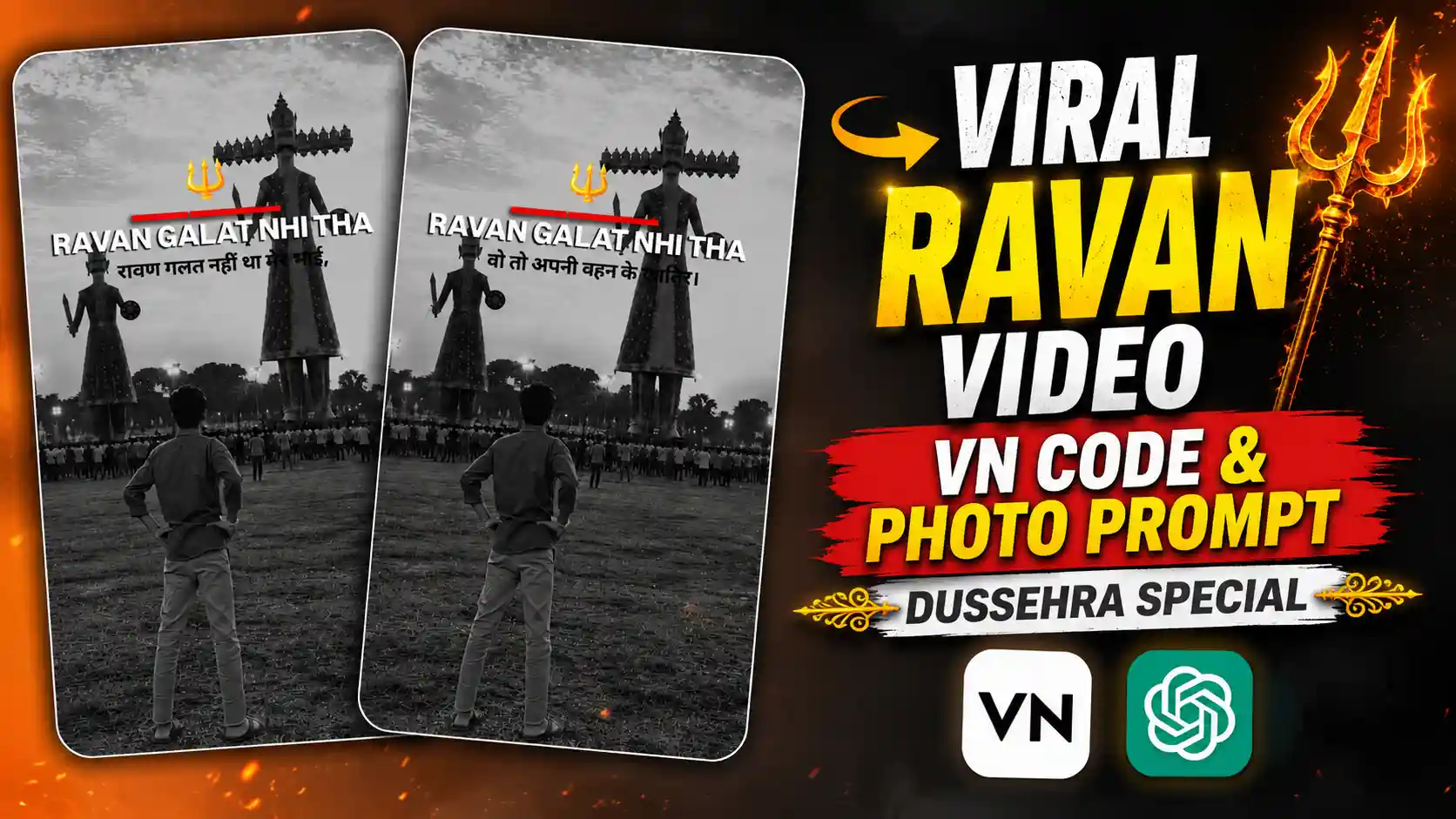
Viral Ravan AI Photo & Video Using VN Template – Hello guys, today is Dussehra and a new Ravan AI photo and video trend is going very viral on Instagram. In this trend, a boy is standing in front of a big Ravan statue and looking at it. The whole photo looks black and white and it gives a different feeling. Many people are making this photo with their own face and then turning it into a video using a VN template. In the video, some lines about Ravan come on the screen with a shayari type sound. One line says that Ravan was not wrong, he was fighting for his sister. The video also has a small black blinking effect which makes it look more interesting. Because today is Dussehra, many people are trying this trend and sharing their videos on Instagram. If you also want to make this type of video, then you can try it today. The best thing is that you don’t need any hard editing for this. First you have to create your photo using ChatGPT and then use the VN template to make the video. In this article, I will tell you the full process step by step. So guys, follow the steps and make your own Ravan trend video easily.
VIRAL LOOKBOOK PHOTO PROMPT
How To Make Ravan AI Photo?
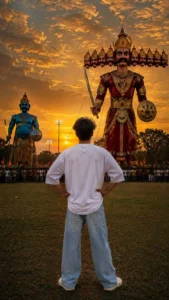
So guys, first we have to create a photo in which you are standing in front of a big Ravan statue, just like the photo shown above. For this, first copy the Ravan AI photo prompt which I have given above in this article. Now open ChatGPT on your phone and paste this prompt in the message box. After this, add your own photo in ChatGPT so it can use your face to create the new image. Make sure you have added both the prompt and your photo properly. Now click on the send button and wait for some time. ChatGPT will start making your photo where you are standing in front of a big Ravan statue with a crowd around you. Once the photo is ready, check if it looks good and your face is matching properly. If you don’t like the result, you can try again with another photo. After you get the photo you want, save it to your phone gallery. That’s it guys, our first step is complete. Now we have the Ravan photo ready, and in the next step we will use this photo to create the viral Dussehra video with the help of a VN template.
CREATE RAVAN PHOTO
How To Create Viral Ravan Video Using VN Template
So guys, now our Ravan photo is ready and it’s time to make the video. First of all, save the VN template code which I have given in this article. Now open the VN app on your phone and look for the scanner icon. Click on it and scan the template code from your gallery. After scanning the code, the Ravan video template will open on your screen. Now click on the red button to download or use the template file. After this, it will ask you to select a photo from your gallery. Here you have to select the Ravan photo which we created using ChatGPT. Once you select the photo, click on the Next button and wait for VN to make your video. The app will add the effects, black and white look and other parts of the template to your photo. After the video is ready, play it once and check if everything looks good. If you are happy with the result, click on the Export button and save the video to your phone. That’s it guys, your viral Ravan video is ready. Now you can share it on Instagram Reels or WhatsApp with your friends.

What Does This Viral Ravan Video Look Like?
Guys, in this viral video you can see a boy standing in front of a very big Ravan statue. The boy is standing with his back towards the camera and looking at the Ravan statue, just like the photo I have shown above. There are many people standing near the ground and watching the big statue. The full scene is shown in black and white, which gives the video a different look. After this, the video starts with a shayari type sound and some lines appear on the screen about Ravan. These lines tell a different side of his story and talk about how he fought for his sister. The video also has a small black blink effect which comes again and again with the sound. This makes the video look more stylish and emotional. Many people are using this video style because it looks different from normal Dussehra videos. The best thing is that you can also make this video with your own photo. You don’t need to visit any Ravan ground or take a real picture there. You can create a similar photo using ChatGPT and then use a VN template to make the full video.
VIRAL VN TEMPLATE CODES
Conclusion
So guys, now you know how to create this viral Ravan AI photo and video using ChatGPT and the VN app. First we created our photo using the prompt given in this article and then we used the VN template code to make the video. You just need to follow all the steps properly and you can make this video with your own photo. If the photo is not looking good in the first try, you can try again with another picture. Once your video is ready, save it and share it on Instagram or WhatsApp with your friends. This type of video looks really good on Dussehra and you can also try different photos to make it in your own style. So guys, try this trick and tell me in the comments how your video looks. If you face any problem while creating the photo or video, then let me know in the comments and I will try to help you. If you like this article, don’t forget to share it with your friends so they can also create their own Ravan video using AI.