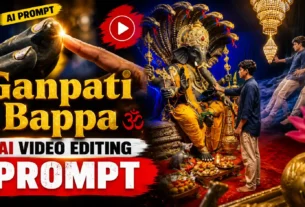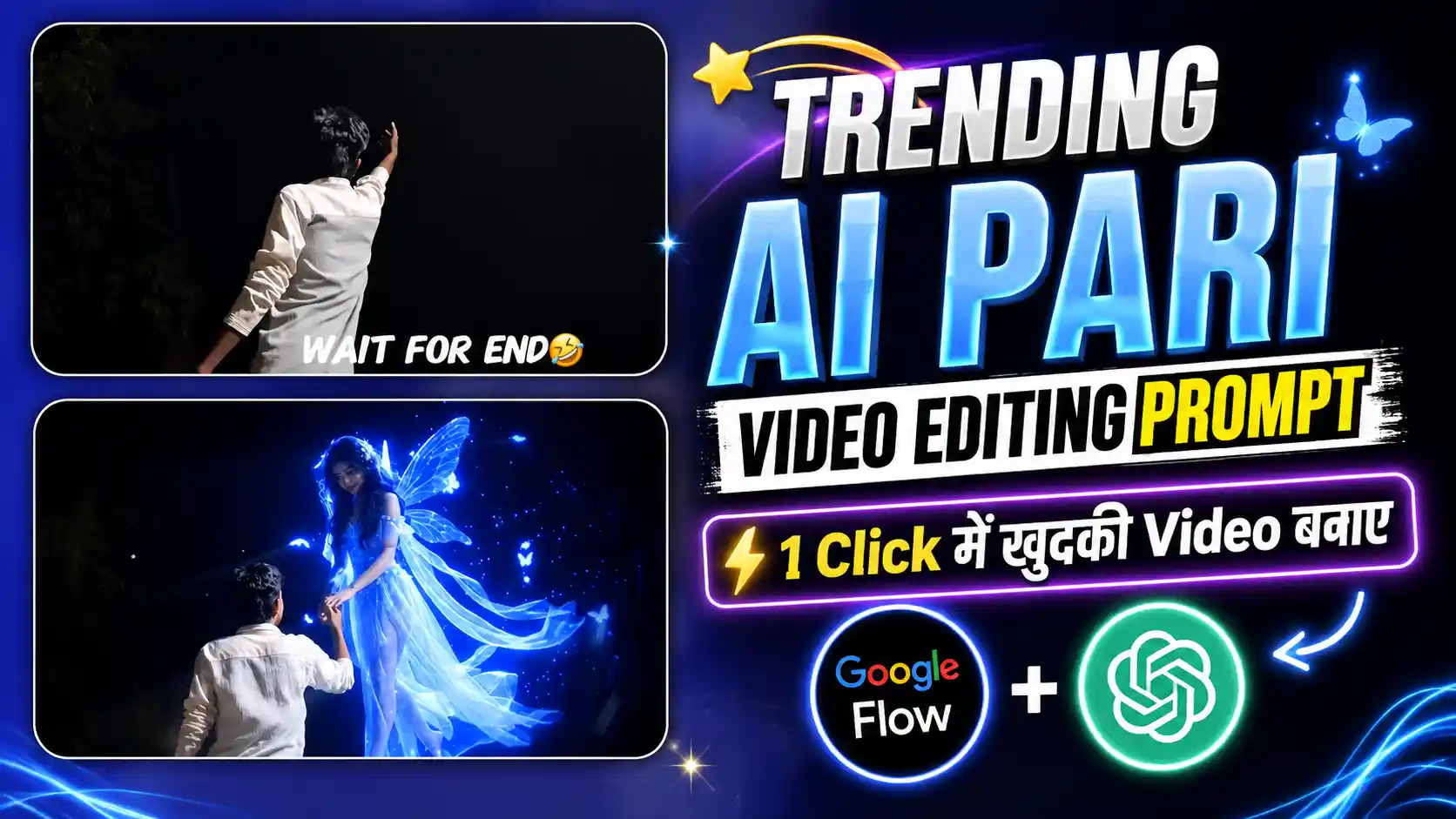
Neon AI Pari Video Editing Prompt – Look, friends, a new AI video trend is going viral on Instagram where a boy first looks toward the camera and then suddenly turns toward the back. As soon as he turns, the camera angle changes and the scene looks like a movie. He then raises one hand toward the sky, and a beautiful blue neon fairy comes flying down from the sky and holds his hand. The fairy looks very smooth while flying, and the way she comes down and holds the boy’s hand makes the whole video look almost real. People are also adding romantic songs in the background, which makes the video look even more beautiful. Friends, if you also want to make a video like this, then you have to create it in a few parts. First, we will create a photo of the scene with the fairy, then we will turn that photo into a video. After that, we will bring the original video and AI video into an editing app and match both clips properly so the transition looks smooth. In this article, I will explain all these steps one by one, so you can also create your own Neon AI fairy video easily.
VIRAL MATA JI VIDEO EDITING
What Makes This Neon Fairy Video So Beautiful?
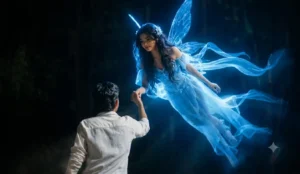
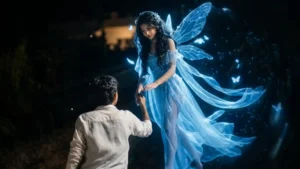
Look, friends, in this video the main attraction is the way the whole scene changes after the boy turns around. At first, he is just looking toward the camera like a normal video, but when he turns to the back, the next shot suddenly takes the video into a completely different world. The boy raises his hand toward the sky, and then a beautiful blue neon fairy slowly flies down from above. Her wings are glowing, there are small light particles around her, and she comes toward the boy in a very smooth way. The best part is when she reaches him and gently holds his hand, because that small moment makes the AI video look much more real. The blue light also falls on the boy and the surrounding area, giving the whole scene a dreamy night look. Friends, this is probably why people are liking this trend so much. It feels like something from a fantasy movie, but people can now create a similar scene using their own photo and video. When a romantic song is added in the background, the whole video becomes even more beautiful and emotional. That is what makes this trend so different from a normal Instagram Reel and people are trying their own versions.
First Create the AI Fairy Photo
Look, friends, before making the video, first we have to create the photo because this photo will be used for making the AI video. First record your normal video properly and find the exact point where you are raising your hand toward the sky. At that moment, take a clear screenshot from your video. Now open ChatGPT and add that screenshot there. After adding the screenshot, copy the photo prompt that I have given in this article and paste it into ChatGPT. Then simply send the prompt and wait for the result. ChatGPT will use your screenshot and add the blue neon fairy into the scene, so it looks like she is coming from the sky toward your hand. Friends, try to take the screenshot when your hand position is clear, because later the fairy will be added around that same position. Once the photo is generated and you are happy with the result, save it to your phone. But our work is not finished yet because we have to turn this photo into a video. For that, read the next paragraph where I will explain the video making process.
FAIRY PHOTO PROMPT
CREATE PHOTO
Turn the AI Photo Into a Video
Look, friends, now we have to turn the photo we created with ChatGPT into a video, because the fairy in the photo needs to move and come toward you. For this, first open Flow AI and start a new project. After opening it, add the photo that you created in ChatGPT, the photo in which the blue neon fairy has already been added. Friends, make sure you are adding the photo here because Flow AI will use this image as the starting frame for the video. Once the photo is added, come back to this article and copy the video prompt that I have given for this trend. Now paste that prompt into Flow AI and submit it. Flow AI will read the photo and prompt and then create a video from that image. In the generated video, the fairy should smoothly fly down from the sky toward you and hold your raised hand, with the blue glow and light particles moving naturally around her. Wait for the video to finish generating, and once it is ready, watch it once to check how the movement looks. If everything looks good, save the video to your phone. After this, our AI video part is ready, and now we can move to the final editing step.
FAIRY VIDEO PROMPT
GENRATE VIDEO
How to Merge Both Videos Smoothly
Look, friends, now the final step is to merge your original video and the AI fairy video in a way that the transition does not look like a simple cut. First, open VN or CapCut and add your original video to the timeline. Now find the exact point where you are raising your hand toward the sky. At that point, split the video and delete the part that comes after it. After this, add the AI fairy video right after your original clip. Friends, try to match the starting position of the AI video with the ending position of your original video, especially your hand position, because this will make the transition look much better. If both clips are placed properly, it will look like the fairy is actually coming from the sky in the same scene. You can also add a small animation or a magical transition between the clips if you want the change to look even smoother. Keep it simple and don’t add too many effects, otherwise the video may not look natural. After that, you can add a romantic or magical song according to your choice and adjust the music with the main moment. Once everything looks good, watch the complete video once and then export it in good quality.
Conclusion
So friends, this is how you can create the viral Neon AI Pari video using your own photo and a normal video. First, you have to create the AI photo with ChatGPT, then use Flow AI to turn that photo into a moving video. After that, simply merge the AI clip with your original video in CapCut or VN and match the hand position properly. This is the most important part because if both clips match well, the fairy will look like she is actually flying down from the sky and holding your hand. You can also add a little magical effect and a romantic song to make the final video more beautiful. Friends, you don’t need any professional camera or complicated editing for this. Just record your video properly, use the prompts given in this article and follow all the steps one by one. So if you also liked this trend, try it with your own video and create your own Neon AI Pari Reel.