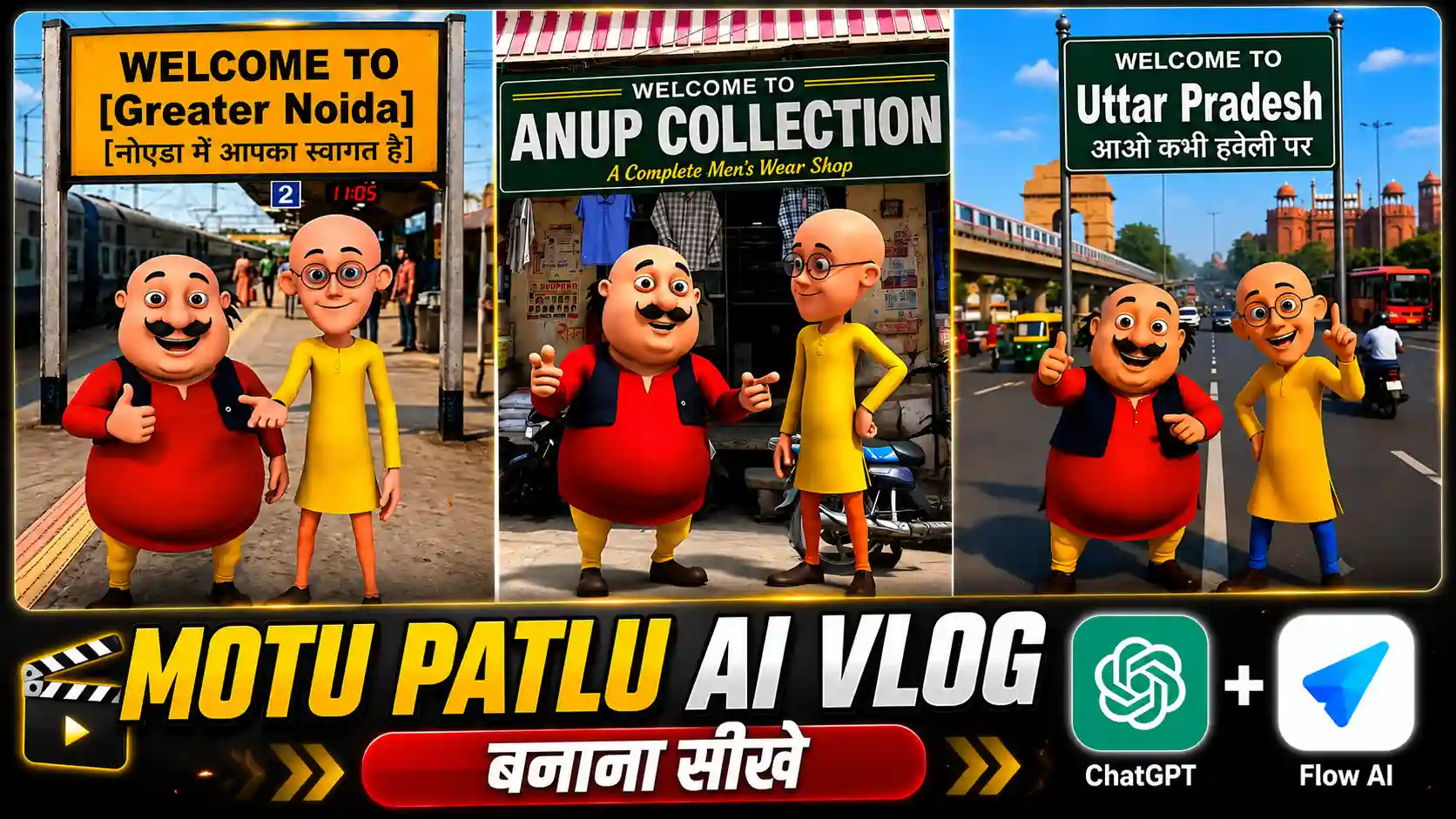
Motu Patlu AI Video Editing Prompt – Till now, friends, all the trading photo videos that I had taught you to create were of real people. But let me tell you that now another new trend has come in which people are creating Motu Patlu AI videos. Yes, friends, this is the same Motu Patlu which we used to watch on TV in childhood, in which there are Motu and Patlu. Friends, people are using AI to do voiceovers from Motu Patlu and are creating different types of videos. Like, a lot of people are making videos in the name of their village. Some people are making videos in the name of the city. Some people are even making videos of their shop. See, friends, the biggest advantage of this is that with this, you can also make a promotion video absolutely free because when people call the name of their shop from Motu Patlu and tell about it, then consider it as a kind of promotion. Friends, with this, your customers can also increase. People can also come to your shop. So, how to make this type of video? What is the best method? Today, I am going to explain it to you all. You have to read the article from beginning to the end and follow all the steps given by us.
First Create Motu Patlu Ai Photo
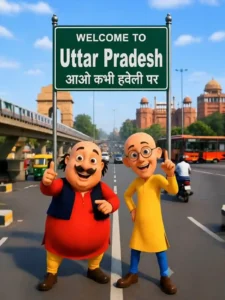
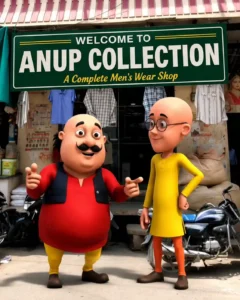
See, friends, in the first step, we have to create a Motu Patlu AI photo. So, see, I will tell you the easy way. What you have to do for this, first of all, friends, you have to click on the photo given above and save it. If you want to create any other type of video, then, friends, you will find many Motu Patlu videos of this type on Instagram. So, you have to take a screenshot of any one from there. After that, you people have to click on the photo given below. You have to copy the prompt and then go to ChatGPT and add the screenshot you had taken there. By clicking on the plus icon, after that, you have to paste the copied prompt there. Now, see, friends, whatever name you want to show in your photo, whatever village, city, or name of your shop you want to show, according to your screenshot, you have to write it there and then send it to ChatGPT and wait for a while. ChatGPT will prepare and give your photo. So, look, now we have received the photo. Now, friends, now comes the turn of converting this photo into a video, which I am going to explain to you in the second step below. So, now you have to read very carefully till the last.
Motu Patlu AI Photo Prompt
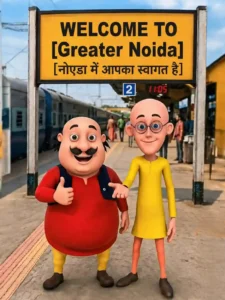
CREATE PHOTO
Now Create Motu Patlu AI Voiceover Video
Look, friends, what you have to do now is that, first of all, you have to copy the prompt with the video given below. After that, you people have to go to the website of Flow AI. If you want, you can also go there by searching in the browser. Otherwise, you people can go there by clicking on the button given below. We have also given a button below. After going there, you people have to select the option with the video and then click on the plus icon given above. After that, you people will also see a plus icon below. For this, you have to click on it and add your photo to whomever you want to do the voiceover. Then, from here, you have to select the photo of Motu Patlu which we had generated from ChatGPT. After that, you have to paste the copied prompt there. Otherwise, friends, you guys can write whatever you want to call as per your choice inside the video. After that, you guys have to send this to Flow AI right here. But you will have to wait for a few seconds. Friends, Flow AI will start converting your photo into a video and will also add a voiceover to it. So, in this way, you can easily create an Instagram trending Motu Patlu AI voiceover video, that too in a very easy way.
Motu Patlu Ai Video Prompt
CREATE VIDEO
Conclusion
Look, friends, there are many ways to generate this type of Motu Patlu AI video, and people are also creating it using different methods. But look, if I tell you the truth, then, friends, I have told you only those methods here which are the best and easiest. Look, here I have taught you to create videos using Flow AI because, friends, Flow AI creates very high-quality videos within a very short time. If you had used any other video generator tool instead, then, friends, it takes a lot of time to create the video. Even after that, it is not able to create the video in such a perfect way as Flow AI does. The best thing about it, friends, is that it also gets the voiceover done in a very natural way. What I have told you here about ChatGPT, so, friends, I have told this because ChatGPT generates the photos in very high quality. Hence, our video also remains in high quality. So, friends, the way I have given you the Motu Patlu AI Video Editing Prompt here and taught you how to create a video with it, now you will be able to generate your own video like this very easily.