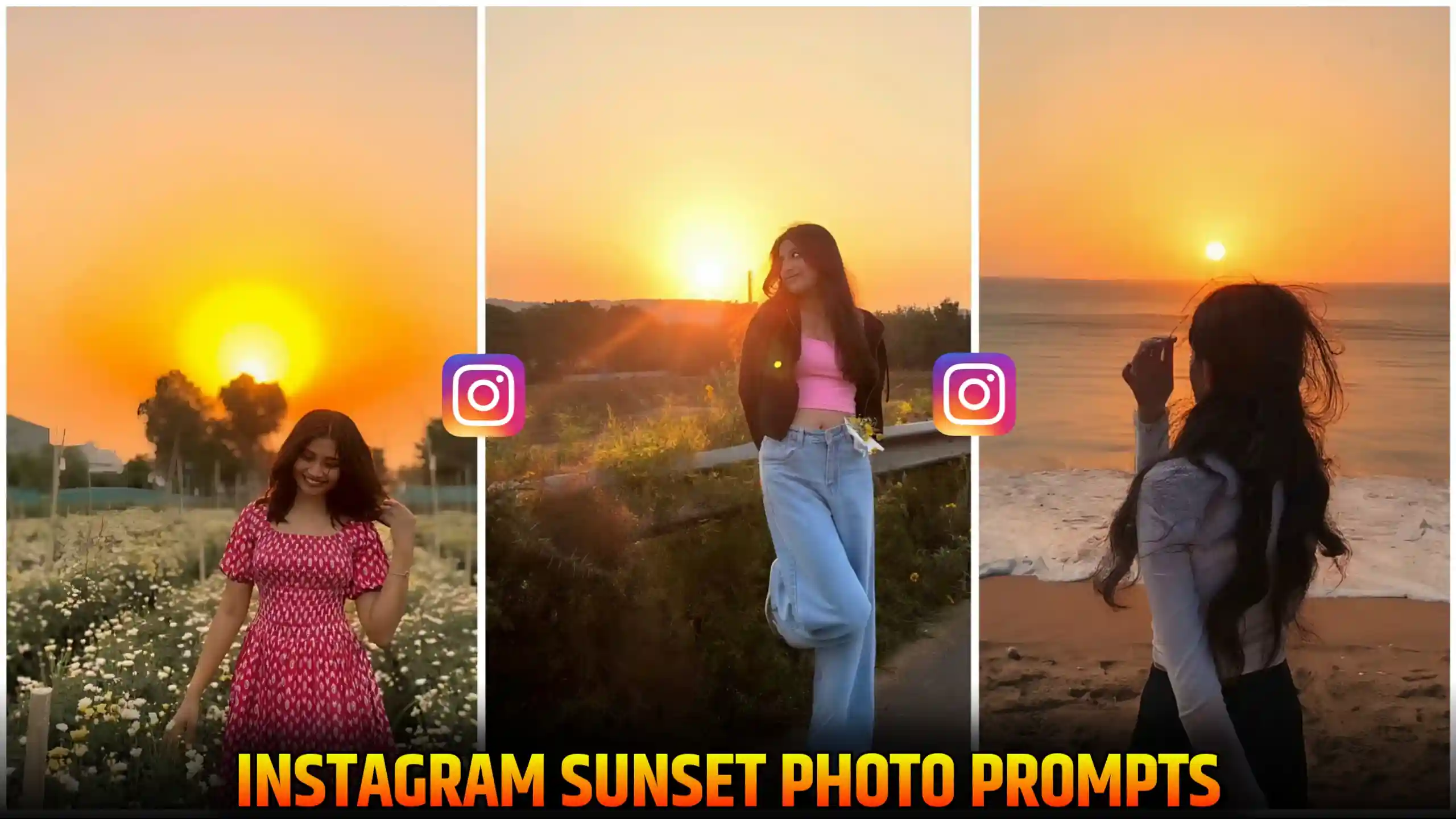
Instagram Cinematic Sunset Photo Editing Prompts – Nowadays, many people are creating a cinematic sunset. By adding sunset effect to their normal photo, in which the sky is visible behind. This photo is becoming very popular. Friends, you must have noticed that at the time of sunset. If we click our own photo, then our photo looks very amazing. Because the sun comes behind it. And a different kind of vibe is created in our photo. Due to this, a golden color appears on the edges of our photo. Color starts coming. Due to which our photo becomes more enhanced. In the same way, many people are creating such type of photos in the present time. But they are making the photo with this type of sunset from normal. That is, instead of clicking the photo at the time of sunset. They are converting their normal photo into sunset. So, in today’s article, we will teach you. How you too can create any of your normal photo with this type of sunset. This work is very easy. And anyone can do it.
New Trend: Viral 3 Layer Photo Editing
Instagram Cinematic Sunset Photo Editing Prompts
Look, let me explain to you in an easy way, friends. When the sunset happens in the evening. If we stand in such a way that the sun is visible behind us and we get our photo clicked, then the golden hour effect gets added to our photo. Friends, the golden hour effect is called that which gives a little yellow and golden type effect to our photo. This gives a different kind of cinematic vibe to our photo. Meaning our photo does not look normal like the photo taken during the day. It is completely golden type. And this golden type effect is also visible on the edges of our hair and clothes in the photo. All these things together give a very cinematic look to our photo. But you must be aware that many times it happens that we are not able to click the photo at that time. Either sunset has already happened or there is time for sunset. Which means we are not able to get that perfect moment to click our photo. So, in such a situation, friends, people can click their photo using sunset instagram prompt. We are adding artificial sunset in the photo which looks very realistic. And it becomes blind according to our photo. Many people are creating it. Today we will teach you how to add this type of sunset cinematic effect in any of your normal photos.
How To add Sunset effect to photo using Instagram prompt?
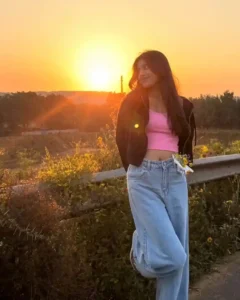
To add this kind of cinematic sunset effect to your normal photo, friends, first of all, you will have to click a photo in which the sky is visible. Because only then our prompt will work well. Then you have to get your photo clicked by a friend. And remember that the sky must be visible in it. After that, friends, you will need the prompts here. We have given the prompt above. You can easily copy it by clicking. After that, you guys have to open your Instagram and friends, by clicking on the story icon there, you have to select one of your photos in the story. After that, you get to see an icon named Restyle on the right side. Then you have to click on that icon. As soon as you click on it, the option to insert a prompt will come in front of you. Then there you have to paste this copied prompt and send it to Instagram. Friends, within a few seconds, this photo will be created and given to you. And a cinematic type of realistic sunset will also be added to this photo. So, in this way, you can easily add cinematic sunset effect to any of your normal photos using Instagram.
Best Photo Requirements for Cinematic Sunset Photo Editing
See, friends, your photo will be converted into sunset in a good way only when you have clicked your photo in a perfect manner. If you make even a little mistake in this, your photo can look very useless. So, let me tell you some tips by which you will be able to make all your photos in a better way. So, first of all, we have to see that when we click our photo, the sky should remain visible in our photo. Because the sun ad here will be inside the sky only. So, by remembering, you will definitely have to add the sky. You have to cover your photo. After that, you also have to see that you have to leave a little space on the left or right side where the sun can be seen. Because if you do not leave even a little space, then the sun will not get the space to come in the photo. So, either on the left or on the right, or you can also leave a little gap on the top side. In which the sky will be visible as much as possible. And one thing you must keep in mind is that the light in your photo should be very natural. Because many times it happens that when we click our photo, a lot of light is coming from the sky. In such a situation, our own photo becomes very dark. So, if this happens to you too, then you have to tap once on the place of your face on your screen. This will focus the camera on your face. And your face will start looking a little brighter. After that, you have to click your photo. If you do it in this way, then your photo will be perfect to convert into a sunset photo in this way. And you will get the best output.
Create More: Ghost Couple Photo Editing
Conclusion
Look, the way I have told you here step by step. If you follow all the steps in the same way, then you can also add this type of cinematic sunset effect to any of your normal photos and give a sunset look to your photo. Friends, we hope that you have liked this article of ours very much. And you must have also liked the Instagram Cinematic Sunset Photo Editing Prompts given by us. If you liked this article, then friends do tell us by commenting below. This gives us a lot of motivation. And we are ready to bring more trading prompts of this type.