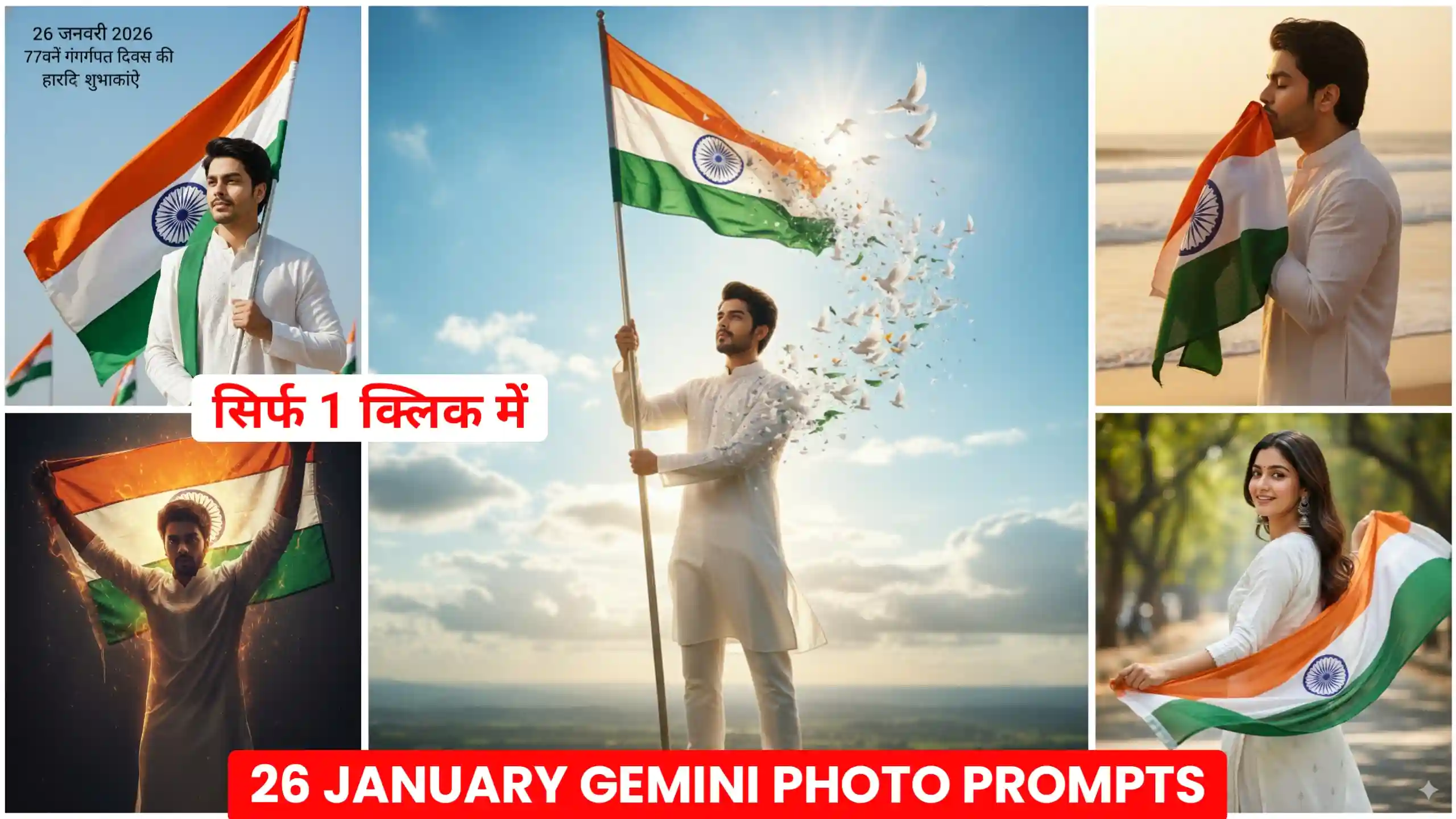
Friends, in today’s article, I’m going to give you Google Gemini 26 January AI Photo Editing Prompts, which are currently going viral on Instagram. In this article, I’ll show you how you can create your own photos for January 26th and generate images from your selfies in this style. To be honest, many people on Instagram are creating these kinds of January 26th-themed photos, and they’re getting a great response. As you know, January 26th is approaching. Everyone is creating these kinds of photos and uploading them to their social media or whatever platform they use. January 26th-themed photos and videos tend to go viral very quickly. So, friends, you have a great opportunity to create your own photos in this style and upload them to social media or whatever platform you use. The chances of your photos getting more likes than usual are very high. So, let’s learn how to create these kinds of photos.
Google Gemini 26 January AI Photo Editing Prompts
Friends, you all know that whenever January 26th comes around, people start creating and uploading photos and videos like this on their Instagram and Facebook accounts. These kinds of photos and videos get a lot of likes because, as you all know, this is a form of patriotic photo editing that everyone appreciates. Another thing is that if you try to manually edit these kinds of photos yourself, using apps like PicsArt and other photo editing applications, it takes a lot of time. Even then, you don’t get such good results. So, I thought, why not provide you with some photo editing prompts that will allow you to create these trending photos with just one click? I’m going to give you several 26th January photo editing prompts here. You can copy the prompt you like and easily create your photo. You just need to read this article from beginning to end.
Cinematic Patriotic Outdoor Portrait
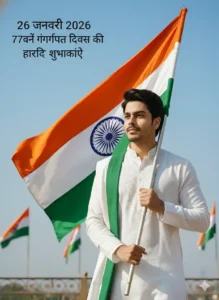
Cinematic Cheerful Patriotic Portrait
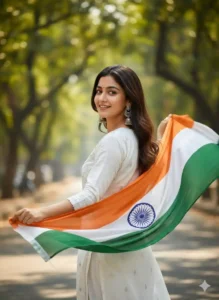
Use the uploaded image to create a high-quality cinematic portrait of a young Indian woman, smiling softly and glancing back over her shoulder. She is wearing a white traditional kurta with large silver jhumka earrings, holding a long flowing tricolor dupatta (saffron, white, green) moving like a flag in the air. Background: sunlit green street with soft bokeh, bright natural light, cheerful patriotic cinematic mood, ultra-realistic, sharp, high detail.
Cinematic Emotional Patriotic Portrait
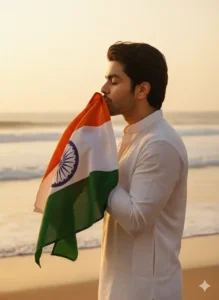
Epic Cinematic Freedom Portrait
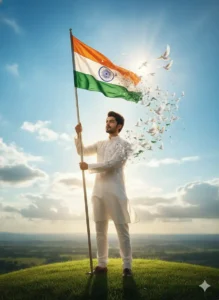
Dramatic Fiery Patriotic Portrait
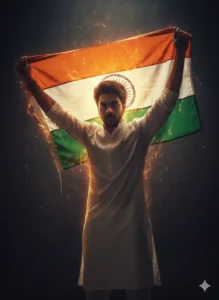
Cinematic Patriotic Poster Portrait
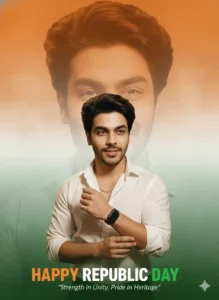
How To Create 26 January AI Photo With Real Face
Now, if you also want to create your own training photos like this, using your own real face, where your face matches perfectly and the photo looks completely natural and realistic, then you need to carefully read every step we’ve outlined below. You’ve probably noticed that if you try to create your photos using prompts from other sources, the photo might be created, but your face doesn’t match, making it look like someone else’s picture. But the method I’m going to tell you about, and the prompts I’m going to give you, will make your photos look even more real and natural. It will look like your own photo, and every detail of your face will match perfectly. So, it’s very important that you know how to use the prompts correctly, because if you don’t know how to use them, you won’t get good results in your photos. First, you need to have a selfie of yourself. And honestly, you should try to take the photo with your phone’s back camera, because your face looks much more realistic in those photos, and they are of higher quality. So, you need to take a photo with your phone’s back camera where your face is clearly visible from the front.
Republic Day Ai Photo Editing
Friends, if you’ve been following us for a long time, you’ll know that every time January 26th comes around, we provide material for creating trending photos and videos. Whenever such photos go viral, we give you prompts to create them, and whenever videos go viral, we provide templates. So, this year, on January 26th, we’re going to do the same thing. We’re going to give you trending photo editing prompts. While people are creating all sorts of different photos on Instagram, I’m only going to give you the prompts that are going most viral, because I can’t give you every single prompt. But yes, I can definitely give you all the prompts that are currently trending, which will be very beneficial for you, and then you can also create and upload your own photos on Instagram. To be honest, I’m also going to upload photos on my Instagram using these kinds of prompts.
The best part is that they look completely realistic, and no one can tell that these photos were created using AI because they look so natural, as if we had taken the photo ourselves with a DSLR camera. Now, if you create this kind of photo with your own phone, the photo quality won’t be that good. But if you create your photos using Google Gemini in this way, the photo quality will be high-definition, and it will look like you took the photo with a very expensive camera.
Conclusion
Look, I’ve tried my best to explain every step clearly here, and if you follow the instructions exactly as I’ve shown you, you can easily create trending photos like these using Google Gemini’s January 26th AI Photo Editing Prompts. We hope you liked this article. If you did, please let us know in the comments. If you have any other questions, feel free to ask us. We’ll be bringing many more photo editing prompts to this website, including all the viral prompts from Instagram and Facebook, which you’ll surely love. So, all I ask is that you stay connected with us. And if you want to be among the first to create any trending photo, you can visit our website every day, copy the prompt, and create your own photos, because we bring new trending prompts here every single day.