
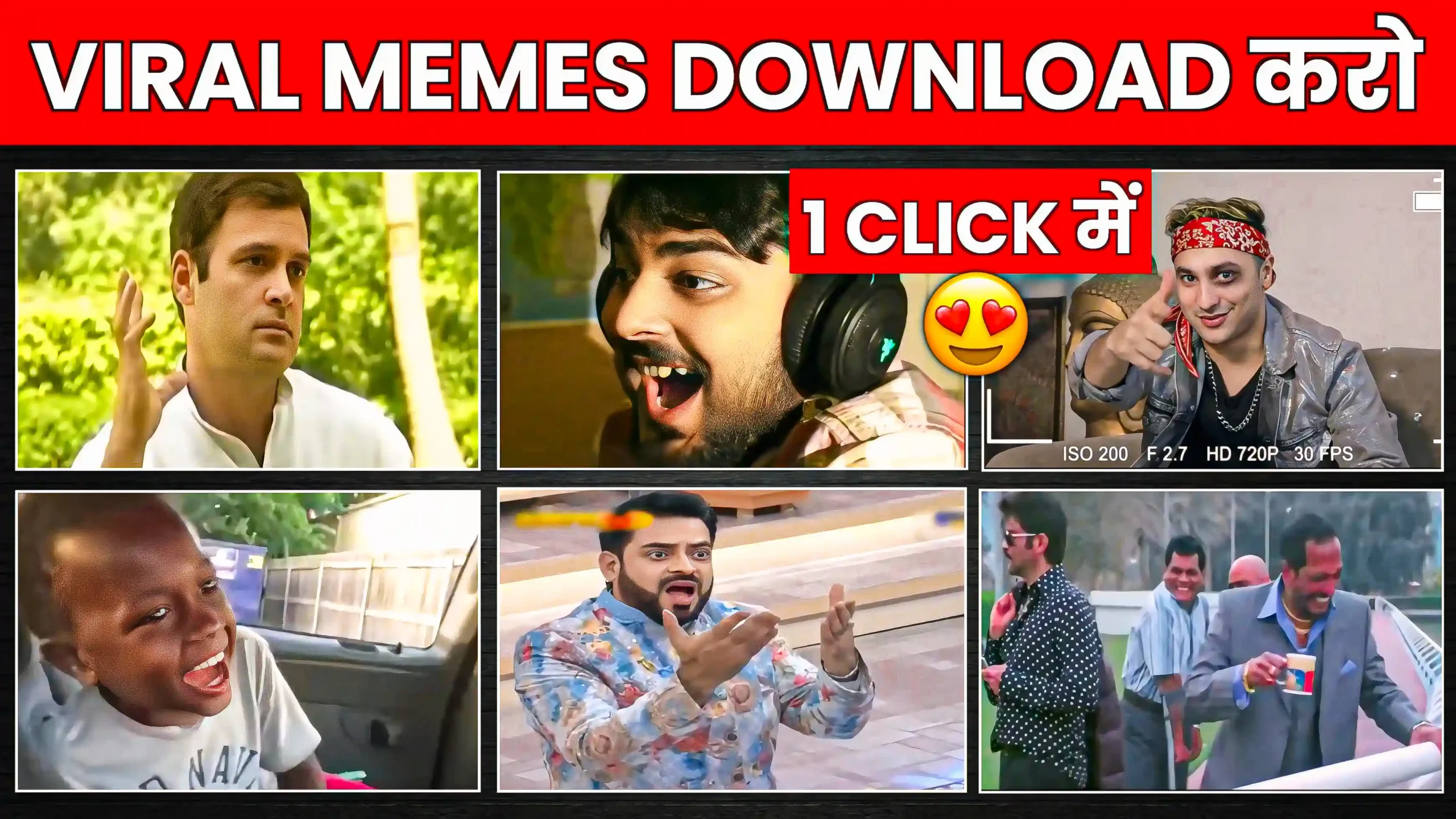
Download Free Meme Packs For Video Editing – Friends, if you are also thinking of downloading memes to make your video even more interesting, then in today’s article I am going to tell you about this. You can very easily download as many memes as you want and that too absolutely free. And friends, you will not have any problem of copyright in this. After reading this article completely, your memes problem will be completely solved and you will have only memes. Friends, the method I am going to tell you is the newest method. And by using it, big creators add memes to their videos. Here you will get full HD memes. The best thing is that there are memes of all categories here. So how do you download it and how to use them, I am going to tell you everything in this article in a simple way. So stay with us till the end.
Download Free Meme Packs For Video Editing | Video Memes Download
Friends, whenever we make a video and we play it and watch it, it looks absolutely normal. There is nothing interesting in it. And if you put some memes in between your video, then due to the meme, that video starts looking attractive. That is why you must have seen memes in many videos on social media. Such as if any funny thing is said in the video, then to make it even more funny, a meme is added at that place. This increases the engagement of our video and the chances of the video going viral increase to a great extent. Although you will find many websites to download memes, but friends, you may not find them for free on those websites. And in many websites, memes are available in low quality. But today I am going to tell you about the website, from which you can download copyright free memes in absolutely high quality. And you can make your video even more engaging by adding it to any of your videos very easily. Below, I am going to tell you everything step by step. So now read it very carefully.
How To Download Memes
First of all, you have to click on the trending memes download button given below. By doing this, you will reach the website of memes.co.in. Now friends, you get a lot of memes on its home page as well. But if you want to see the memes according to you, then for that you have to click on the 3 dot option given on the left side. Here you also get the option of category and most popular. You have to click on the category option. As soon as you click on it, you will get many categories. Now you can click on any category according to you. If you want funny memes, then click on the funny memes option. If you want dank memes, then click on the dank meme option. Here you have to click on whichever meme you like and then click on the download option. Now friends, you can download in SD as well as in HD.

How To Edit Video With Meme ?
Friends, by using the steps mentioned above, you can easily download the meme. But now I will also tell you how to put it in your video. For this, first of all, you have to open any video editing app and import your video in it. Now, wherever you want to add the meme in your video, you have to come there and split it there. Now see, all video editing apps have slightly different interfaces. You can find an option named layer there, or you can find it in the name of pip. You have to click on it and import the meme which you want to add in your video. Now the meme has been added in the middle of the video. If you want, you can cut the extra part of the meme or keep it as it is. You always have to keep in mind that you have to put the meme only at the place where it is needed. And the meme has to be added according to the video.
Conclusion
In this way, you can download memes very easily. And you can also add them to your video. Friends, if you liked our way of explaining and this article, then do let us know by commenting. And do share it with your friends.




Nice
Very nice
Nice
Very good 👍