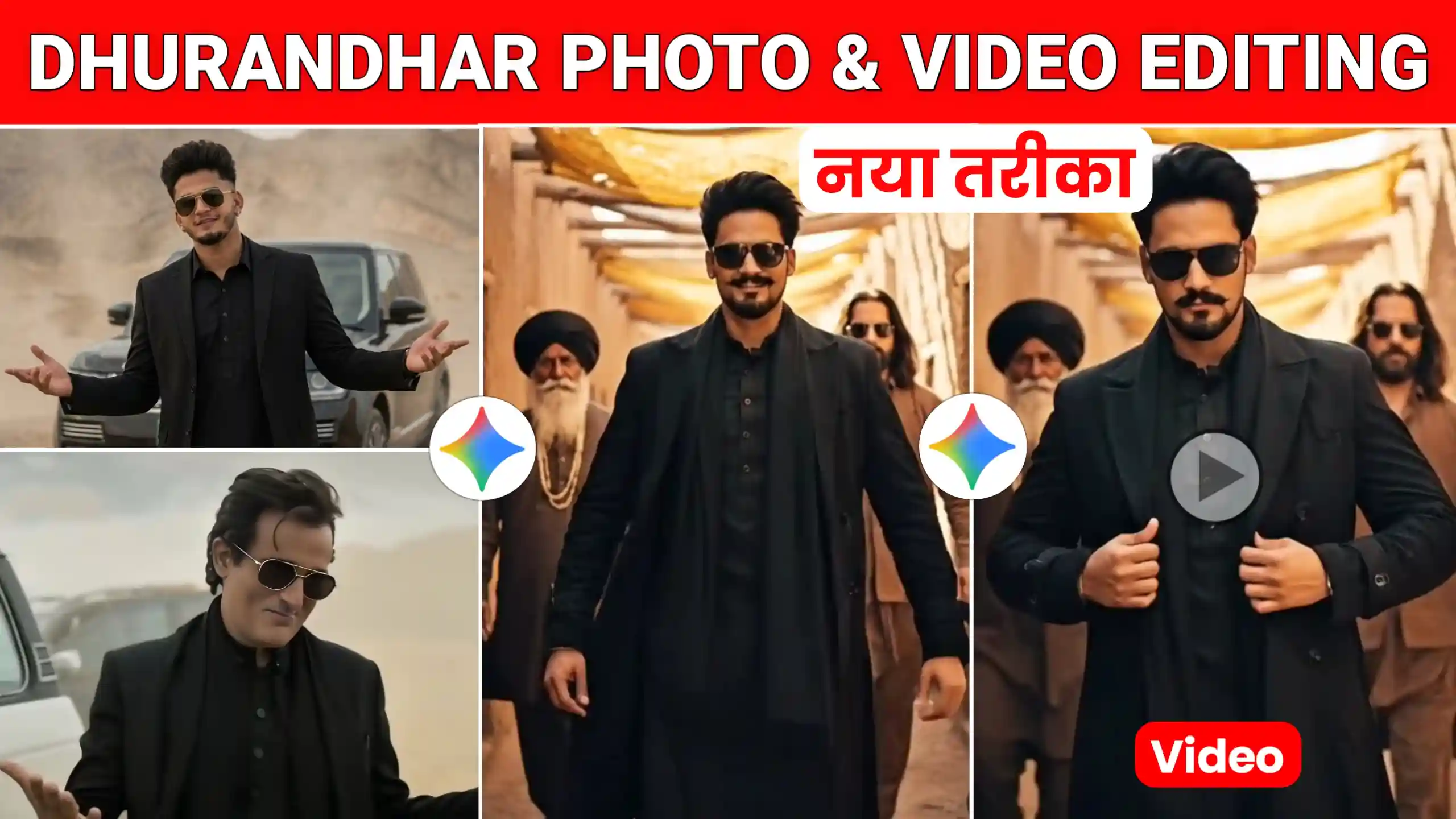
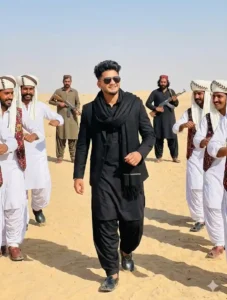
Today I’m going to give you Akshaye Khanna Dhurandhar AI Photo & Video Editing Prompts. These are currently going viral on social media. Many people are creating their own Dhurandhar Akshaye Khanna photos and videos using these prompts. Friends, if you remember, in the previous article, I gave you Dhurandhar AI photo editing prompts. In that article too, I received many comments from you. You asked me to provide prompts for converting such trending AI photos into videos. So, I thought why not bring you prompts for converting these photos into videos. Many people are currently converting their photos into videos in this way. It looks amazing. First, we will create a photo like this. Then we will convert this photo into a video. So, you have to read each step carefully. Read till the end.
Akshaye Khanna Dhurandhar Ai Photo & Video Editing Prompts
The prompts we’ll be using here are completely new. Many people are already creating photos using this method. Some are even converting these photos into videos. And honestly, it’s incredibly easy. We’ll be using Flow AI to convert the photo into a video because it does an amazing job. It converts our photos into high-quality videos without any problems. The best part is that the animations it adds to the video always look incredibly realistic. We can use prompts to make our photo do anything in the video. Any kind of activity. So we’ll be using this tool, and we’ll be using Google Gemini to create the photos. Using these two AI tools, all of this will be incredibly easy. So now, pay close attention below. I’ll first show you how to create the photo. Then we’ll learn how to create the video.
Akshaye Khanna Pose Prompts

Dhurandhar Gemini Prompts
more dhurandhar Prompts
How To Create Dhurandhar Style Photos
Friends, if you also want to create photos like this, I’m going to explain each step in a simple way. First, you’ll need Google Gemini, as we’ll be using it to create our photos. After that, we’ll use Flow AI to convert this photo into a video. So, let’s first learn how to create the photo. To do this, you need to go to the Google Gemini website and log in. Then, you’ll find an icon to add a photo further down the page. Click on that icon and add your photo. Copy the prompts we’ve provided above and paste them there. Then click send. After sending, you’ll have to wait a few seconds. After a short while, your photo will be created. You can easily download and save it by clicking on it. So, you can create the photo in this way.
Convert This Photo Into Video
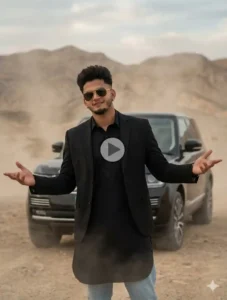
Friends, if you want to convert this photo into a video, first you need to click on the “Create your video” button given below. As soon as you click on it, the Flow AI website will open. There, you will first need to log in. After logging in, click on the “Create with Flow” button. Then, click on the “New project” option. After that, click on the “Text to video” option and select “Frame to video.” Then, click on the plus icon and add the Gemini photo. After that, click on the “Crop and save” option. Then, paste the video prompt here. Finally, click on the “Send” button and wait for a while. Your video will be ready shortly. You can easily download and save it by clicking on it.
Conclusion
Friends, in this way, you can easily create trending photos like these by following each step I’ve explained and using the Akshaye Khanna Dhurandhar AI Photo & Video Editing Prompts. You can even convert them into videos. Friends, I hope you liked today’s article. If you did, please let us know in the comments. If you have any questions that you’d like to ask us, you can also tell us. We have provided many more new trending photo editing prompts on this website. So, you can use them to create your photos as well.