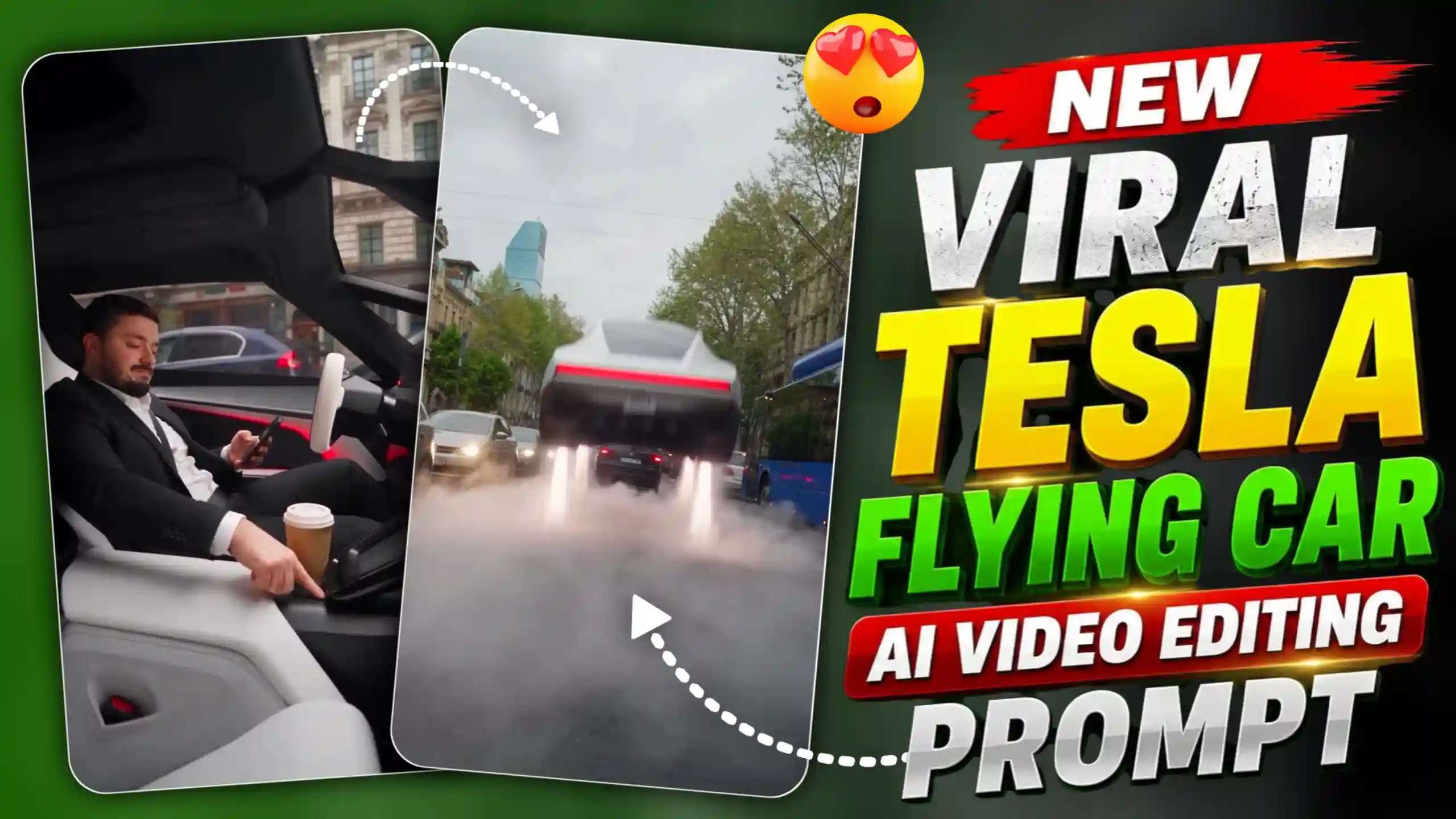
Tesla Flying Car AI Video Editing & Prompt – Hello guys, these days you may have seen a video on Instagram in which a boy is sitting inside a Tesla car and there is too much traffic on the road. The boy is looking at his phone and after some time he press a button, then suddenly his car start flying in the sky. All other cars are still on the road but he just fly away with his car. This video is looking very interesting and many people are making this type of video using AI. The main thing is that you can also make this video with your own face and show yourself sitting inside the car. You don’t need to buy any Tesla or go outside to record this type of video. Hello guys, my name is Anup Sagar and I share different AI photo editing and video making tricks on my blog. So today I bring another trending AI video trick for you all. Many people are trying this trend because the video looks amazing and people want to see themselves in this type of flying car scene. You can also make it by using an AI tool and a good prompt. In this article I will tell you how you can create this video step by step. So read the full article and follow the steps to make your own flying Tesla car video.
AI GIRL HUG VIDEO EDITING
What Is The Viral Flying Tesla Car Video Trend?
In this viral video trend, a boy is sitting inside a Tesla car and there is a lot of traffic all around him. All the cars are moving very slowly and people are waiting on the road. The boy is looking at his phone and then he press a button, after that his car suddenly starts flying in the sky. Within few seconds he goes above all the traffic and fly away with his car. This whole scene looks very amazing because nobody expects that a car can fly like this. Tesla cars are already very popular because of their modern design, electric technology and different features. The flying car idea makes this trend even more interesting for people. Actually, these viral videos are AI generated and they show an imaginary scene, not a real Tesla feature which anyone can use on the road. Many people are making these videos because they don’t need a real car, camera or any special location for recording. They can use an AI tool to create a similar scene with their own face. The best part is that every person can make the video in their own style, like changing the clothes, car view or background. When the car suddenly takes off from traffic, this moment makes the video more surprising and people enjoy watching it. This is one reason why many creators are trying this trend and posting their videos on Instagram Reels and other social media platform
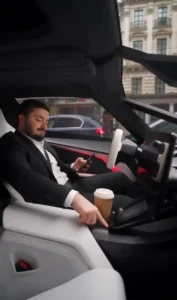
REFRENCE VIDEO
GENRATE VIDEO
How To Make Flying Tesla Car Video Using Flow AI
So guys, now I will tell you how you can make this viral flying Tesla car video. First of all, download the reference video which I have given in this article and save it on your phone. After this, open Flow AI in your browser and start a new video project. Now you have to upload the reference video which you downloaded from this article. Along with this, upload one clear photo of yourself so the AI can use your face in the video. After adding both files, copy the prompt which I have given below in this article and paste it into the prompt box of Flow AI. Check once that your video, photo and prompt are added properly. Now submit your request and wait for some time while Flow AI generates your video. It may take a little time, so wait until the video is ready. Once your video is generated, play it and check if everything looks good. If you like the result, simply save the video to your phone gallery. That’s it guys, now you can create your own flying Tesla car video and share it with your friends on Instagram or other social media platforms.
NIGHT CLUB AI PHOTO PROMPT
How To Use Your Own Face In The Video?
Guys, if you want to make this flying Tesla car video with your own face then you need to use a clear photo of yourself. You can take a new photo or use any photo which is already saved in your phone gallery. Just make sure your face is clearly visible and the photo is not too blurry or dark. Now open Flow AI and upload your photo along with the reference video given in this article. After uploading both files, copy the prompt and paste it into the prompt box. The prompt will help AI understand how you want your video to look, like you sitting inside the car, looking at your phone and then flying up in the sky with your car. Before submitting, check that you have added the correct photo and reference video. Now submit your request and wait for Flow AI to generate the video. Sometimes AI may change some small details of your face, so check the final result properly. If the face is not looking right, you can try again with another clear photo. In this way, you can create a flying Tesla car video where you are the main person in the scene and share it with your friends on social media.
Conclusion
So guys, now you know how to create your own viral flying Tesla car AI video using Flow AI. You just need a reference video, your own photo and the prompt which I have shared in this article. Follow all the steps properly and submit your files on Flow AI to generate the video. If the result is not looking good in the first try, then you can try again with another photo or make some changes in the prompt. Sometimes AI may not create everything exactly as you want, so don’t worry about that. Try different things and see which result looks better for you. Once your video is ready, save it on your phone and share it with your friends on Instagram, WhatsApp or other social media platforms. If you face any problem while creating this video, then tell me in the comments and I will try to help you. If you like this trick, then share this article with your friends also so they can create their own flying Tesla car video using AI.