
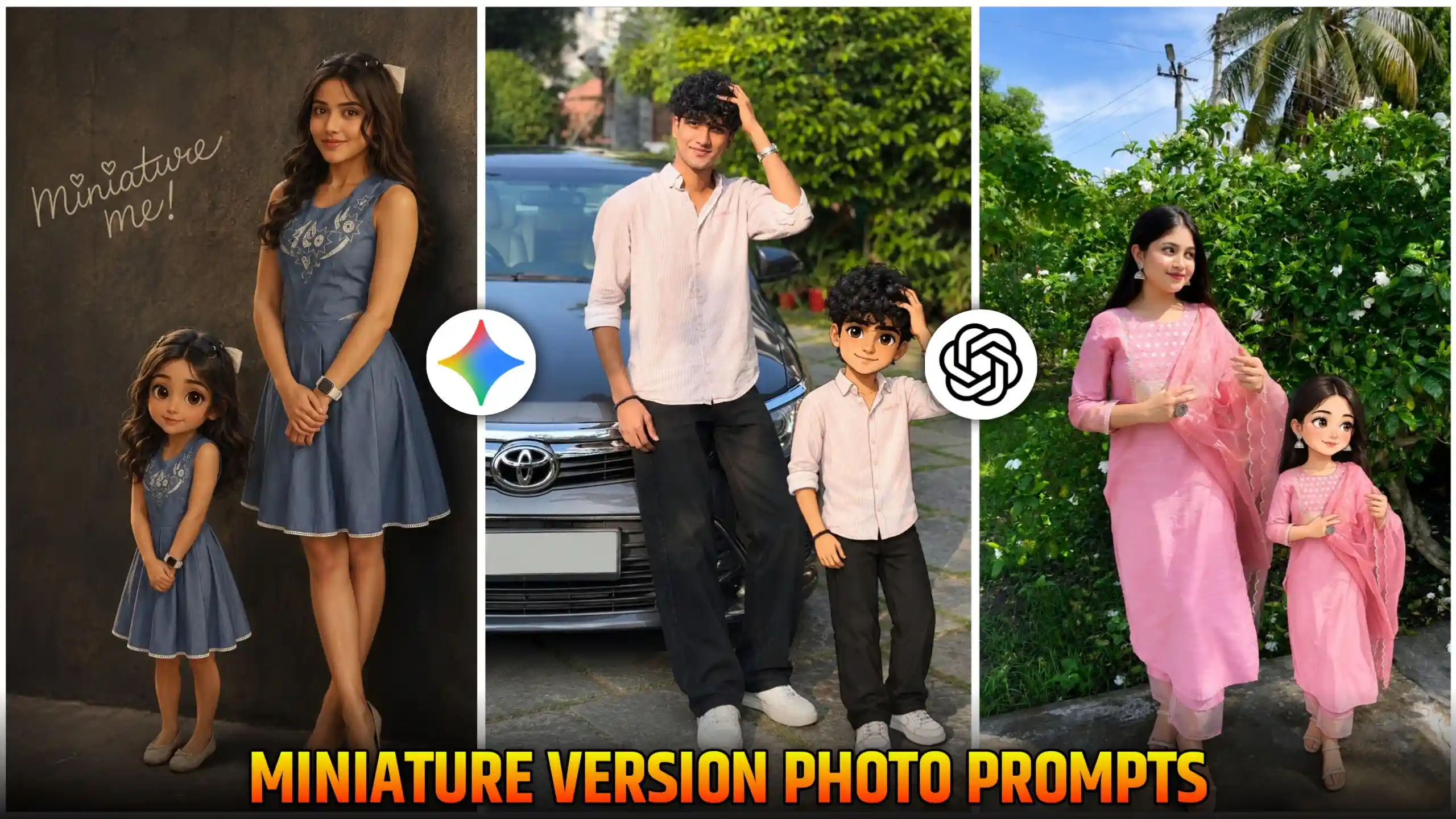
Friends, many people are creating their own mini cartoon style photos using Miniature Version AI Photo Editing Prompts, which are becoming very popular on Instagram. Many people are also creating it and uploading it on Facebook. Friends, in today’s article, I will tell you how to create this type of mini version cartoon style photos. It looks very amazing. Here, we are going to explain to you the best and easiest way to create it. Look, a lot of people are creating their photos in different ways. Some people are changing the background in it. And some people are just adding their mini cartoon version in it and leaving everything else the same. So whatever type of photo you want to create, you can do it very easily. We are going to give you prompts for all these photos. You can create your photo using any of them. Sir, we are going to understand below how to do it. So you have to read it carefully. And read it from the end.
Miniature Version AI Photo Editing Prompts
The biggest reason for this mini cartoon style photo going viral, friends, is that it looks very cute. And it is being created by both the boy and the girl. See, I will explain to you in a good way what happens in it, friends. In this, our own photo is also shown in which we are standing or sitting. And at the same time, friends, a small cartoon version of ourselves is standing with us and then remains sitting. Meaning, the pose in which we have taken our photo. In the same pose, our cartoon mini version is also there. And he is standing a little ahead of us. He is wearing the same clothes as us and has the same look as us. The only difference is that he is smaller than us. And he is of cartoon type, that is, his face looks like anime type. Due to this, friends, this photo of ours starts looking even more amazing and cute. So this is the reason why people are making whom. And many people call it me and my. We are also calling it by the name of version. So if you also want to see the mini version of any of your photos to see how you look in your mini version, then you should definitely create this trend.
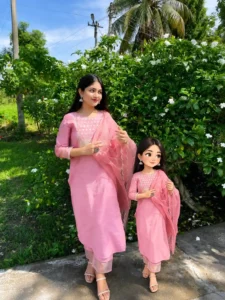
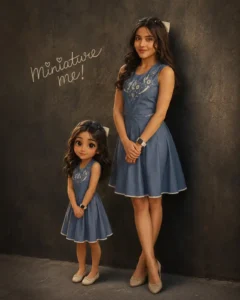
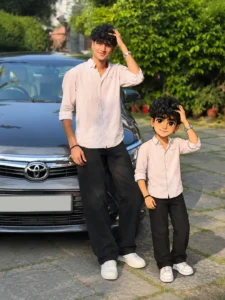
create your photos
How to create these type Miniature Version photos
Friends, if you want to create your own mini version photo in this way, in which you will also be there and a mini version of your own will be with you, then you will have to follow some steps for this. Look, first of all, you have to do this, friends. You will need a photo in which you will be looking completely full, meaning in which you will be visible completely from toe to head, because only then, friends, your photo will look amazing. And the mini cartoon version in it will also be visible completely. Then you should select such a photo. After that, friends, you have to look at our photos given above very carefully. And whichever way you want to create your own photo, you have to copy the prompt given below. After that, open chatgpt and paste that copied prompt there. And after that, add your photo also. To add a photo, you get to see a plus icon there. So you can use it to add a photo. After sending chatgpt, you have to wait for a few seconds. Now, friends, if you wait for a while, your photo will be created and will appear in front of you. Then you can easily click on that photo and save it in your phone’s gallery.
Can we make this with Google Gemini also?
Friends, you would know that when we create our photos using chatgpt, we get some limit in it. That means we can create only a few photos in a day. After that, it asks us to wait for some time. So if you also face such problem, then you can use Google Gemini there. Now see, Google Gemini also creates and gives you this type of photo, but friends, the only difference is that your photo looks a little more real. But if you create your photos using chatgpt, then your photo is created in very high quality and in a very cinematic type. Chatgpt notices every small detail very well. But at the same time, Google Gemini is not perfect in that way. So it tries to keep our photos as natural as possible. So if you people like the natural type of result, then you can use Google Gemini. You can definitely do it. And if your chatgpt limit is over, then only you can use Google Gemini. Otherwise, friends, I will tell you that you guys should only use chatgpt if you still have the limit left.
Conclusion
Friends, in this way, if you follow each and every step given by us, then you too can easily create a photo like this of your trading prompt on Instagram. And you have to use only the Miniature Version AI Photo Editing prompts that we have given you here, because only then your photo will be created in a perfect manner. Apart from this, if you people want that we will also provide you any other trading prompt, then you can tell it by commenting below. And you can share our Instagram ID whose name is. You can also message us at anupsagar.editz. We reply to everyone there.



So very amazing 🤩 al aditing photo and video al aditing Anuj sugar ,,,,,