
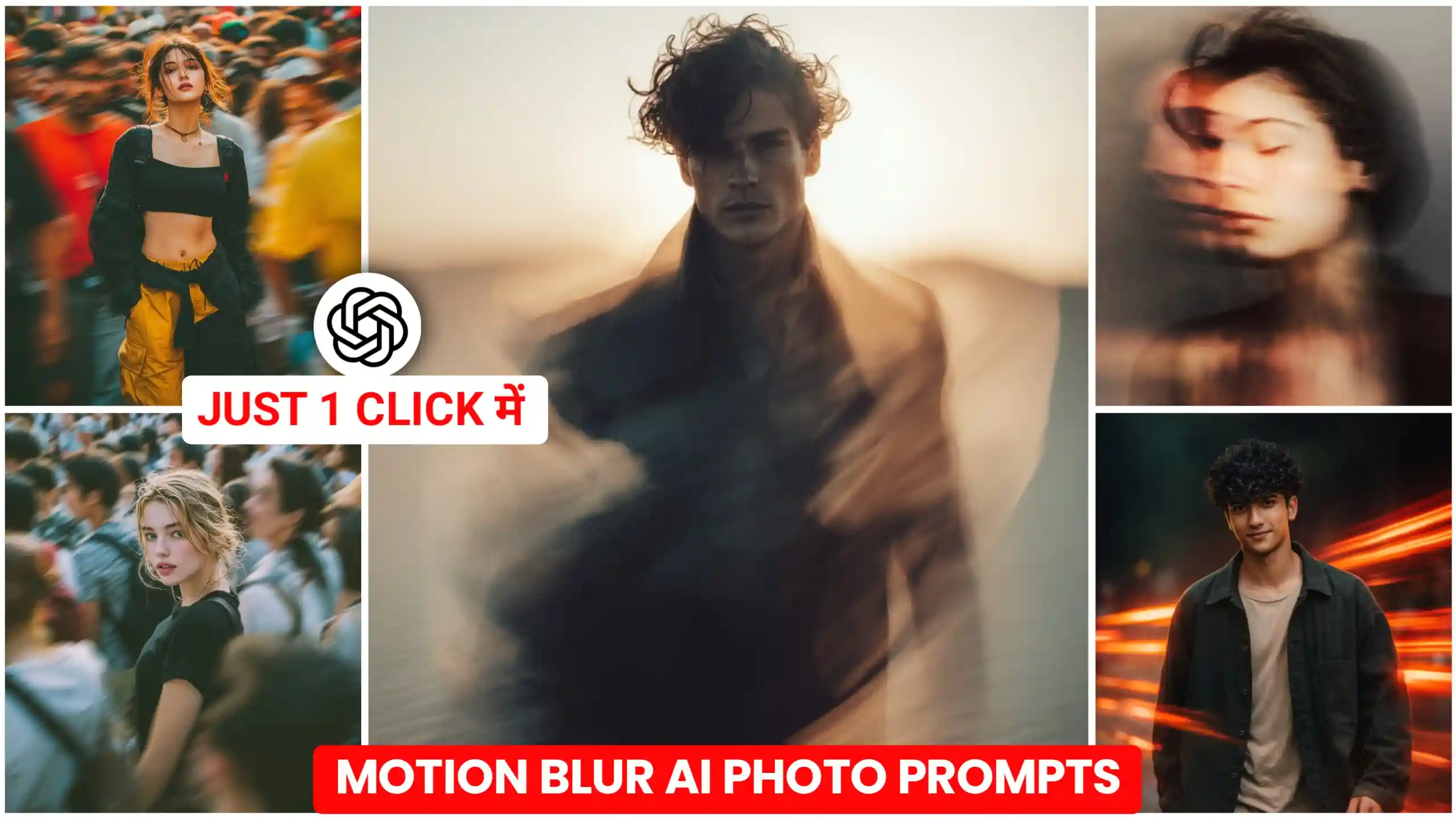
In this year’s article, I am going to give you Motion Blur Ai Photo Editing Prompt, with which you can add cinematic motion blur to any of your normal photos. With this, this type of photo looks very creative. If you people do not know, then let me tell you that in the present time, this type of photos are being traded a lot on Instagram and Facebook. To capture this type of photos, a lot of efforts have to be put in. Because for this, friends, you have to spend an expensive amount. There should be a camera so that you can make the settings well. Then after that, you have to keep moving at a fast speed. And such a photo is clicked at that time only. Or you must have seen that many people stand near the train. And when the train passes behind them at a very fast speed.
Then they get their own photo clicked with their camera or phone. And in such a situation, the background behind that is the train becomes completely blurred. And our photo becomes completely blurry. If it is clearly visible. Then there too, friends, there is motion blur. Which is created naturally. Now see. If you have a normal photo from which you want to add this type of trading motion blur. Then you can do it very easily. In the present time, many people are creating their videos by adding motion blur in that way. And see. Here I am going to give you prompts to create many types of motion blur photos. Whatever you like. You can do it. can use it easily.
Motion Blur Ai Photo Editing Prompt
How to create this type of motion blur photos. I will explain to you later. But friends, first of all, let us talk about what kind of photos are these. See friends, what happens in this is that there is a boy and then a girl is standing. And he is standing absolutely stable. It is visible in very clear and high quality. And everything around it, the elements, the people walking behind, all get blurred. Now see, this is not the same blur as in your phone’s portrait mode. Gives blur, friends, this is motion blur. And it comes when something is in motion. And at that time its photo is clicked. Blur is visible in it, but it is captured with motion. In this way only, friends, motion blur is added to these photos too. This is the effect. You can add it to any of your normal photos. Suppose you have a normal photo which you have clicked with your phone. And there is no blur of any kind in it. Even if motion blur is not added, friends, you can add it to your photo like this. And we are going to do this here using chatgpt.
Glitch surreal cinematic
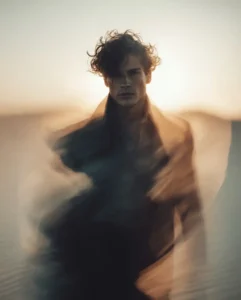
Neon motion cinematic portrait
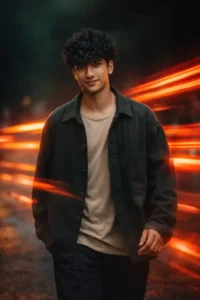
Dreamy light streak portrait
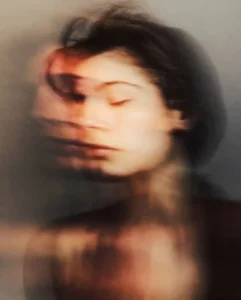
Street focus motion blur
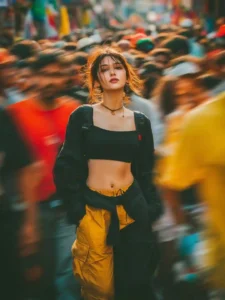
Urban radial motion portrait
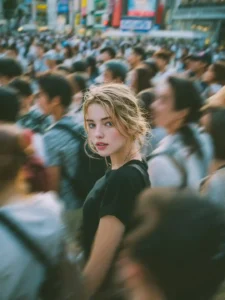
create your image
How to add motion blur to a normal photo.
Look, if you want to add this type of motion blur to any of your normal photos, then for this, the first thing you have to do is to keep any of your normal photos with you. After that, friends, you have to look at the above photos very carefully. And whatever type of motion blur you want to add to your photo. You have to copy the prompts given below. After that, you have to click on the button named Create Your Image. Or you can also use the direct chatgpt application. You can paste these prompts there. then click on the plus icon. And add your normal photo. only after that, you have to send it to chatgpt. Friends, here you will have to wait only a few seconds. After some time, chatgpt will make your normal photo with motion blur. And send it to you. Then you will be able to easily save it in your phone’s gallery also. So, in this way, friends, you will be able to get the motion blur going on in this trading. Can create photo with effect.
How to get realistic motion blur on photo?
Friends, if seen in one way, this part is the most important, which adds a realistic type of motion blur effect to any of our photos. Now see, for this you will have to keep some things in mind. Because if you do not take care of the below, then motion blur will be added to your photo. But it will not look that much attractive and amazing. So friends, all you have to do is that when you click your photo, there should be some elements in the background of your photo. Or there should be some people moving in the background. It should be there. Because only then our motion blur effect will be visible well on it. If you click your photo in a clean background and then try to add motion blur effect, then friends, it will be added. But it will not be visible to you in a good way. Otherwise it does not make any sense. And one thing that has to be kept in mind is that there should be a little gap between you and the background. Because only then the depth of field will be created in a good way. And the effect will be visible better.
And that is what we have done here. You have been given prompts. In which you have to see whether 4K or realistic photo is written somewhere or not. If it is not written, then friends, you must write 4K or realistic photo in the last of the prompts. This means that your photo is generated in very high quality. Your face and your body are created sharp. And the background behind it comes in motion blur.
Conclusion
Look friend, here I have tried my best to explain each and every step to you well. And I have tried my best that now you can add this type of motion blur effect to any of your normal photos in just one click. And here I have given you Motion Blur Ai Photo Editing Prompt. Now you people can easily edit your photos with this. Friends, we hope that you would have liked our today’s article very much. If you liked the article, then please do so by commenting. Do let us know. And we keep bringing more new trending prompts like this on this website. With them, you can also give a new and creative look to your own photos. Friends, my name was Anup Sagar. And here we end our today’s article.


Mast hai mast