
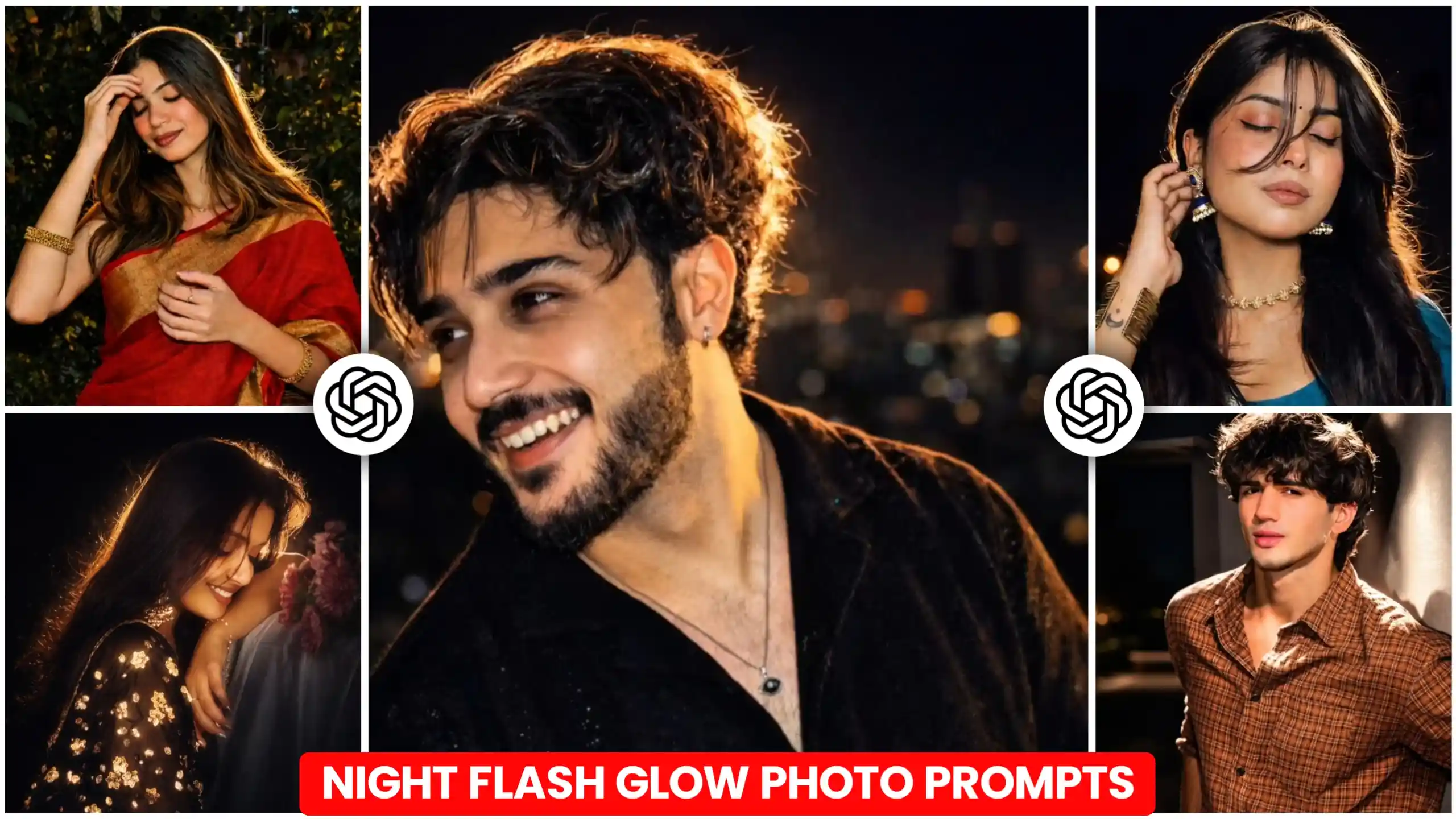
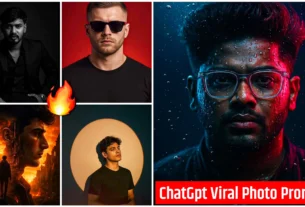
Today we are going to give you Night Flash Glow Photo Editing Prompts, by which you can convert any of your normal photos into night flash glow effect. See, some people on Instagram are creating such photos, in which, friends, first of all, they have a normal photo, which they have clicked. After that, they use ChatGPT to make that photo of night mode. Meaning, then that photo starts looking as if it is a photo clicked at night. And that too completely cinematic. Because a kind of golden colored light keeps coming from behind our photo. Due to which our hair starts appearing shiny little by little. Which means the edges of our hair start shining due to the light. And our face starts appearing in a very cinematic way. This photo becomes of night mode type. Now see, it looks so amazing. That it turns any of our normal boring photos into an absolutely amazing one. So if you also like your. If you want to convert any normal photo into night mode photo in this way. That too in just one click. And so that your photo looks realistic and cinematic. Then friends, in today’s article, I am going to tell you all this in a very simple way. You just have to read the article from the beginning to the very end. I will explain everything to you in a very good way.
Night Flash Glow Photo Editing Prompts
Look, friends, as I have told you here that this type of photo is being traded, and we are going to create them in just one click. Now see, if you want, you can create these photos with Google Gemini also. But I will not recommend this thing to you at all. Because friends, this type of photos have a slightly different processing. Which, if you create with Google Gemini, then it will not be able to create your photo in such a good way. It will create your photo in a very normal way. But if you want that your photo should look very cinematic and stylish, so that the light coming from behind also looks very realistic, then friends, for this you will have to use chatgpt. Yes, friends, I am absolutely right. Because chatgpt will add night details in the photo according to our photo. And the cinematic effect of this type of night mode is created by chatgpt in the best way. Google Gemini will not work so well. If you create it, then your photo will look very normal. And I know that you want your photo to look cinematic. So, friends, for this you will use prompts here. And we will send those prompts to chatgpt. How to do that with your photo, below I will explain to you in a simple way.
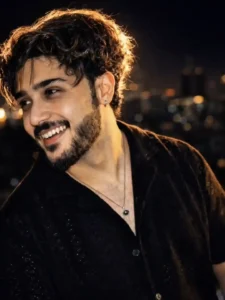

How to create Night Flash Glow photo using prompts.
See, for this we will use ChatGPT here. So if you want, you can also install ChatGPT app from Play Store. Otherwise, friends, you can also use its site. If you want to create your photo using its website, then we have put its link below. Meaning, you will get a button named Create Your Image. You can go to ChatGPT’s website by clicking on it. So the first thing you have to do is copy any one of the prompts from the photo given above. After clicking on the button named Create Your Image, after clicking on it, you have to login to the ChatGPT website. It is very easy. After that, you have to paste your copied prompts there. And then at the bottom side, you will get a plus icon. By clicking on which, you have to add one of your normal photos, which you want to convert into night mode photo. After that, you have to send it to ChatGPT. Now look here. Convert your photo into night mode. It will take some time to do. So you just have to wait a little. When your photo is created, then you can easily save it in your phone’s gallery by clicking on it. On the top side, you get to see a save option. So, friends, in this way, you can create a photo with this trending night glow effect.
Normal photo vs night glow photo
Friends, there is a huge difference between a normal photo and a night glow photo. When we have our camera, and then click a photo from the phone, it has very natural and simple lighting. And when we look at our photo, it appears to be of a flat type. That is, there is no depth in it. Neither does it have any different colors, nor does it look cinematic. Because of this, the photo looks very normal and simple. And if I say in my language, it is a completely boring type. Whereas night glow is used to get a completely different look in the photo. In this, the background becomes completely black. And from behind the subject, meaning a warm or golden colored light is seen coming from behind us. Due to which the hair edges start glowing. And a kind of soft light starts coming on the face. Our face gets highlighted in a way which makes the photo look of a very cinematic type. After the night glow effect, even a normal photo becomes eye catching and looks like this. It seems as if you keep looking at this photo. This type of photo looks very attractive on Instagram and social media.
Conclusion
In this way, you can very easily convert your normal photo into night flash glow by using the Night Flash Glow Photo Editing Prompts given by me, which will make even your most boring photo look very attractive. And after creating this photo, you can upload it anywhere. If you want, you can make it public on Instagram. And also upload it on Facebook. We hope that you liked our today’s article very much. If you liked it, please let us know by commenting. And we have added many more new trading photo editing prompts of this type on this website. If you want, you can go through them. And create different styles of photos.


Nice bhaiya 👍