
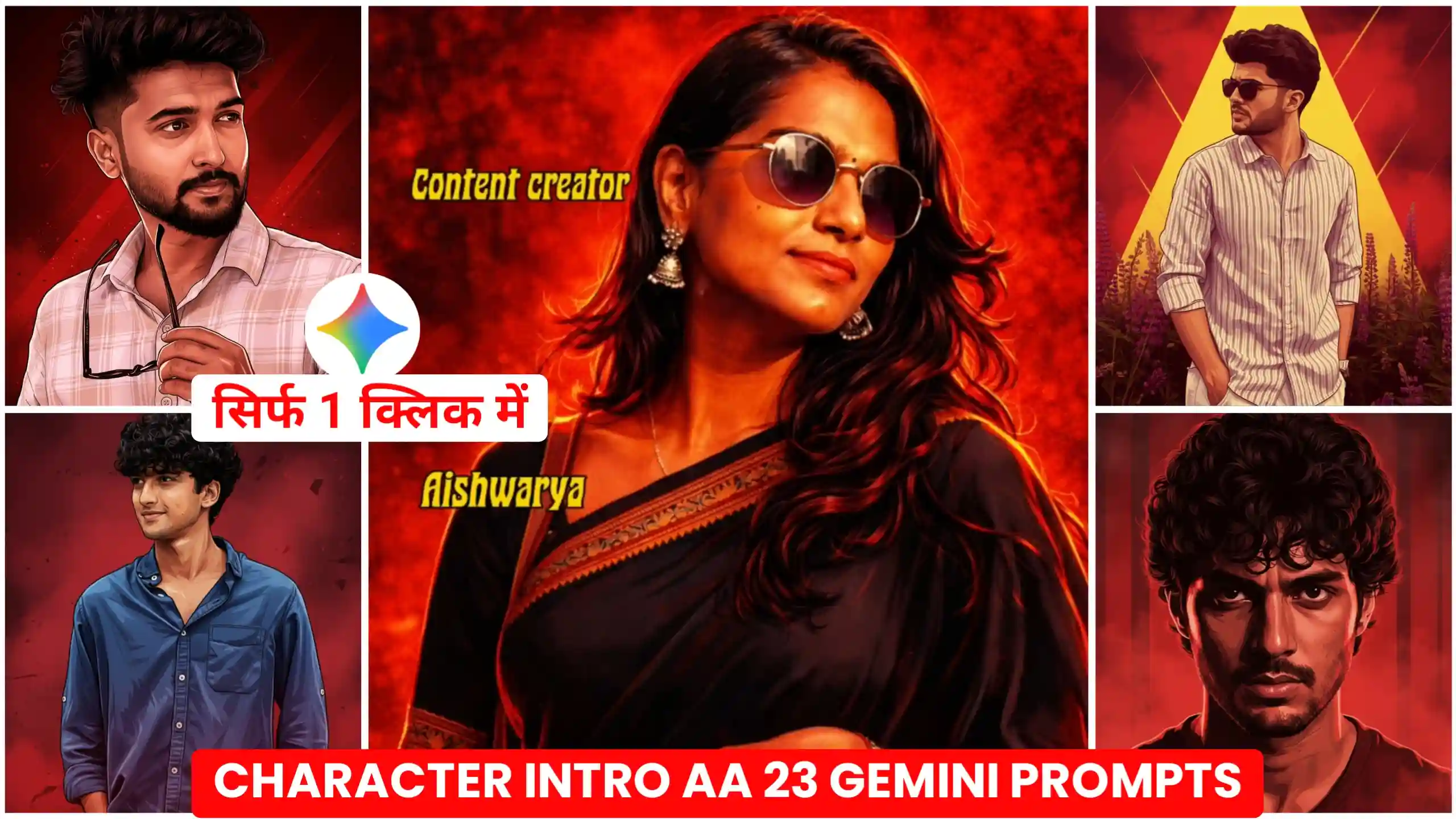
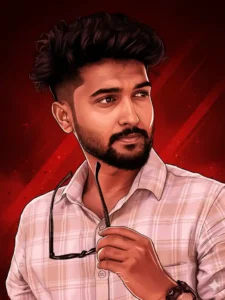
Hey friends, today I’ve brought you some new trending Character Intro Photo Editing Prompts. This is currently trending a lot. Let me explain it to you in a simple way. What happens is, your video is shown at the beginning. Then suddenly the video stops. And a still image from your video appears with a red-type effect. It’s like a filter is added. Then, your profession is written on it. Like some people are writing “Content Creator,” some are writing “Editor,” some are writing “Dancer,” and so on. People are writing their respective professions, along with their names and where they belong to. Basically, it’s a kind of introduction trend. In this trending video, people are introducing themselves. Which is why this trend is also called the Character Intro Trend. So, in this article, I’m going to tell you how you can create this type of trending photo with a red-type effect. And if you want to create a video of this, I’ll tell you how to do that below as well.
Character Intro Photo Editing Prompts
Friends, for this, you first need to have your own video. And you’ll have to record that video in a way similar to how others are doing it. This means if you’re a cameraman, you should hold a camera in your hand. Or whatever profession you work in, you should hold something related to that profession in your hand. Because that’s what everyone else is doing. After that, you need to record your video in a stylish way. Once you’ve done that, you need to take a screenshot from that video clip. And then you’ll have to convert this screenshot into your trending effect photo. So, we’re going to use Google Gemini for this. Because people are creating these kinds of photos using Google Gemini. After that, you’ll find a prompt below. We’ve specifically created this prompt for Gemini. You just need to send this prompt and your photo to Google Gemini. It will add this kind of red effect to your photo and give it back to you. I’ll explain all of this in detail below. So, you need to read each step very carefully and follow everything exactly as described.
Deep red gangster poster comic
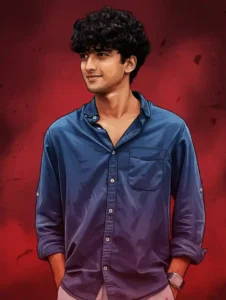
Graphic novel cinematic poster
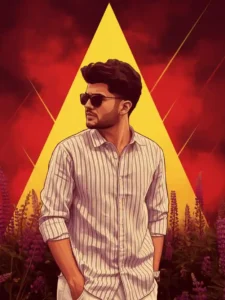
Cinematic graphic-novel realism
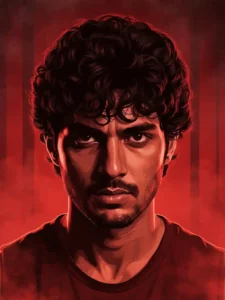
Tamil gangster comic poster
create Your photo
Why is this trend called AA 23?
I know you’re probably wondering why this trend is called AA 23, since it’s a character introduction video. Why such a strange name? Let me explain it simply. This trend is called AA 23 because the audio track used in these trending videos on Instagram is named AA 23. Most people are searching for this video or trend by typing “AA 23” everywhere. Because it’s the easiest way for them. That’s why this trend has been nicknamed AA 23. But, technically, its real name is “Character Intro” because it’s about introducing yourself to others. I hope this clears up any confusion about the name. Now, let’s talk about how you can create this kind of video or photo. First, we’ll create our photo and add a red-tinted effect to it. Making it look like an artistic painting, which will look amazing.
How To make AA 23 Character Intro Photo
To create this type of photo, first, you need to take a screenshot from the part of your video where you want to show this painting-like effect. Once you’ve taken the screenshot, you’ll need to crop it perfectly. Because black borders often appear at the top and bottom when you take a screenshot. You need to crop out those black borders. After that, you’ll need to copy the prompt given above. As soon as you click on it, you’ll need to click on the icon below to go to the Gemini website. Let me explain all of this to you step by step in an even simpler way.
- The prompt we’ve given you above needs to be clicked and copied first. This is very easy; you can do it without any difficulty.
- After that, you will see a button at the top that says “Create Your Image.” You need to click on this button.
- After that, you will be taken to the Google Gemini website. First, you will need to add your photo. To do this, you will find a plus icon at the bottom; click on it and select your photo.
- You’ll need to paste the copied prompts here because the prompts contain all the instructions needed to create this type of photo.
- After adding both things, you need to send this to Google Gemini and wait for a few seconds.
- Once your photo is created, you can easily click on it to save it to your phone’s gallery and then add it to your video.
Conclusion
This way, you can very easily create the character introduction photos that are trending in this style of video. The character intro photo editing prompts I’ve given you here work perfectly. You won’t face any problems creating photos with them. And let me tell you one more thing. Once your photo is created, you can add it to your video using any video editing application. And just like other people are mentioning their profession in the text, such as content creator, editor, dancer, etc., you can also easily write these things and create your own trending video in this style.




Mera photo edit kardi