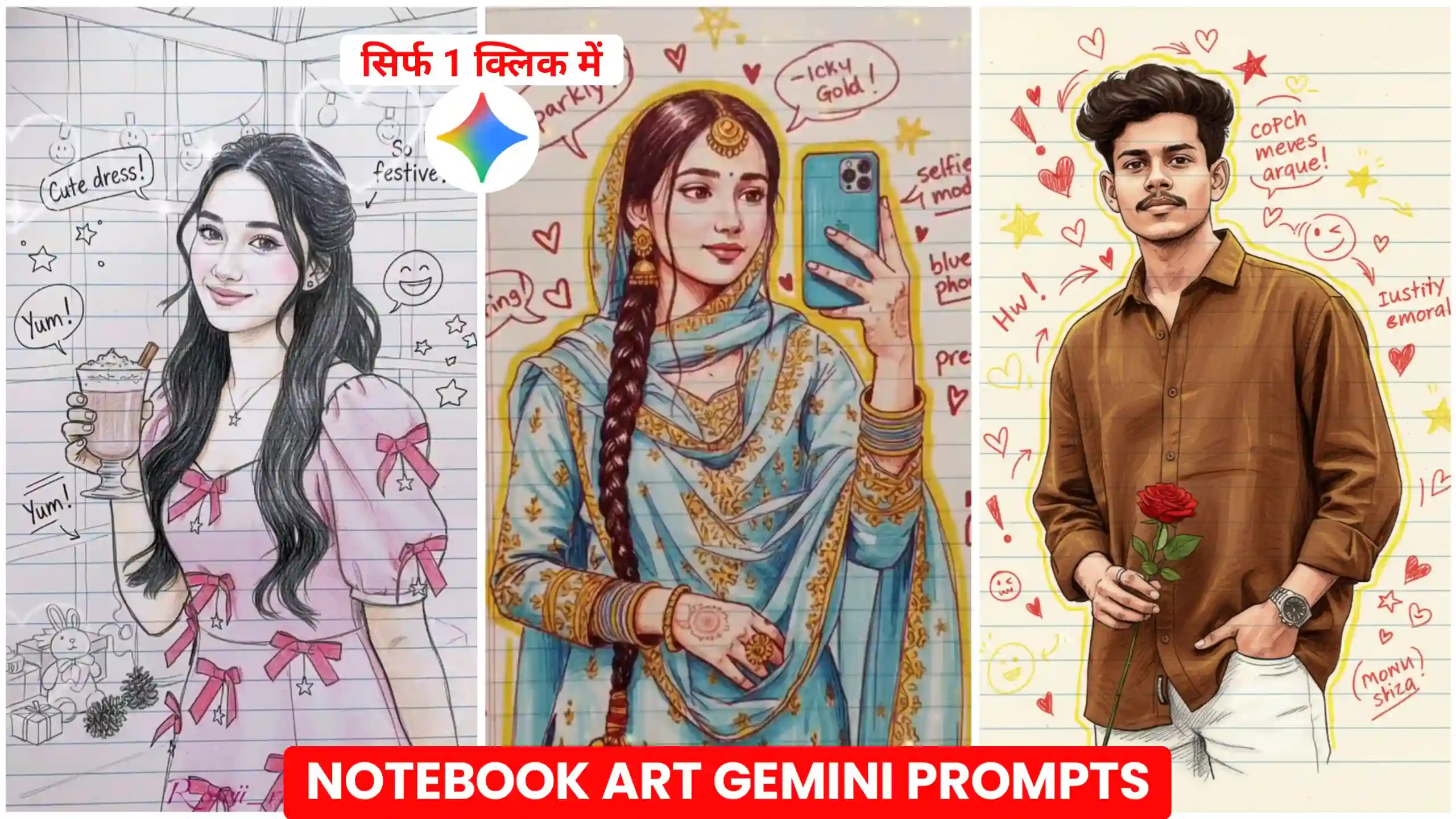
Gemini Notebook Drawing Ai Photo Editing Prompts – Friends, currently another trend has emerged across Instagram. In this trend people are creating notebook drawing art-type photos. They’re creating these types of photos using Google Gemini. These types of photos are currently going viral. Mostly girls are creating such photos. So, if you create such photos and upload them to your social media, you could get a very good response. Therefore, in today’s article, I’ll tell you how to create such a viral trading notebook drawing effect photo. It looks as if you drew it yourself on a notebook. So, friends, let’s learn more about it. And also learn how others are creating such trading Gemini photos. If you’d like, you can also subscribe to our YouTube channel called Edit by Anup Sagar. Where we directly post viral trading photo editing tutorials. You can also create your own photos by watching the videos.
Gemini Notebook Drawing Ai Photo Editing Prompts
If I tell you the truth, then these types of photos are being created mostly by girls these days. And they’re getting a lot of views. Now it’s not just girls who can create them. If you’re a boy, you can also create your own photos like this. It’s going to work wonders for you too. Friends, you must have noticed that when we were young, we used to draw different types of drawings on our notebooks. Similarly, this photo also has a drawing made in the same way. But our own photo has been drawn in that drawing, which looks as if we ourselves drew that photo on a notebook. Our face matches 100%. And our entire photo is drawn perfectly. This is what makes this photo look so amazing. So, if you want to create your own drawing photo like this, you can do it very easily. Today I’m going to give you different types of photo editing prompts. And how to use these prompts. You can use it using Google Gemini.
Gemini Notebook Art Photo Prompts
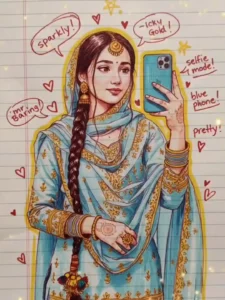
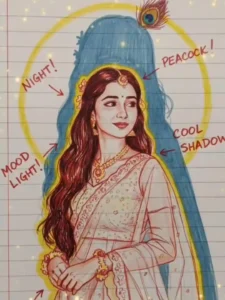
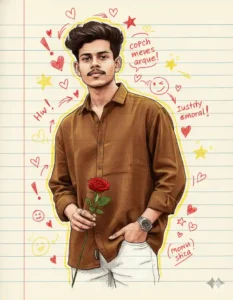
Notebook Drawing Photo Editing Prompts
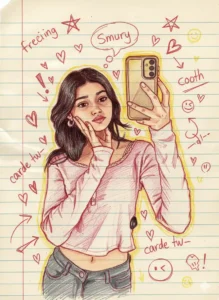
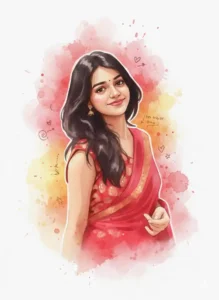
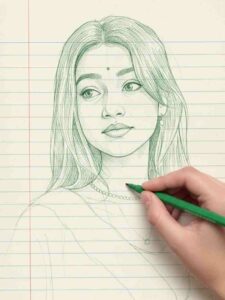
Best Way To Create Notebook Drawing Photo
If you also want to create this type of trading notebook drawing art photo, then you can do it very easily. And now I am going to tell you about it. Look, first of all you have to do this work that you have to select any one of the photos given above. That is, whatever type of photo you want to create, you have to select it first. When you come to know that I have to create this type of photo, then after that you have to copy the photo editing prompt given below that photo. After copying, friends, you have to click on the red button named Create Your Photo. After that, you have to read all the steps given below carefully. And follow them in the same manner.
- First of all, you have to choose and copy any one of the photo editing prompts given above.
- After that, you have to click on the red button named Create Your Photo given above.
- As soon as you click on it, you will reach the Google Gemini website, where you have to login first.
- After that, you have to add one of your photos by clicking on the icon given below.
- After that, paste the copied prompt there and send it to Google Gemini.
- After waiting for a while, when the photo is created, click on it, download it and save it.
Tips for a Better Result
Use high-resolution photos with clear facial features so that your notebook drawing photo looks perfect. Always include prompt details such as keeping the face identical to the original, because this gives you the best likeness accuracy. Add descriptions for background elements to enhance the school notebook style and make the drawing look even more realistic. You can also experiment with different prompts to achieve various playful or realistic crayon effects. This method creates vibrant, childlike, creative portrait artworks that look exactly like handmade crayon sketches on notebook paper, and these types of photos are perfect for social media and content creation.
Conclusion
By using Gemini Notebook Drawing AI Photo Editing Prompts, you can very easily create your own trading notebook AI drawing photo in this way. Friends, we hope that you must have liked our today’s article very much. If you liked it, then please do let us know by commenting. we are going to bring more such new trading photo editing prompts on this website, so you can stay with us till the end. if you need any other type of trading photo editing prompt, then you can also tell us by commenting. And we will write a new article on that too.