If you want to make a video using Saiyaara Song VN Template Code, then today I am going to tell you the same. Friends, at this time, many videos are being made on the Saiyaara song on the entire social media. This is a new movie which is in a lot of trending. People are making and uploading different types of videos on its song through video editing apps and everyone is getting a very good response. So in today’s article, I will tell you how you can create your trending video using VN template code in just one click. If you read this article from the beginning till the end, then you too can very easily create your video on the Saiyaara trend using VN video editor. You just have to stay with us till the end. This method is very easy and helps a lot if you are working in the online video editing or video marketing field.
Saiyaara Song VN Template Code | Saiyaara Tu To Badla Nahi Hai Code
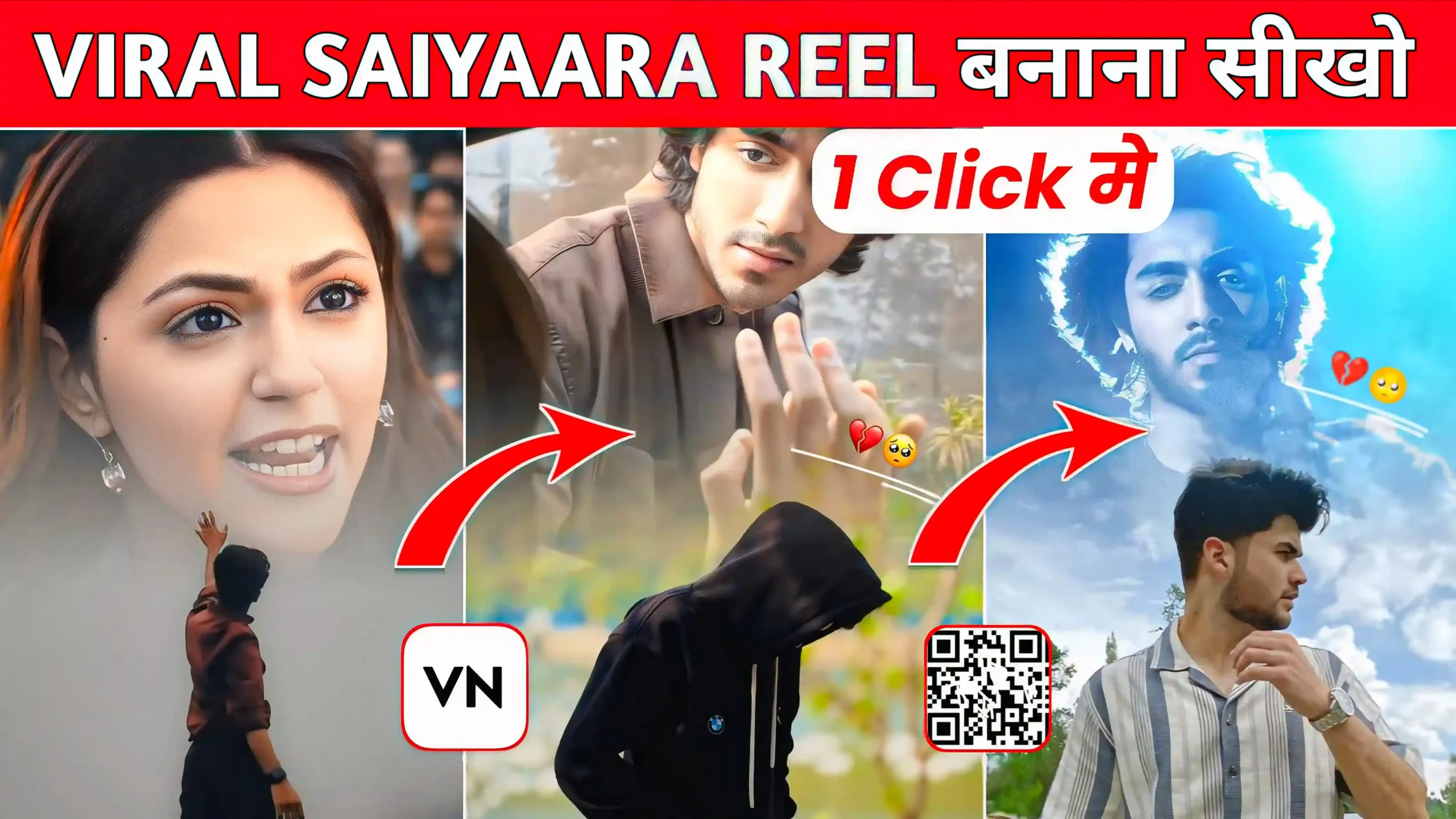
See, when this video starts, our photo is shown in it which has new trending effects that keep zooming in, zooming out, and moving left and right. Over our photo, a clip of the song Saiyaara keeps playing which is a little sad love type. That clip fades with our photo, meaning it seems as if the video is playing over our photo, but it fades completely. This makes the video look very nice. Friends, if I tell you, this is a kind of viral sad video. Now you must be thinking that it would be very difficult to edit it. But friends, let me tell you that it is not like that at all. I have created a VN template code for you. You just have to add your photo in it. All this work will be completed automatically through this VN video editor app, meaning your video will be made and ready automatically with the help of this online video editing tool.

How To Use Saiyaara Song VN Template Code?
Look friends, now I am going to tell you how you can make your video on the trending Saiyaara song. As I told you earlier, we are going to do this work in just one click. For this, you will not need any kind of video editing app. You just have to follow the steps mentioned by me. If you do it in the same way, then you will not face any problem and your video will be ready in just a few clicks. So you have to read the steps mentioned below very carefully.
- First download the VN template code given above.
- After that install VN app on your phone.
- After opening the VN app, click on the scanner and scan this code.
- Download the template code file by clicking on the download icon.
- Then add your photo and click on the next option.
- If the photo is not adjusted properly then click on the crop option and move it a little downwards.
- Then click on export and save your video in your phone’s gallery.
Viral Capcut Template
How To Adjust Your Photo According To Video ?
Friends, when you make your video using this trending VN template code and add your photo, then it is possible that your photo may not adjust well according to the video. It is possible that this video clip comes on top of your photo due to which your face is not visible properly. So if this happens to you too, then see, you have to click on your photo. There you will get an option of crop in this VN video editor app. Click on it. Now you have to slide your photo a little downwards and you can also do this according to your photo as per your convenience. As soon as you move your photo downwards, it will adjust according to the video and then your photo will start looking good
Conclusion
Friends, I have tried very hard to make you understand completely in this article. I hope I am sure that you have understood each and everything. now you can easily make your video on this viral trend by using Saiyaara Song VN Template Code. if you do not know, then let me tell you that we have given many more new trending VN template codes on this website. Whenever a new trend comes, first of all we provide that template code on this website. So you can make your video very easily from it. You can visit our website every day and see, here new trending VN template codes are added every day.