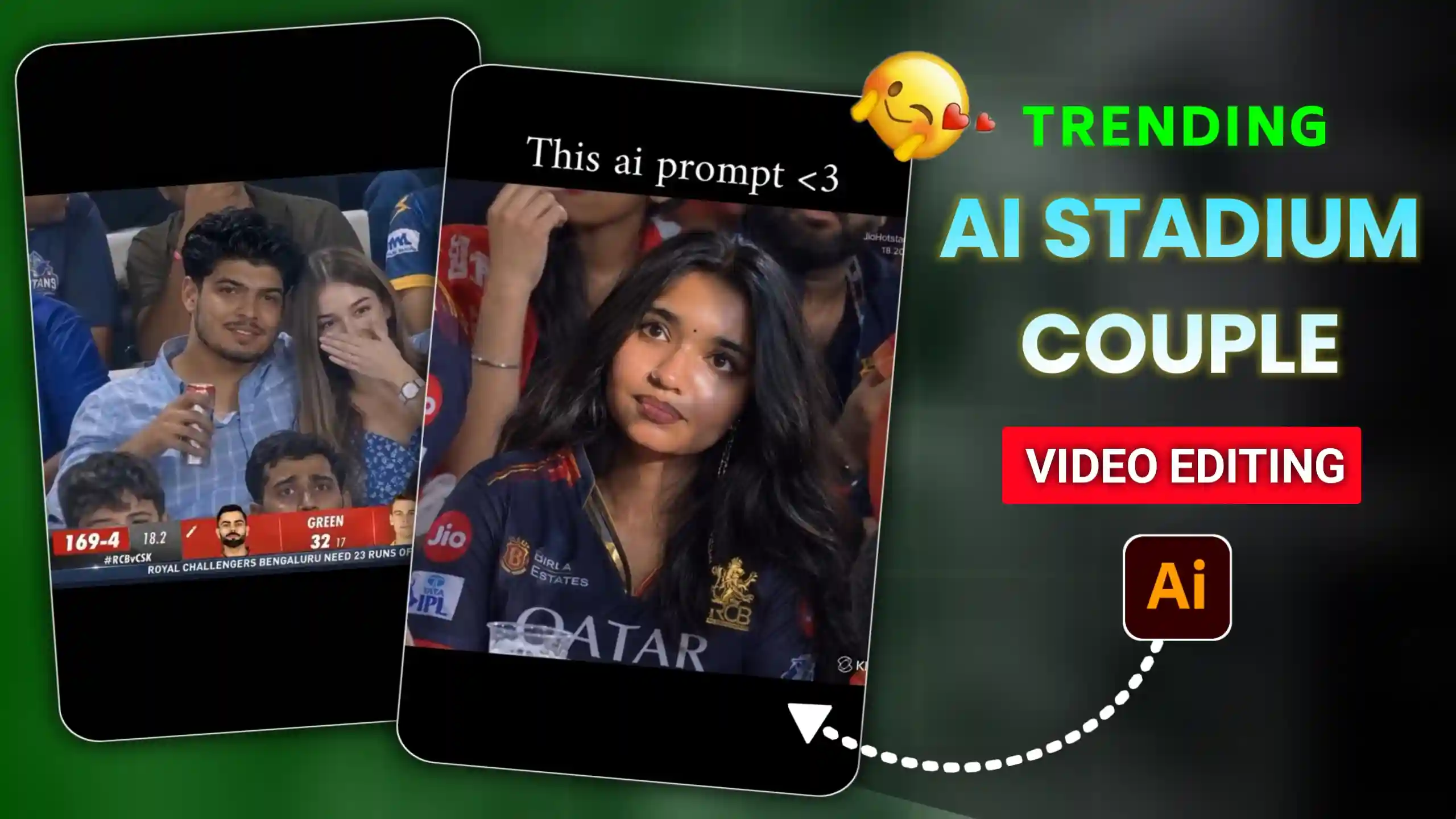
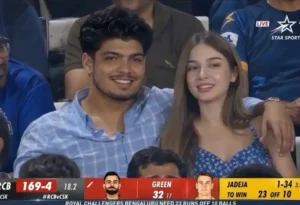
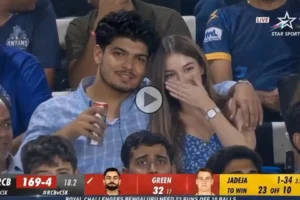
Cricket Stadium Couple AI Video Editing Prompts – Now many people are also generating this type of IPL stadium couples video, in which they are watching the match live in the stadium, sitting with their girlfriend, boyfriend, or their husband and wife, and they are recorded by the broadcast camera. In this way, we are shown this video, and in many of the videos, friends, we are also shown on the screen installed in the stadium. Today, we will tell you about creating a couple stadium video. We will also teach you how to create it, and we are also going to give prompts, so all you have to do is read this article from beginning to end and follow every step mentioned in it very carefully. See, ever since this cricket stadium trend has come on Instagram, people are creating videos in their own different styles and uploading them on their Instagram accounts or social media accounts, and friends, it is getting millions of likes and views. That is why we have also brought this article for you people. And you will remember that, in the previous article, we had taught you how to generate a single type of video. If you have not seen it yet, then you can go and watch it and create your own video from it, but in today’s article, we will teach you how to generate a couples stadium video.
Cricket Stadium Couple AI Video Editing
Look, as I have already told you above, this type of stadium IPL couple video is getting a lot of trending. You guys must be aware that the tickets of such a big stadium are very expensive, which not everyone can afford, but now you guys can generate trending videos in this way by using AI, in which you will look very real, and there is one more thing, friends. If you go to the stadium by yourself and think of recording your video, then still your video will be so much more. Friends, the video shown in this trending video is shown in such a way as if the camera installed in the stadium has recorded our video, and many times our video is also shown on the big screen of the stadium, but the prompt to generate that type of video is a little different, which I will also tell you about below. So see, for this, we will have to follow two steps. Only then will we be able to generate this type of video. First of all, we will have to generate our own photo of ourselves sitting in the IPL stadium, and after that, we will convert it into video. Now see, whatever thing we want to do in our video, whatever movement we want to do, we will have to tell it through prompts, and for that, we are going to use Google Flow here because, friendship, it works in the best way.
how to make cricket stadium photo?
As I have already told you that, for this, first of all, we will have to generate our stadium photo in which we will be seen sitting in the stadium with our partner. So look, for this, we are going to use ChatGPT here. If you want, you can also generate this type of photo from Google Gemini. The process of both is exactly the same, but ChatGPT gives us the photo in very high quality, so friends, I like it the most. So see, for this, you just have to do this below. You have to copy the given prompt, and after that, you guys have to go to ChatGPT. There, you get to see a plus icon. By clicking on that icon, you have to add your own and your partner’s photo. After that, you have to paste this copied prompt there. Friends, this is a photo prompt. Like you will paste this prompt, after that, you have to send it to ChatGPT. Now friends, here you will have to wait for a few seconds for a while. ChatGPT will generate your photo and give it to you. If you like this photo, then you can save it, and if you see any problem in it, then you can regenerate it in the same way. Only after making a perfect photo, you have to save it so that your face matches properly.
Photo Prompt
How To Create Cricket Stadium Ai Video Using Flow Ai?
Now see, we are going to generate this video using Google Flow AI because, friends, Flow AI gives one-step high-quality video in a very short time. So first of all, you people will have to go to Flow AI’s website. For this, if you want, you can search by writing Flow AI in the browser, otherwise, we have given a button below. You can also go to Flow AI’s website by clicking on this button. After that, you people will have to click on the new project icon there. After that, there will be a nano banana at the bottom. If you get the option, then you have to click on it and select the video option, and there you will also get the icon of a frame. Tick that too and select the ratio of 16:9. After that, you will have to paste the prompt there. Look at the prompt given below. You have to copy the prompt of this video, go to Flow AI, and paste it. After that, click on the start icon there and the photo generated from Google Gemini or ChatGPT. You have to select it and then send it to Google Flow. Now friends, here you will get your video generated in a short time, then you will be able to easily save it in your phone’s gallery. Then you can generate this IPL stadium video going on in trending in this way.
Video Prompt
Conclusion
I hope that now you guys can also generate this type of cricket stadium video which is being trending on Instagram, and you will not face any kind of problem in it. Friends, if you liked our today’s article, then please do let us know by commenting below, and yes, look, there is another type of video which is being trending a lot on Instagram, in which our name is taken and we are also shown on the big screen installed in the stadium. If you guys want us to generate that video and give complete information, you can tell us by commenting below. We will write the next article on the same, then you will be able to generate your own video named Cricketer Stadium by using the prompt given in it and following the steps mentioned in it.