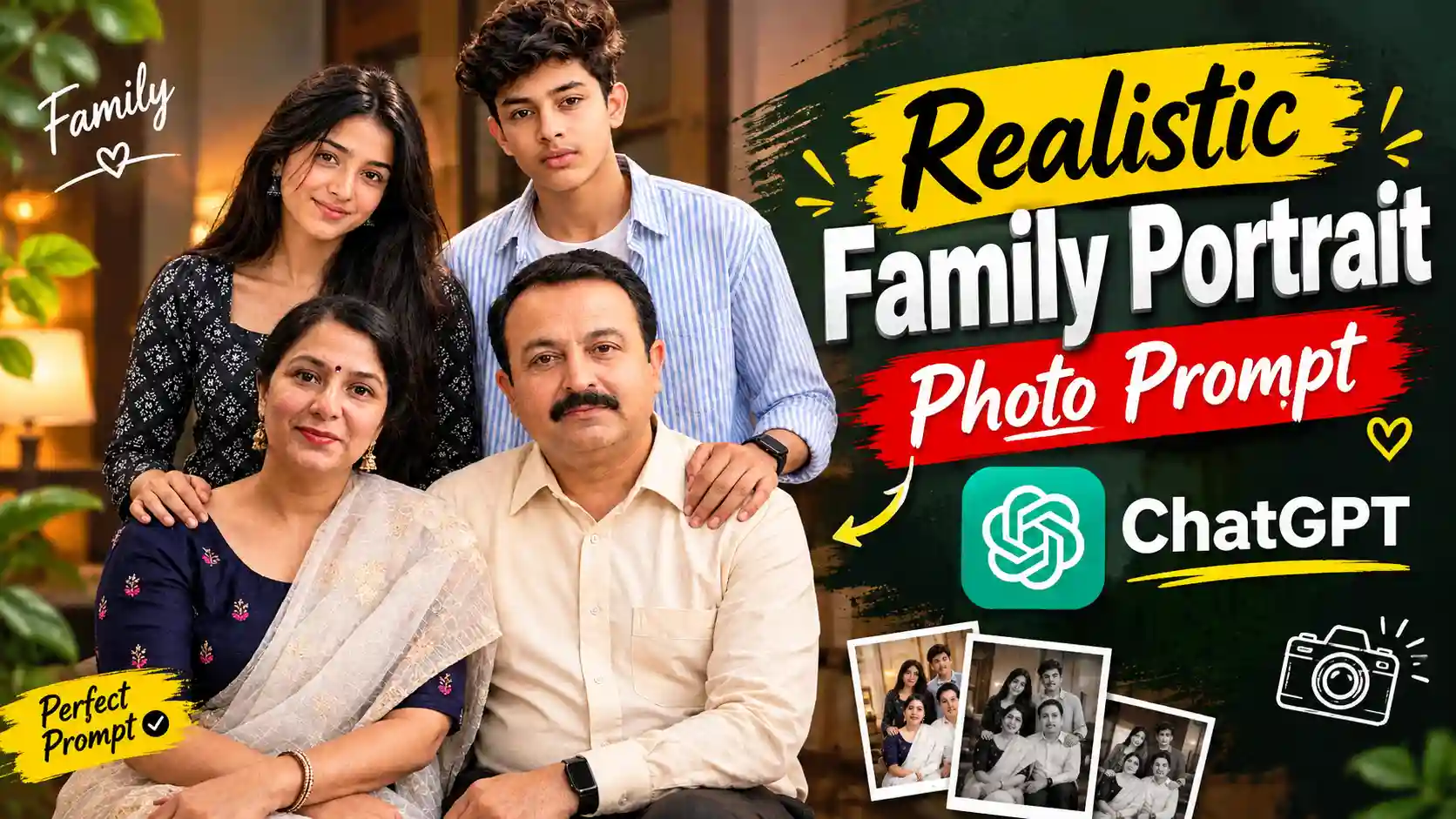
ChatGPT AI Family Photo Prompt – Look, if you people do not have any family photo in which all of you are visible, then, friends, you do not need to worry because, in today’s article, I am going to solve this problem of yours completely. See, we all know that we should keep a family photo in our house with our family members in which all of us would be visible, but this does not happen very often. For some reason or the other, we do not have a photo of our entire family. But in today’s time, by using AI, you can create a very cute family photo by using your own separate separate photos in which all of you will be visible. So, friends, in today’s article, I am going to show you how you can create your own trading family photo in this way, which is going to look very cute. It is a matter of time, friends. I had seen this video on Instagram in which a boy had created a family photo using different separate photos. ChatGPT and by pasting the prompt, a cute family photo is made, and it looks very nice. When I saw it, I also started thinking that why don’t I write such a cute article for my audience so that you can also make this photo easily. So, today, friends, we will learn how to make such a viral trading cute portrait family photo.
NAVRATRI TRAIN VIDEO PROMPT
Professional AI Family Portrait Photo
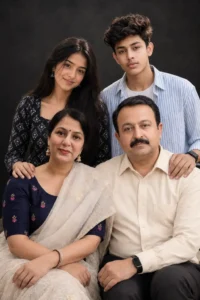
Look, friends, we all keep clicking our good photos. We try our best to look good in those photos, but the most important thing is our family. Many times, our photo does not remain with our family, and if, by mistake, something goes wrong, then we miss that person so much that we wish we could have taken a photo of ourselves with him. So, I think, friends, we all should have a family photo which we can share with each other. Friends, it looks very nice to see whenever we want and in which we all, the family members, are visible. But there is one more thing here. When we all sit at one place and get the photo clicked, then the photo does not look so good, nor is it so professional because it is not clicked in a big studio. But in today’s article, friends, I am going to tell you a way that you can get a studio-type portrait photo taken in which you can get the photo clicked very clearly. You will look lovely. There will be very good lighting in the photo, and it will look very natural. It will appear as if you have gone to a big studio and got that photo clicked, and your background will also be very good, in a very professional manner. So, look, for this, we will use a prompt here. We will write everything in the prompt: what we have to show in our photo and which family member has to be placed where. All you have to do is this. You have to read the paragraph given below very carefully and follow all the steps as mentioned. You will also be able to make your family photo.
Realistic Family Portrait Photo Prompt
CREATE YOUR PHOTO
Steps to Create an AI Family Photo Using ChatGPT
Look, if you also want to make this type of professional family photo with your family, then all you have to do is that you should have one photo of each member of your family. Once you have everyone’s photo, after that friends, you all have to follow the steps given below and do it in the manner described.
- First of all, copy the family photo prompt given above by selecting it completely.
- After that, open the ChatGPT application. If you want, you can also use its browser version.
- After that, you will see a plus icon on the bottom-left side. Click on that icon and add the photos of all your family members here.
- Once everyone’s photo appears, paste the copied prompt there.
- Submit both these things to ChatGPT and then wait for a while. The processing can take some time, so you have to wait until it is complete.
- Once the processing is complete, your lovely family photo will appear in front of you.
- You can then see it by clicking on it. You can also save it to your phone’s gallery by clicking on the save icon given above.
How to Make a Family Photo Look Realistic?
This photo of ours will be ready, but the most important thing in it, friends, is that we have to make our photo look absolutely natural. We have to make it look absolutely real so that whenever someone sees it, they do not feel that we have generated it through AI. So, to make your photo look natural, I am going to give you some steps and a little guide here so that when you create your photo, you get the best output. So, see, for this, first of all, you guys, what you have to do is that all the photos of the family members that you will add, friends, should be in very high quality. It is not necessary that their full body should be visible in them, but their face should be visible very well because only then ChatGPT will be able to match your face properly. You guys have to copy only the prompt given above because, friends, we have optimized it in such a way that your photo will look absolutely real. That’s all the work you guys have to do. After doing this, guys, ChatGPT will make your photo look absolutely natural and realistic.
Conclusion
Look, if I tell you the truth, friends, when your own family photo is ready, you will be very happy to see it because, really, friends, it looks very lovely. It optimizes the photos of all your family members very well and tries to make them look as cute as possible. At the same time, it keeps them completely natural so that it is completely clear that it is the same person. The lighting is also adjusted very well. It seems as if you have got this click done in a big studio. So, look at the way I have told you step by step here. If you follow the same steps, then, friends, you will also be able to make this type of trading photo with your own family. If you guys have liked this article of ours, then, friends, do tell us in the comments below. We will be waiting for you.