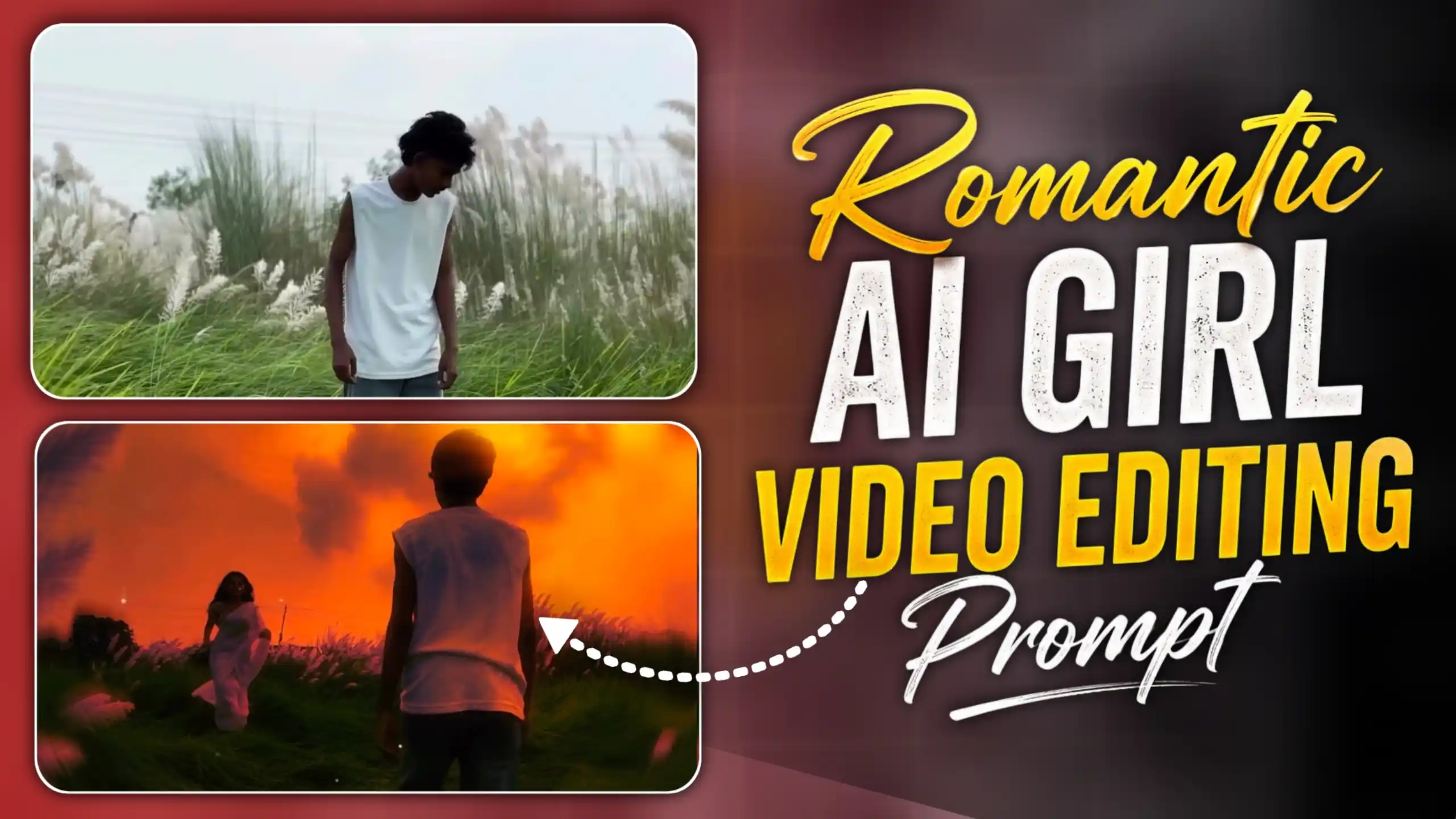
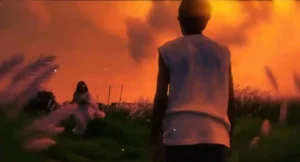
AI Girl Romantic AI Video Editing Prompt – Look, friends, there is a new video trend going very viral on Instagram these days, and the way this video looks is really amazing. In the first part, a person stands on a ground or in an open grassy area and records a normal video facing the camera. Then, he suddenly turns around, and at the exact moment he turns, a smooth transition happens. In the next shot, a girl starts running toward him in slow motion, and both of them slowly run toward each other. The whole scene gets a beautiful golden look, with a soft dream-like glow that makes the video feel like a scene from a romantic movie. Friends, if you have also seen this trend on Instagram and were wondering how people are making it, then don’t worry because you can create it quite easily. My name is Anup Sagar, and I have been doing content creation for the last several years. In this article, I am going to show you the complete process in a very simple way. You just need a few clips, the right prompt, and some easy editing steps, and you can create a similar cinematic video yourself.
MERCEDES CAR AI VIDEO EDITING
What Makes This Viral Video Trend So Special?
Look, friends, this trend is not just about recording two people running toward each other. The main attraction is the transition that happens in between the two clips. In the first shot, you are standing on grass or an open ground, looking directly at the camera. Then you turn around, and right at that moment, the scene changes. In the next shot, the girl is seen running toward you in slow motion, while you also start moving toward her. As both of you come closer, the video gets a beautiful golden colour, soft glow, and dreamy lighting, which makes the whole scene look very romantic and cinematic. The background also looks warm and peaceful, giving the video a completely different feel from a normal Instagram reel. Friends, this is why many people are trying this trend with their partner or someone special. It gives a simple outdoor video a movie-like look without needing a big location or complicated setup. If you also want to create something different for your Instagram profile, this trend is worth trying because the final result can look very eye-catching. And the best part is that you don’t need expensive equipment or professional shooting skills to create a similar video.
PHOTO PROMPT
CREATE PHOTO
How to Create This Viral Instagram Video
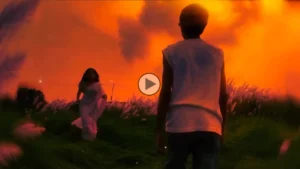
Look, friends, now let’s see how you can create this viral video step by step. First, add your recorded video to CapCut and find the exact moment where you turn toward the back. Take a screenshot from that point and add it to ChatGPT. Then, paste the photo prompt given in this article and send it. ChatGPT will create the same scene with a girl added to the frame. After that, download the generated photo and add it to Flow AI. Now copy the video prompt from this article, paste it into Flow AI, and generate the video. Flow AI will turn that photo into a moving scene where the boy and girl are running toward each other. Once the video is ready, download it and bring it back into CapCut. Add this new clip right after your first video clip and match the transition properly. After that, adjust the speed according to your video and add a soft dream glow effect to get that beautiful golden look. Take a little time to match both clips so the transition looks natural. Once everything looks perfect, simply export the video and upload it to Instagram. That’s it, friends, this is how you can create the trend yourself.
VIDEO PROMPT
GENERATE VIDEO
How to Shoot Your First Video Clip
Look, friends, before starting the editing, you need to shoot the first clip properly because the transition will depend on this video. First, go to a place where you have some open ground, grass, or greenery around you. Since this trend has a romantic and dreamy feel, a natural location will look much better. You may have noticed that even in Bollywood, romantic scenes are often shot in beautiful outdoor locations with greenery because it gives the scene a soft and peaceful feeling. After choosing the location, place your phone or camera on a tripod and make sure it is completely stable so the frame does not move while recording. Now start recording and make sure your full body is visible in the frame. In the beginning, simply look toward the camera and act naturally for a few seconds. After that, slowly turn toward the back, because this is the exact point where the AI-generated clip will be connected later. Once you have turned around, you can stop the recording there. Friends, there is no need to record anything after that because the next part of the video will be created with AI and added from this exact point.
Conclusion
So friends, this is how you can create this beautiful and viral Instagram video with the help of AI. First, shoot your clip properly in a natural location and keep your camera stable so the transition looks smooth. After that, use ChatGPT to create the photo, Flow AI to turn it into a video, and CapCut to combine both clips. Add slow motion, golden colour grading, and a soft dream glow effect to get that romantic cinematic look. The best thing is that you don’t need any expensive camera or professional setup for this. You can create the whole video using your phone and a few simple AI tools. Just make sure your first clip and AI-generated clip match properly at the transition point. So friends, if you also want to try this trending Instagram video, simply follow all the steps given in this article and create your own version.