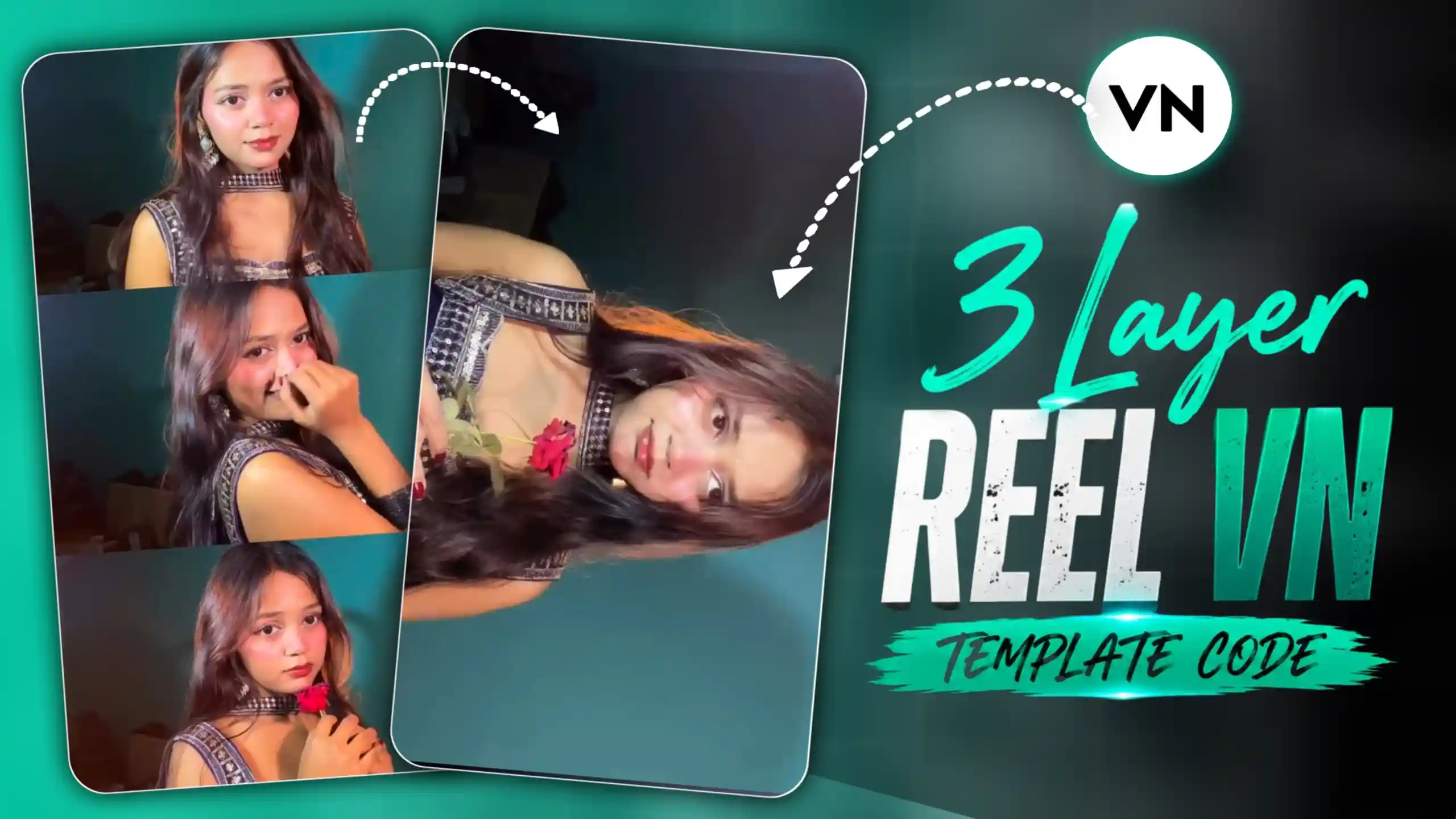
3 Layer Reel VN Template Code – Friends, if you have been scrolling Instagram or watching reels these days, then you must have seen this type of video trend where three different frames are shown on the screen and each frame plays a different pose video of the same girl. First, the upper frame plays, then the middle frame starts, and after that the bottom frame plays with a different pose and expression. After this, the same sequence repeats, and then all the videos are shown one by one in full-screen horizontal view with smooth transitions. The most interesting thing about this trend is that all the changes happen according to the beat of a romantic type of song, which makes the complete video look very smooth and attractive. Friends, this trend is becoming very viral on social media, and many people are creating their own version using VN Template Code. The main reason people are liking this trend so much is its unique editing style. Instead of showing one normal video from beginning to end, it shows different poses in different frames and then smoothly brings each clip to full screen. When the transitions match perfectly with the beats of the song, the video gets a very cinematic and satisfying feel. So friends, if you also want to create this trending VN video, then I will explain the complete process to you in a very easy way.
ALL TYPE VN TEMPLATE
What Is Shown in This Viral VN Template Video?
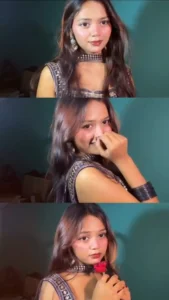
Friends, now see, in this trend, the complete video is created in a very interesting way where three different videos are shown together in three frames at the beginning. The first frame is placed at the top, the second frame is in the middle, and the third frame is at the bottom. In every frame, the same girl is shown with a different pose, expression, or style of acting. First, the video in the upper frame plays, then the middle frame video plays, and after that, the bottom frame video starts. Once all three clips are played, the same sequence is repeated according to the music. After this, friends, the editing becomes even more attractive because each individual video starts appearing in full-screen horizontal view. The clips change one after another with smooth transitions, and the timing of every change is matched with the romantic beat of the song. This beat-sync editing is the main part of the trend because it makes every transition feel perfectly connected with the music. The different poses, three-frame layout, full-screen clips, smooth transitions, and romantic song together give the video a very stylish and cinematic look. So friends, this is what makes this VN Template trend different from a normal video.

How to Create This Viral VN Template Video?
Friends, now let’s learn how you can create this trending video using the VN Template Code given in this article. First of all, you have to take a screenshot of the VN Template Code that we have provided in this article. After taking the screenshot, simply open the VN app on your phone. Now, friends, when you open the VN app, you will see the scanner icon there. You have to click on that scanner icon and then scan the screenshot of the template code that you have saved on your phone. After scanning the code properly, the template will open in your VN app. Now, you will have to add your own video clips to the different slots given in the template. Make sure that you select the clips according to the poses and timing required by the template, so that the final video looks properly synced. After adding all your clips, simply click on the Next option. VN will automatically apply the template, transitions, and timing to your clips, and your video will be ready. Once the video is generated, check the complete preview properly. If everything looks good, export the video using high-quality export settings and save it to your device.
MOST VIRAL CAPCUT TEMPLATE
Why Does This VN Template Video Feel So Smooth?
Friends, one special thing about this VN Template video is that even though you create it using a VN Template Code, the final video feels very smooth and professionally edited. At first look, you may even feel like the video was created using a CapCut template because the transitions, clip movements, and timing look so perfectly connected. But friends, this is the special part of this trend. The template already has the complete timing and transition style set, so when you add your own clips, everything automatically comes together in a smooth way. Another important thing that makes this video look so attractive is the music. When the romantic type of song starts playing, the clips change exactly according to the beats of the music. As the beat changes, the frame changes, the pose changes, and then the video moves into the next full-screen clip. This beat-sync effect is actually the jaan of this whole video because it makes the editing feel connected with the music instead of looking like random clips placed together. The three-frame starting layout also makes the video more interesting, and when those clips later come to full screen with smooth transitions, the complete video gets a cinematic feel. So friends, this perfect combination of music, beat-based clip changes, smooth transitions, and the VN template is what makes this trend so special and satisfying to watch.
Conclusion
So friends, now you must have understood how you can create this viral VN Template video using the VN Template Code. In this trend, the three-frame layout, different poses, smooth transitions, and romantic beat-based music all work together to make the video look attractive. You simply need to save the VN Template Code screenshot, open the VN app, scan the code, and then add your own video clips in the required slots. After that, VN will automatically apply the template, timing, and transitions to your clips. The most special part of this trend is the way the clips change according to the beats of the music, which gives the complete video a smooth and cinematic feel. Friends, you can also try different poses and expressions while recording your clips so that every frame looks different and interesting. Once your video is ready, preview it properly, export it in high quality, and share your new trending VN video on social media.