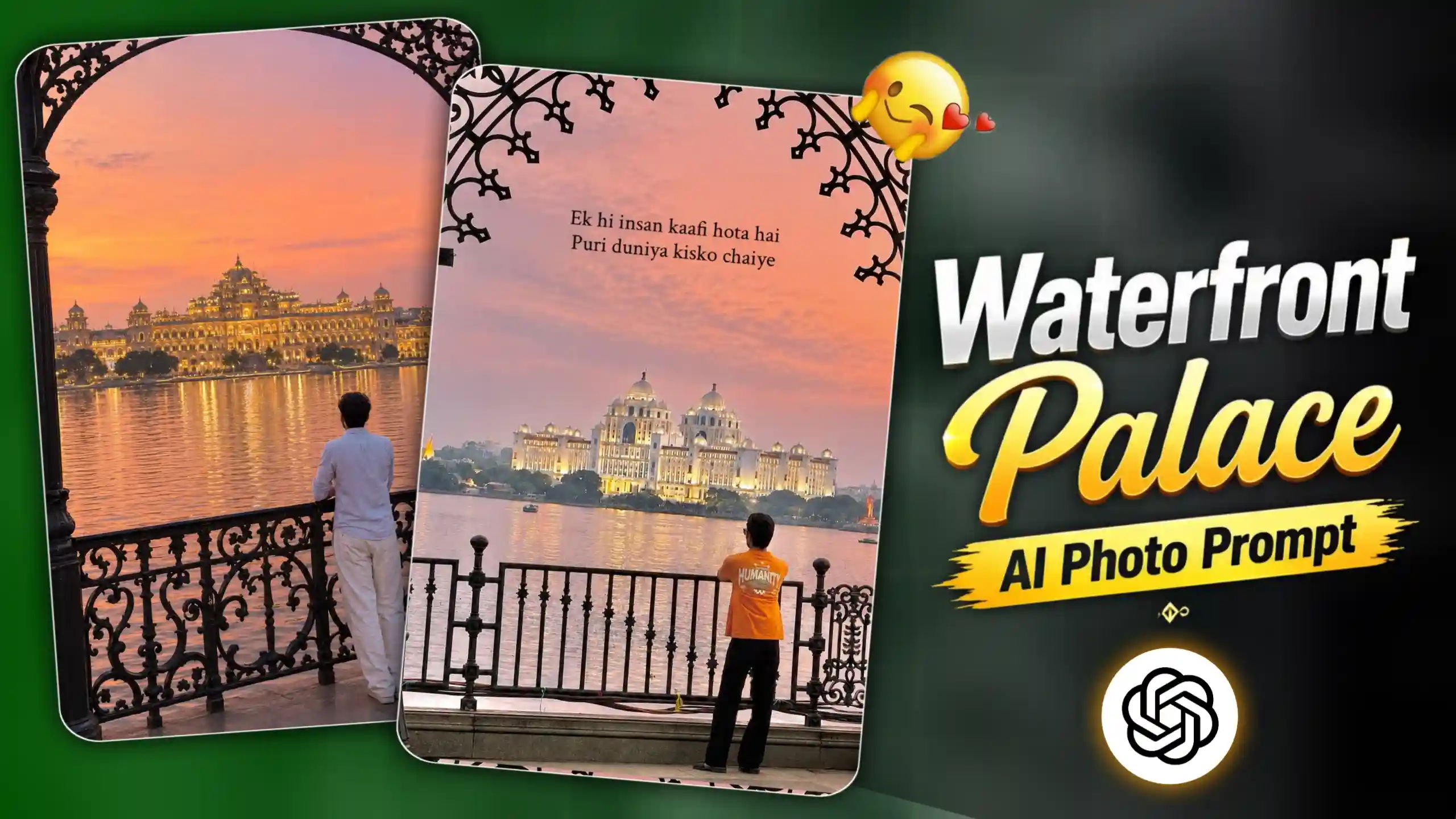
AI Waterfront Palace Photo Editing Prompt – Nowadays, a lot of people are trying different AI photo trends, and this waterfront palace photo is also getting pretty popular. Friends, the idea behind this trend is actually very simple. You just give your normal photo to an AI tool and it creates a whole travel-type scene around you. You can be standing near the water, with a beautiful palace or temple in front of you, a nice sunset in the background and those classic looking railings around you. All these little things make the photo look really good. And the best part is, you dont have to actually travel to some fancy place just for a photo like this. You can create it from your home with your own photo and a proper prompt. If you use a clear photo, the result can look even better and you can also look really good in the final picture. So if you have seen these photos online and were wondering how people are making them, dont worry. In this article, I will show you the simple prompt and steps that you can follow to create your own waterfront palace photo.
CREATE MORE VIRAL PHOTO
AI Waterfront Palace Photo Trend
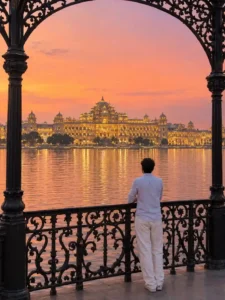
The photo looks so beautiful because every part of the scene goes well together. You can see a person standing near a beautiful black railing, with a wide water view in front and a big palace or temple in the background. The palace looks even better because of the warm lights, while the sunset sky has soft pink, orange and purple shades. The reflection of the lights on the water also gives the photo a really nice travel vibe. Another thing that makes this photo different is the big decorative frame around the sides, which makes it look like the picture was actually clicked from a beautiful viewpoint. This is probably why people are liking and sharing this trend so much. It gives a normal photo a completely different look without needing an actual trip or expensive photoshoot. If you also want a photo that looks a little different from your usual selfies and portraits, then you should definitely try this trend. You can use your own photo and create a similar scene with a simple prompt, and the final picture can be perfect for sharing on Instagram, Facebook or even as your profile photo.
Waterfront Palace Photo Prompt
CREATE PHOTO
Best Way To Create Your Waterfront Palace Photo
If you also want to create this beautiful waterfront palace photo, the process is pretty simple. First of all, copy the prompt given in this article. After that, open ChatGPT and paste the prompt into the chat. Now click on the photo add icon in the chat and upload the photo you want to use. Make sure you choose a clear photo where you are properly visible, as this will help ChatGPT create a better result. Once your photo is uploaded, simply submit the prompt and let ChatGPT do its work. You may have to wait for a little while after submitting it. Sometimes the image can take around 3–4 minutes to generate, so dont worry if it takes some time. Once the photo is ready, check the result and if you like how it looks, simply save it to your phone. That’s it, you can now share your new AI travel-style photo with your friends or post it on your social media.
3 FRAME PHOTO PROMPT
Choose a Clear Photo for Better Results
Before creating the photo, make sure you choose a good picture of yourself. Try to use a clear photo where your face and overall look are properly visible. Avoid using a photo that is too blurry, dark or heavily edited, because it can affect the final result. A simple and natural photo usually works better for this type of AI editing. You can use a selfie or a normal portrait, but make sure the person you want in the final image is clearly visible in the photo. This will help ChatGPT understand your face, hairstyle, skin tone and overall appearance better. Also, you dont need to worry much about the background of your original photo because the AI will create a completely new background based on the prompt. Just pick a clear photo that you like and upload it with the prompt.
Conclusion
So friends, creating this type of beautiful travel photo is actually pretty easy with the right prompt. You dont need to visit a palace or spend money on a professional photoshoot. Just use a clear photo of yourself, copy the AI Waterfront Palace Photo Editing Prompt given above and follow the simple steps. ChatGPT will create the whole waterfront scene with the beautiful sunset, water, railing and palace in the background. You can also try different photos to see which one gives you the best result. Once your photo is ready, you can save it and share it with your friends or post it on social media. So if you were also looking for an easy way to create this trending AI photo, give this prompt a try and see how your picture turns out.