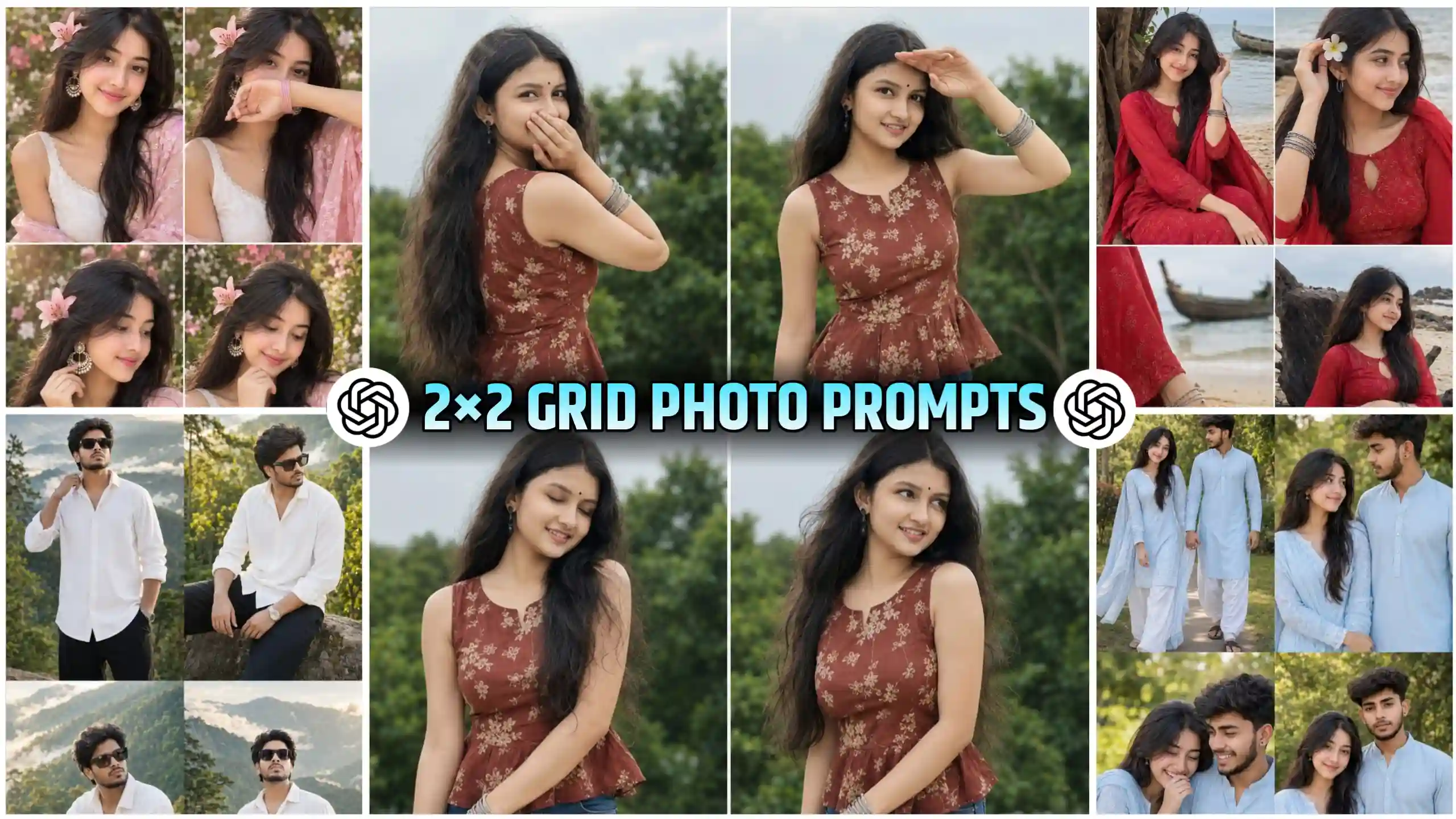
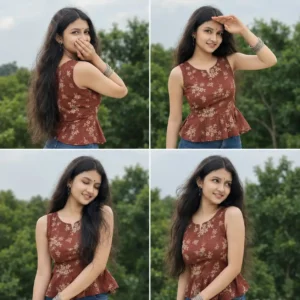
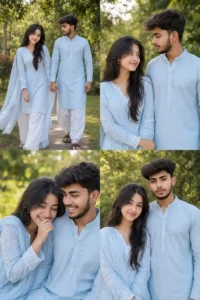
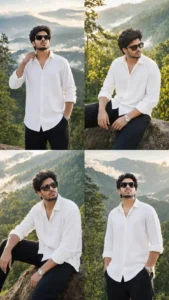
2X2 Grid Collage Ai Photo Editing – Just some time ago, when I was using Instagram among my friends, I saw a lot of 4 frame photos. They were being created by a lot of people. After that, when I went to Facebook, there too I was getting to see a lot of such photos. People were creating similar 4 frame photos. Now, when I saw this photo for the first time, I felt as if it was a very real photo. But when I looked at it a little carefully, then I came to know that people are using AI to create it. We are generating it by doing this. It looks very realistic type. Then I thought, why don’t I also guide you guys on how to make this type of viral 2/2 grid photo. So that you can also create your own such trending photo. Now see, if you are a boy or a girl, you will still be able to make it easily. We are going to give you a best prompt for you. You will be able to create your photo using any of these according to your own. We will tell you all step by step below. We will also do some guiding.
More Prompts: Chatgpt & Gemini Photo Prompts
2X2 Grid Collage Ai Photo Editing Using Chatgpt
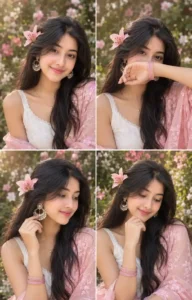
Look, friends, it is going to be very easy to create this photo using chatgpt only. Because in this photo we are shown four frames, and in each frame our photo is seen with different pose. Now if we get this work done by Google Gemini, then it will not be able to create our photo in such a detailed manner. Because I have seen that whenever Google Gemini comes to details, it definitely makes some mistake there. It will either make the pose of our photos exactly the same. Or it will do it in a slightly different way, due to which our photo will not look good. So here we will use chatgpt only. Because it understands the command of our prompts very well, and takes action on it, and then creates the photo. Now look, this photo is trending the most in trading, and many people are busy in creating it on Facebook also. As I told you, here we will provide you chatgpt prompts. All you have to do is copy this and go to chatgpt and send it to chatgpt along with your photo. After some time, he will create your photo and give it to you. Rest I am going to explain it to you step by step below. You will be able to read it in a more detailed manner, and can create your photo easily.
Viral Frame Photo Editing

CREATE YOUR PHOTOS
Best Way To Create Such Photos With Ai
Look friends, the first thing we have to do is to look at the photos given above very carefully. We have given you sample photos. Whichever photo you like the most, that is, whichever way you want to create your own photo, you have to copy the prompt given below by selecting it completely. After that, you have to go to chatgpt. Look for that. You can also use the application. Otherwise, you can also use the browser version to go there. After you people get to see a plus icon, then you have to click on that icon and select your own photo. Select such a photo in which your face is visible well. Then paste the copied prompt there. Now friends, you have to wait for a while. Within a few seconds, your photo will be created and appear in front of you. Then you can easily see it by clicking on that photo. If you want, you can also save it by clicking on the save icon. If you find, then in this way you will be able to create viral four frame photo of Instagram and Facebook.
ChatGPT vs Google Gemini for AI Photo Generation
Look, this is the most important part of this article. This will decide how your photo will be made. Whether it will look attractive, or it will remain a normal photo. Look, first of all, let me tell you that in today’s time, there are only two best photo creator AI tools. The first is chatgpt, and the second is Google gemini. People can get photos created according to their prompt in these, and they also work well. But if we talk about who is the best among them, then let me tell you that although both are the best, they have some shortcomings of their own, some advantages, some disadvantages. Like if you get your photo created through chatgpt, then it will create your photo in a very high detailed manner. The details in your photo will be visible very well, and the photo will look a little artistic and painting type, which means it will not look that much, but yes, due to the details, such an effect is there. But with chatgpt, you can create only a few photos in a day. After that, there is a limit. So this is one of its biggest shortcomings. If we talk about Google Gemini, then friends, Google Gemini creates our photos in a very natural way. Suppose you have given a prompt to Google Gemini, and you want to get your photo created. Then it will try to create your photo in a very natural way so that you can see your photo. It seems to be of real type. But in the meantime, friends, it misses the details. Somewhere it does not capture the details in the photo properly. But yes, it creates the photo very quickly and gives it to you. You can create as many photos as you want. Now I think you must have understood which of these will work best for you. If you want to make a lot of photos, then you can use Google Gemini. But if you want a detailed photo. If you want to create it, then you can use chatgpt.
Golden Hour Trend: Cinemetic Eyes Photo Prompts
Conclusion
Look friends, I have given my best to you in this article so that you can understand all the steps well. I have described each step in detail to you. I have full hope that now you people will be able to easily create your own trading photo in this way. You can show yourself with many poses in just one photo. The best thing is that you look very smart in this type of photos. Even after this, if you people have any doubt in your mind. If you have any, then you can ask us by commenting directly. We reply to all of you. Whenever a new photo editing or video editing trend comes on Instagram and Facebook, we guide you on creating it on this website. We also give you a prompt for the same. So, if you are interested in editing, then you can stay with us. You will get to see a lot of benefits on this website.