
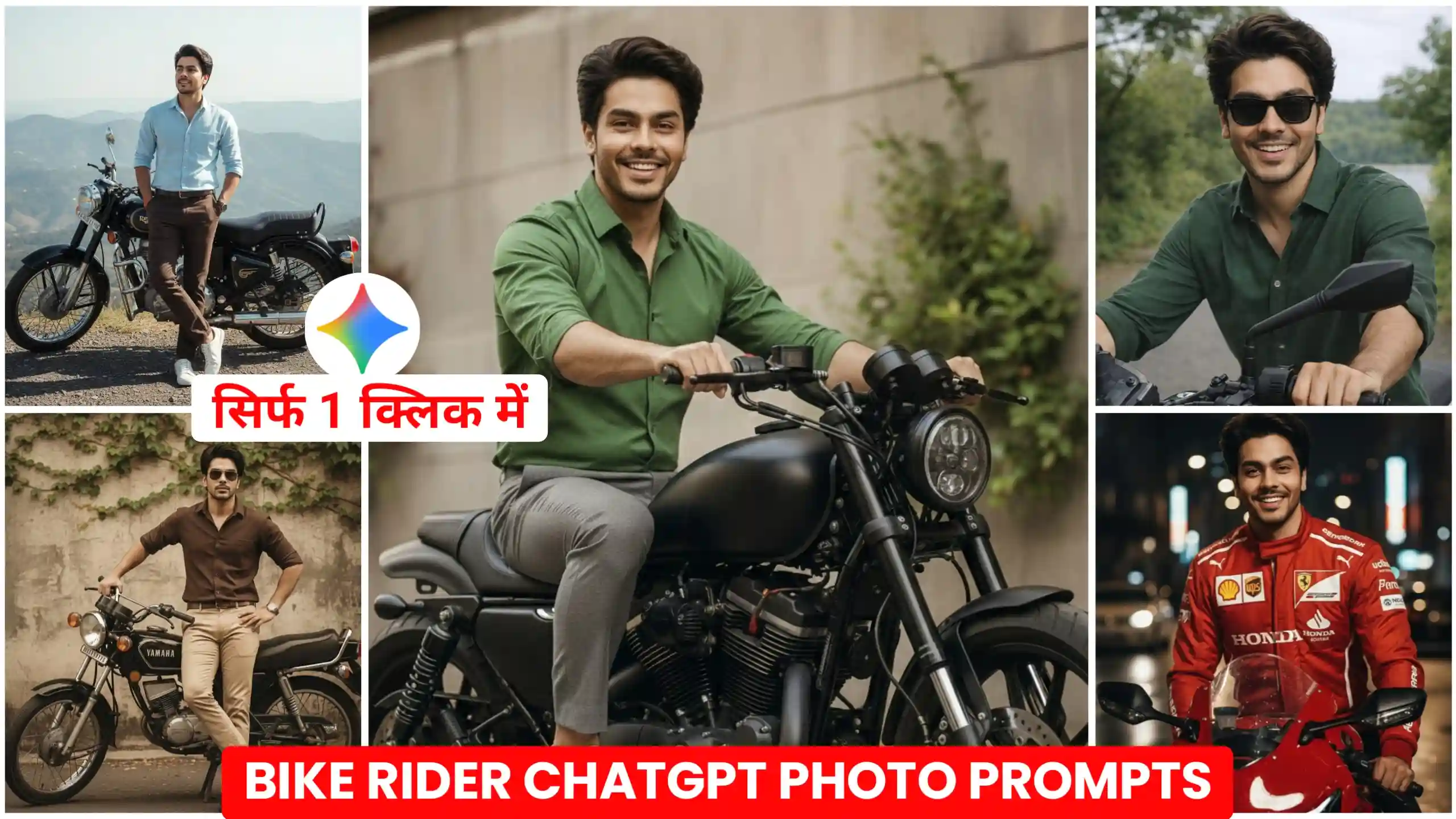
In today’s article, I’m going to give you ChatGPT Biker AI photo editing prompts. These are currently going viral on Instagram and Facebook. Everyone is creating these kinds of photos and uploading them to their social media accounts, and they look absolutely amazing. These photos look so realistic that you can’t even tell if they were created with AI or if they’re real. You might know that earlier, when we used ChatGPT to create photos, it didn’t create them in a realistic way. But now, ChatGPT has been upgraded so much that if we use it to create photos, it creates them in a completely natural and realistic way. So, in today’s article, I’m going to give you bike riding ChatGPT photo editing prompts that will allow you to create similar photos. All you have to do is read this article from beginning to end. We will explain everything step by step. If you read everything carefully, you will be able to create your own bike riding photo in just one click.
Chatgpt Biker Ai Photo Editing Prompts
If you’re active on Instagram right now, you’ve probably seen these kinds of bike riding photos somewhere, because they’re going viral on Instagram. Many people are creating similar photos and uploading them to their accounts. I also received many comments on my Instagram asking me to provide prompts for creating these kinds of bike riding photos. So, I’ve brought you bike riding prompts again today. If you remember, in my previous article, I gave you Google Gemini bike riding photo prompts, but in this article, I’m going to give you ChatGPT bike riding prompts. Now, it’s not like these prompts will only work with ChatGPT. You can also use them with Google Gemini to create your photos. It will also create them very easily. But to be honest, you should use ChatGPT because it creates our photos in much higher quality, whereas Google Gemini keeps the photos natural but doesn’t produce the same high-quality results.
Cinematic Outdoor Bike Portrait

Cinematic Night Street Portrait

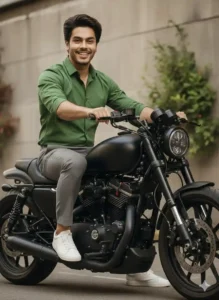
Luxury Urban Bike Photoshoot
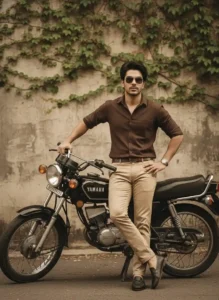
Vintage Cinematic Bike Portrait
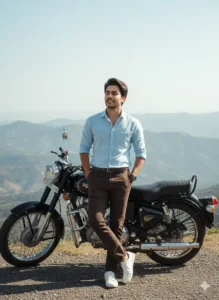
Cinematic Travel Adventure Portrait
create your photos
Realistic Bike Riding Photo
Friends, you must have noticed one thing at some point: whenever you use any image creator tool to create your photos, the tool does create the photo, but it looks like it was created using AI. The photo doesn’t look real, which defeats the purpose of creating it, because our main goal is to make the photo look completely realistic. Now, many people previously used Google Gemini for this because Google Gemini creates our photos in high quality and, most importantly, it matches our face perfectly, creating a very realistic image. No one can tell that the photo was created using AI. However, it doesn’t create the photo in 4K Ultra HD. On the other hand, ChatGPT keeps our photos natural and, best of all, creates them in 4K HD quality. That’s why we’ll be using ChatGPT here. If you want, you can also use Google Gemini, but as I mentioned, it compromises on quality.
How To Create Bike Riding Photo Using Chatgpt
Now, I’ve explained everything to you in detail above. You’re probably wondering how you can create these kinds of photos yourself. So, let me explain that to you in a simple way. You can download the ChatGPT application, or you can use its web version. We’ll be using the web version here. It will edit our photos in less time. If there’s one thing I dislike about ChatGPT, it’s that it takes a little time to create our photos. So, we’ll be using the web version of the website. After that, you need to carefully read all the steps mentioned below and follow them exactly.
- First, you need to look very carefully at the photos provided above, and then, for the photo you like or the type of photo you want to create, click on the prompt given below it to copy it.
- After that, you need to click on the red button called “Create Your Photo,” which you will find at the top of the page.
- As soon as you click on this button, you will be taken to the ChatGPT website. There, you will first need to log in.
- After that, friends, you will find a plus icon there, so you need to click on it and add a photo of yourself where your face is clearly visible.
- After that, you will have to paste the copied prompt there and then send it to ChatGPT.
- After waiting a few seconds, your photo will be created, and you can then click on it to save it to your phone’s gallery.
Conclusion
Look, I’ve tried my best here to explain everything to you in a clear and easy-to-understand way. That’s why I’ve explained everything step by step. Now you’ll be able to create your own photos using these ChatGPT Biker AI Photo Editing Prompts. If you liked today’s article, please let us know in the comments. If you need any other types of photo editing prompts that you’d like from us, you can also tell us in the comments. We’ll write a new article and provide you with many more photo editing prompts of that type.



Very nice
Photo edit