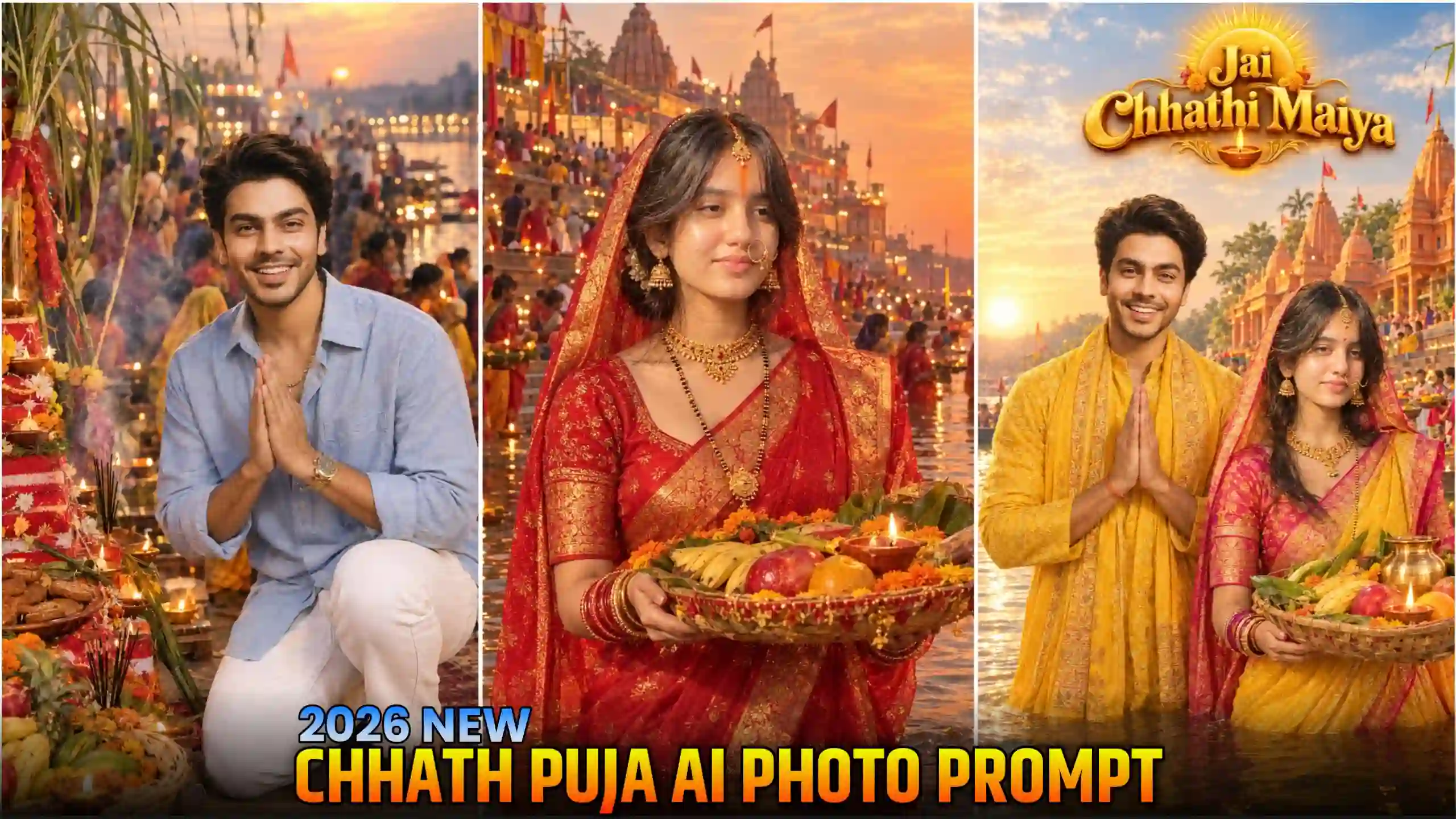
Chhath Puja AI Photo Editing Prompt – Chhath Puja is coming very soon and everyone is getting ready for this festival. At this time many people like to click their photos in traditional clothes and share them on Instagram. Some people also take photos near the river while doing Chhath Puja. But when we click our own photos with mobile, sometimes they don’t look that good. The background is not perfect, lighting is also not good and many times we don’t even know which pose we should give. Because of this our photos don’t look like the photos we see on Instagram. But now you can make these types of photos with the help of AI. You don’t need to go anywhere or spend money on a photoshoot. Just use your own photo and a good prompt, and AI will create a Chhath Puja photo for you. The photo will have a beautiful ghat background, traditional clothes and nice lighting. It can look like you have actually clicked this photo during Chhath Puja. In this article I will show you how you can create these photos in very simple steps. It doesn’t matter if you are a boy, girl or want to make a couple photo with your partner. Everyone can create their own Chhath Puja AI photo very easily. Just follow the steps given below.
INSTGRAM PROFILE PHOTO EDITING
Amazing Chhath Puja AI Photos
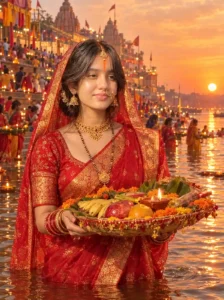
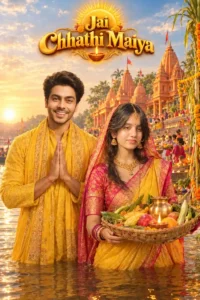
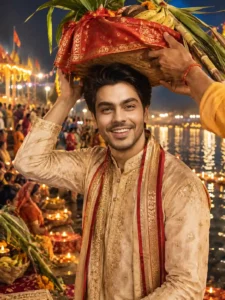
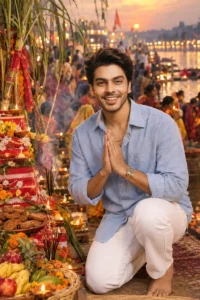
When you see these Chhath Puja photos, you will also feel like creating one for yourself. In these photos, you can see people celebrating Chhath Puja near the river and their photos look just like a real photoshoot. In some photos, a girl is wearing a beautiful red saree and holding a basket with fruits, coconut and other puja items. In other photos, a boy is wearing a yellow kurta with a gamcha on his shoulder and standing near the river. You can also see couple photos where both are wearing traditional clothes and standing together near the Chhath ghat. The background is also looking very beautiful, with the setting sun, river water, diyas, banana leaves and many people doing puja. Even small things like the light on the face, clothes and the way people are standing make these photos look so good. The best thing is that you can create any type of photo according to your choice. You can make a single photo, a couple photo or even a photo with your family. You don’t have to arrange all these things in real life or visit a special place for a photoshoot. Just use AI and your own photo, and you can get this type of Chhath Puja photo very easily. That’s why so many people are trying this trend and sharing their photos on Instagram.
Chhath Puja Photo Prompt
Chhath Puja Prompt
CREATE CHHATH PUJA PHOTO
Create Your Chhath Puja Photos Using Prompt
Now you must be thinking how you can create these Chhath Puja AI photos for yourself. So, let me tell you that you can use both ChatGPT and Gemini for creating these photos. If you want a more natural looking result, then you can use Gemini, and if you want high quality photos, then ChatGPT is also a good option. In this article, I will show you the process using ChatGPT, but don’t worry because the process is almost same in both apps. First of all, open ChatGPT on your mobile. Now look at the Chhath Puja photos given above and choose whichever style you like. Below every photo, I have given a prompt, so just copy the prompt of the photo you want to create. After copying it, open ChatGPT and paste the prompt in the message box. Now click on the photo add icon and select a photo of your own face from your gallery. Always try to upload a photo where your face is clearly visible and the quality is good. Don’t use any blurry or very low quality photo because it can affect the final result. After adding your photo, send the prompt along with it to ChatGPT. Now wait for some time and ChatGPT will create your Chhath Puja photo. Once the photo is ready, click on the save icon and save it to your phone. That’s it! In this simple way, any boy, girl or couple can create their own Chhath Puja AI photo very easily.
SEE MORE VIRAL PROMPTS
Tips to Get Best Chhath Puja AI Photo Results
If you want your Chhath Puja AI photo to look more real and beautiful, then you should take care of some small things before creating it. First, always use a clear and high quality photo of your face. Your face should be properly visible in the photo, so AI can match it in a better way. Don’t upload any blurry photo or photo taken in very low light because sometimes the result does not come out good. Also, try to use a photo where you are looking straight at the camera. One more thing, when you copy the prompt, make sure you copy it fully and don’t miss any line from it. If you want to create a couple photo, then upload clear photos of both people so that AI can understand both faces properly. Sometimes the first result may not look exactly like you want, so don’t worry about it. You can send the same prompt again or try with another photo of your face. You can also make small changes in the prompt if you want a different pose or background. Just keep these small things in mind and you will get much better Chhath Puja AI photos.
Conclusion
So friends, in this article I have told you how you can create beautiful Chhath Puja AI photos using ChatGPT and Gemini. Now you don’t need to worry if you are not able to click good photos during Chhath Puja. You can simply use your own face photo and create these amazing festival photos with the help of AI. I have also shared different photo styles and prompts above, so you can choose any photo style which you like the most and create your own image. Whether you are a boy, girl or want to make a couple photo, this method will work for everyone. Just follow all the steps properly and use a clear photo of your face to get a better result. I hope you will also try this Chhath Puja AI photo trend and share your photos with your friends on Instagram. If you face any problem while creating your photo or have any question about the prompts, then you can tell me in the comment section. I will try to help you. Also, don’t forget to share this article with your friends so they can also create their own Chhath Puja AI photos.