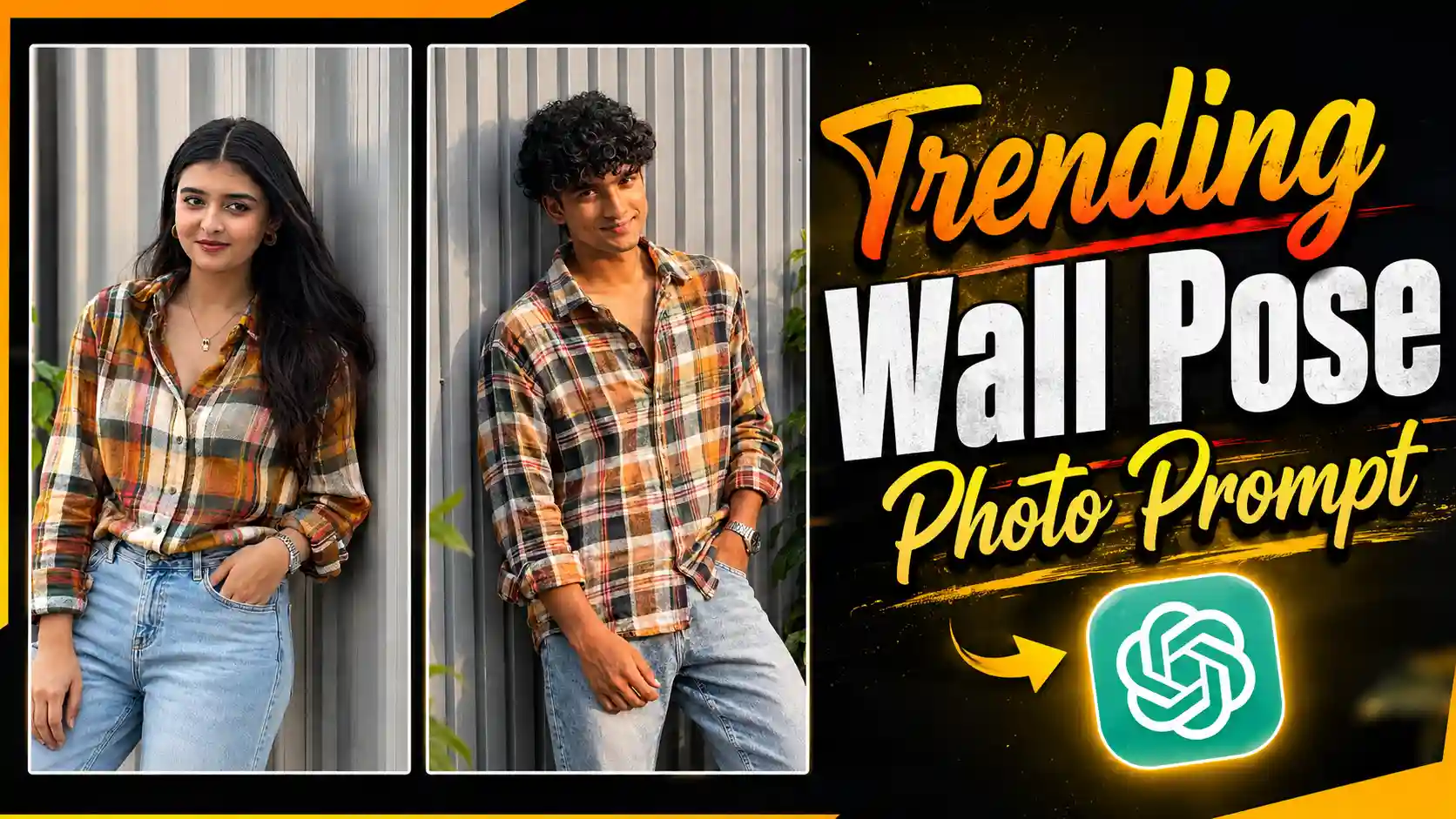
Wall Lean Pose Portrait Prompt – My name is Anup Sagar, and I regularly share useful photo editing tips, creative AI photo prompts, and new editing ideas that you can try on your own pictures. Recently, a new photo style has been getting a lot of attention, especially for its simple yet stylish look. The Wall Lean Pose Portrait is all about creating a natural-looking portrait where the subject casually leans against a wall with a relaxed and confident pose. What makes this style interesting is that it does not require a complicated background, expensive camera setup, or professional photography skills. You can create a similar-looking photo using a simple reference image and the right AI prompt. The result can look surprisingly realistic when the pose, outfit, lighting, and facial details are described properly. In this article, I am going to show you exactly how you can create this Wall Lean Pose Portrait step by step. So, if you have also seen this style and want to try it with your own photo, stay with me because I will explain the complete process in a very simple way.
RADHA JI CAPCUT TEMPLATE
Wall Lean Pose Portrait Prompt
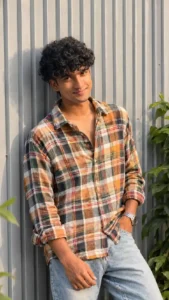
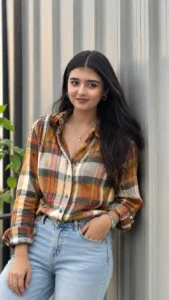
If you have noticed this photo trend recently, you may have seen both boys and girls creating their own versions of it. The main attraction of this style is its simple, casual, and realistic appearance. In the popular version, the person is usually standing beside a plain wall, slightly leaning against it in a relaxed pose, with one leg naturally positioned forward and the body turned a little toward the camera. The outfit is also kept simple and stylish—for example, a dark or neutral-colored checkered shirt or casual shirt paired with loose or straight-fit jeans or trousers. The background is generally clean and minimal, with a simple wall, soft natural lighting, and a slightly blurred area around the subject to give the photo a professional portrait feel. The expression is usually calm and confident rather than overly posed. The best part is that you don’t need to recreate the whole setup yourself. With the right photo prompt, you can create almost the same type of picture in just one click using only a single clear selfie of yourself.
CREATE PHOTO
Why Are People Creating This Photo?
People are creating this photo trend mainly because it looks very real and natural. Everything in the picture, including the shirt, pants, hairstyle, pose, lighting, shadows, and background, gives the feel of a real photograph. The simple wall and relaxed pose make the picture look stylish without making it feel over-edited or fake. When someone sees the final photo, it can easily look like it was clicked with a good camera in a real location. This is also the reason people are choosing AI instead of actually going somewhere and getting the same type of photo clicked. In real life, you would need a suitable location, the right outfit, proper lighting, and someone who can take the photo in the perfect pose. But with AI, you don’t need to arrange all these things. You can simply upload one normal selfie and use the right prompt to create a complete photo in this style. This makes the process much easier and faster, while still giving your normal selfie a realistic and stylish portrait look.
MIROOR GIRL PHOTO EDITING
How to Create This Photo
Creating this photo is very easy, and you don’t need any professional editing skills for it. First, copy the prompt given in this article that I have provided for creating the Wall Lean Pose Portrait. After copying the prompt, open ChatGPT on your phone or computer and start a new chat. Now, you need to add your own selfie to the chat. For this, simply click on the photo or attachment icon that you see near the message box and select the selfie you want to use from your gallery. Try to choose a clear selfie where your face is properly visible, as this can help create a better result. Once your photo has been uploaded successfully, paste the prompt you copied from this article into the message box. After that, simply tap the Send button and wait for ChatGPT to generate the photo. Within a short time, your normal selfie will be transformed into the same stylish Wall Lean Pose Portrait style shown in this article. Once the image is ready, check the result and, if you like it, simply save the generated photo to your device and use it wherever you want.
Conclusion
So, if you also liked this photo style and wanted to create a similar picture of yourself, you can easily do it with just one normal selfie and the right prompt. You don’t need a professional camera, special location, or any advanced editing skills. Just upload your selfie to ChatGPT, use the Wall Lean Pose Portrait Prompt given in this article, and let AI do the rest. The result can give your simple selfie a completely different and stylish portrait look while keeping the overall appearance natural and realistic. You can also try the same prompt with different selfies, outfits, and poses to create your own version of this popular photo style. I hope this guide helped you understand the complete process and made it easy for you to create this photo on your own.