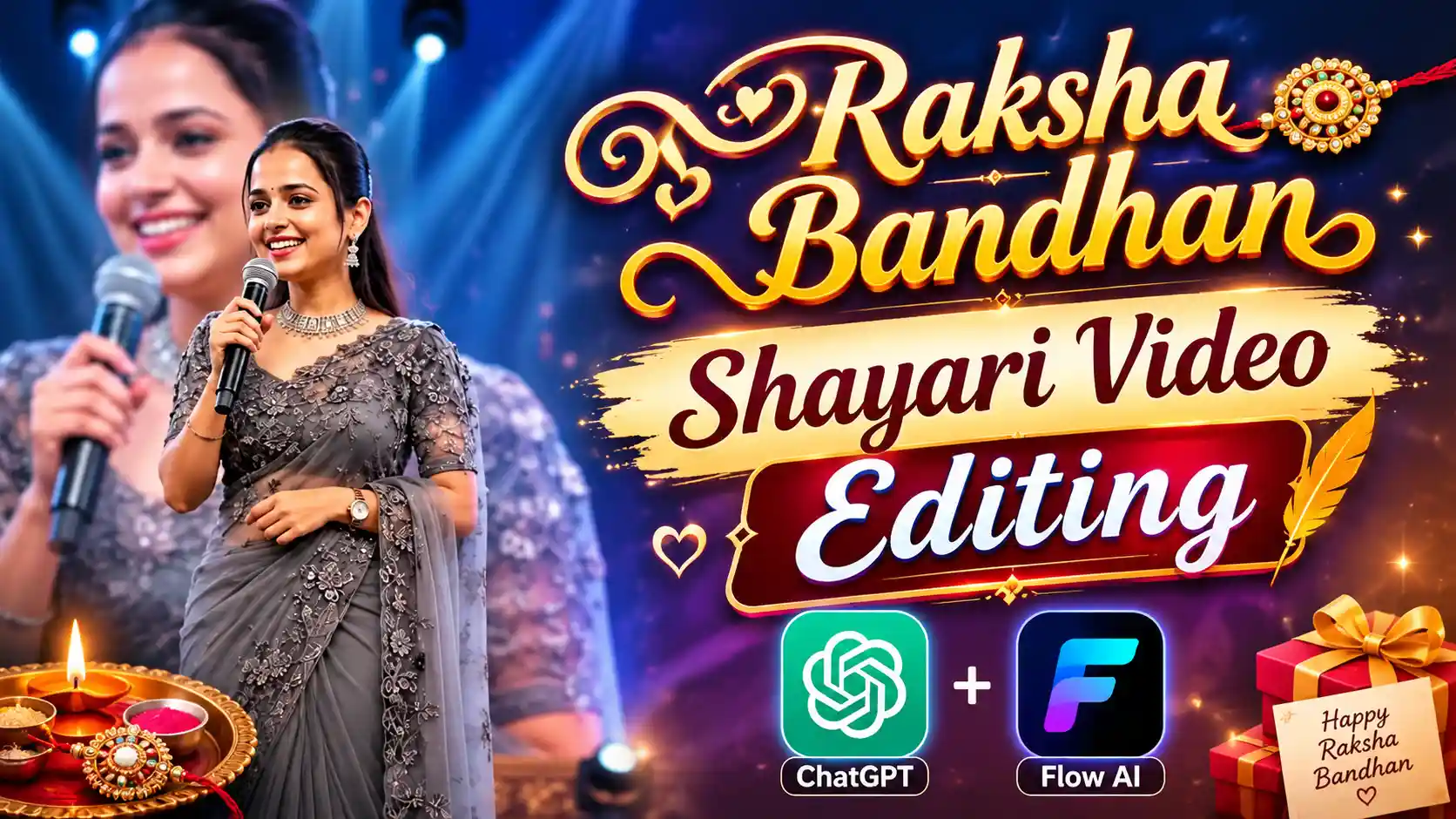
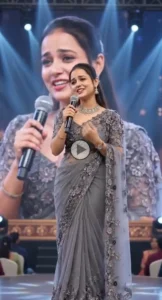
Raksha Bandhan Shayari Video Editing – You all must be knowing that Rakshabandhan is about to come, and on this day, brothers tie Rakhi to their sister, and the sister blesses them. They also make their own photos and videos of that time and upload them on social media. In the same way, many people are also making Rakshabandhan shayari videos in the present time, which are going on in a lot of business. Friends, what is happening in this is that the sister uses AI to make this type of video, in which she writes some shayari on the brother. She is speaking. Now see, she looks very real and professional in the video. First of all, she transforms her normal selfie photo into a photo of her standing on a professional stage. Then she converts that photo into a video, where she is reciting poetry, and the movement and lip syncing are happening in a perfect manner. Hence, it looks as if she is really going on a big stage and making this kind of video where she is speaking poetry. In this, friends, she speaks good poetry about her brother and tells how much her brother is very dear to her. So today, we will tell you how you too can generate this type of Trading Rakshabandhan Shayari AI Video for your brother.
NEW TRENDING AI VIDEO
Raksha Bandhan Shayari Video Editing
In India, Rakshabandhan is celebrated with great pomp and show. You must be aware that here, people celebrate every small festival very well, like Best Friend’s Day, Friendship’s Day, Brother’s Day, Father’s Day. In this way, friends, we celebrate all types of festivals well, but the most loved among them all, friends, is Rakshabandhan because it is the love of brother and sister. We are shown that the sister ties Rakhi to the brother, and the brother gives him a gift and also gives him his blessings. This festival is very lovely, friends. It is celebrated every year, and at that time, brother and sister click their photos and videos and upload them on social media. In the same way, I had seen a video of friends on social media, which was becoming very viral, in which a girl is standing on a big stage and reciting some poetry on her brother, which is very emotional and lovely. In it, she tells how much she loves her brother. So friends, you all know that whenever a new trend comes, first of all, I try to teach you how to create it on my website so that you can also create it. So today, we will tell you how you can create this video.
First Create Raksha Bandhan Shayari AI Photo
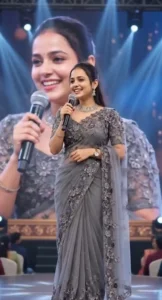
Look, to make this video, first of all, we have to create a Shayari photo in which, friends, the girl will be standing on a big stage with a mic because we will convert this photo into a video. So, to generate this photo, first of all, you guys have to copy the prompt of the photo given below. After that, you guys have to go to ChatGPT and add a selfie photo of your own by clicking on the plus icon there. After that, you guys have to paste the prompt there, and this has to be submitted to ChatGPT. After waiting for some time, your photo will be created and appear in front of you. Then, you have to save it in your phone’s gallery by clicking on the save icon given above. Now, look, here we have the photo generated. Now, friends, it is the turn to convert it into a video. So, for that, you have to read the next paragraph carefully.
CREATE PHOTO
Now Create Raksha Bandhan Shayari AI Video
Look, friends, we have just made a photo. Now, friends, we will have to make a video of it in which this girl will be speaking poetry and will be doing movements in a very realistic manner. So, for that, friends, you will have to copy the text that we have given below to you guys. This is just a type of poetry. After that, you guys have to go to the website of Flow AI, and there, you guys have to select the video option. After that, on the top side, you have to see a plus icon there. If you find it, then you have to click on it and add your own photo, which we had created through ChatGPT. After that, you will also get to see a plus icon on the bottom side. Then, click on it and select that photo, and then paste the text of the poetry there and submit it to Flow AI. Just wait for a while, and your video will be generated and appear in front of you. Then, friends, you can click on the export icon and save it in your phone’s gallery also. You will be able to save this Rakshabandhan Shayari video, which is going on in trading, very easily.
CREATE VIDEO
Conclusion
Look, friends, here I have tried my best to explain everything to you in a good way and what I have told you here about Raksha Bandhan Shayari Video Editing, in this way, you can also create your trending Rakshabandhan AI video very easily. Friends, we hope that you have liked our today’s article very much. If you have liked it, then please do let us know by commenting below. This gives us a lot of motivation, friends, and we will create more new ones like this. Are you able to write trending articles? And friends, if you people see any other new trending video on Instagram, Facebook, or any social media, and you want to create that too, if you want us to tell you in detail how to make it, then you can tell us by commenting below. We will try to guide you in making that video in the next article.