144 to 1080 quality Capcut Template – You must have seen many different types of videos on social media, in which different types of effects are added. But have you ever thought that someday such a trend will also come, in which the quality of the video will be shown by increasing it? Yes, friends, you have heard absolutely right because, at present, a new trend is going viral on Instagram, in which our videos are converted from low quality to high quality and shown. As you must have seen, that when we run YouTube, friends, there we get the option to select the quality of the video. Like, we can play the video in 144p. We can also play the video in 1080p. We can also play the video in 4K. So, in exactly the same way, friends, many people on Instagram are making such videos, in which they show their own video by upscaling it from 144p to 4K. And they do this step by step, so that the difference from low quality to high quality is visible in our video. So, today I am going to guide you on how to create such low quality to high quality video. You can do it. That too in a very easy way. As you all know, that my name is Anup Sagar, and I have been creating content for the last several years, where I guide you to create such new trending videos and photos. So, today I have brought a new trend for you all, which I am going to create and show below.
Trending Templates – Instagram Capcut Templates
About of 144 to 1080 quality Capcut Template
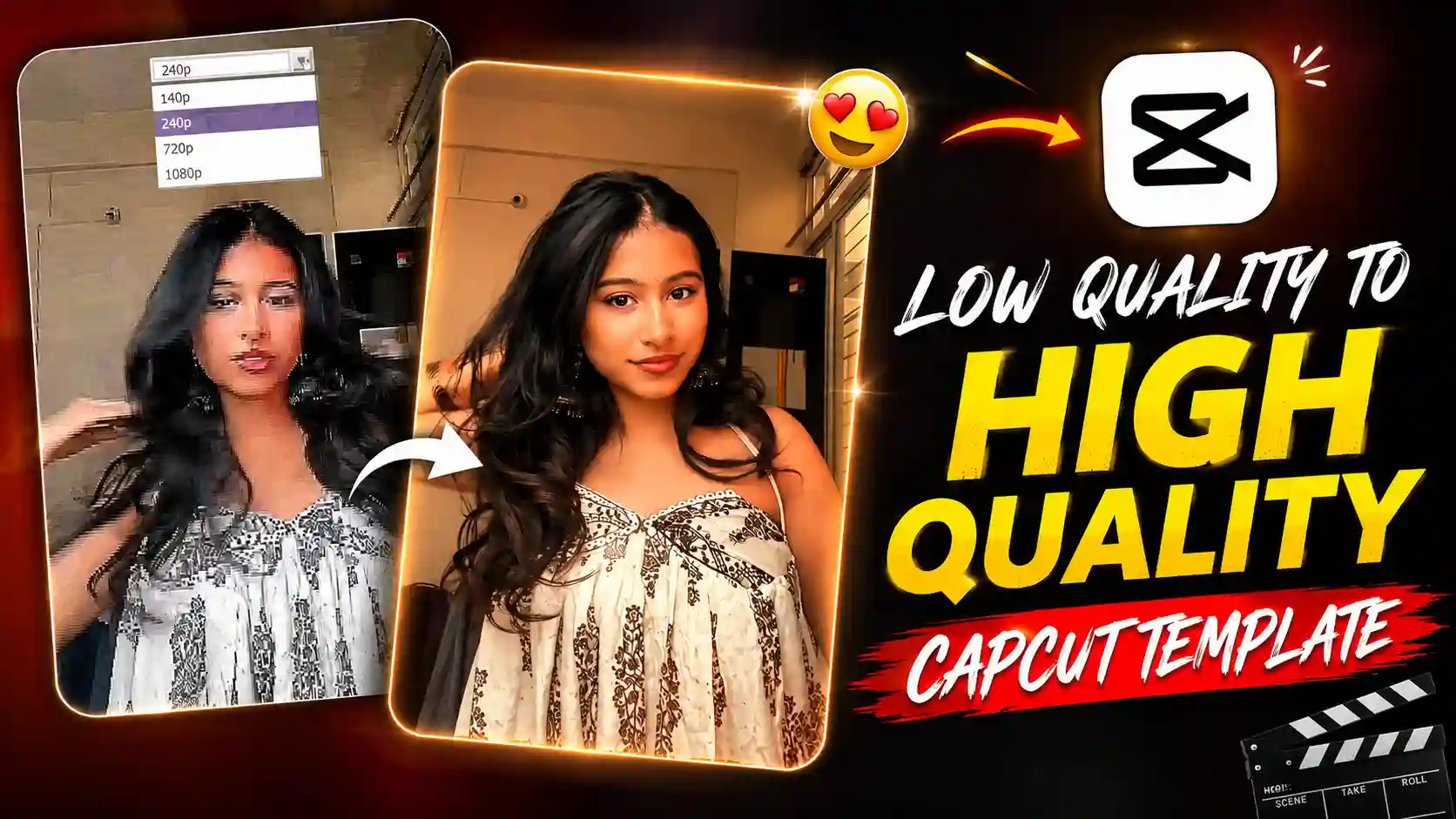
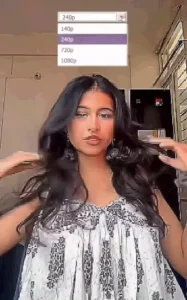
Whenever we are watching a video on YouTube, we get to see an option called Quality. When we click on that icon, we get to see many resolutions there. Like, the lowest quality is 144p, and the highest quality is 4K. And if you have a good monitor or a phone, then it is possible that you will also get the option of 8K on your phone. So, friends, in the same way, we are shown in this video also. Look, let me explain it to you in an easy way. In this, our normal video plays. And in the beginning, it is completely blurry, where 144p is written. After that, a small animation plays in our video, which converts the 144p video to 240p. Then, the quality of our video gets enhanced a little more than before. In this way, one keeps clicking on the high quality resolution step by step. And accordingly, the quality of our video increases. And in the last, it clicks on 4K. And as soon as we click on it, the quality of our video becomes of the highest quality. Like, we get to see many videos in high quality on Instagram. So, today, friends, I will tell you how you can create this trending video in an easy way. The easy way is to create it by using a template because you will not have to do much editing yourself in it.
USE THIS TEMPLATE
Low Quality to High Quality Template Tutorial
Now, if you guys want to create your own video like this, that too in just one click, then you can do it very easily. For this, friends, we will have to use the video low quality to high quality template here. And look, let me tell you one thing about how that template works. In it, friends, in the beginning, when our low quality video is shown, some effects are added at that time, due to which even our high quality video is seen in low quality in the beginning. And when we click on the 4K button in the end, all those effects are removed. And a different effect starts coming, which shows our video in very high quality. In this way, friends, this video is shown. So, now let’s talk about how to use it and how to create a video. For this, you have to click on the use this template button given below. As soon as you click on it, it will ask you to select your video. So, after selecting the video, click on the next icon. And then you have to wait for a while there, until all the effects are added to the video. When the video is hundred percent complete, then you will be able to easily save it in your phone’s gallery by clicking on export.
Conclusion
Look, this low quality to high quality video is very much in trend these days. So, in such a situation, I will tell you people that you should definitely create it once. And I have also tried my best in this article to tell you everything step by step in a good manner. I hope that, friends, you must have liked our article very much. If you liked it, then please do let us know by commenting below. Apart from this, if you face any kind of problem in using this template, then you can also tell us by commenting below. Friends, we will definitely reply to you people. And we will also keep bringing you templates on this website to create all types of trending videos. All the templates that go viral on social media, and all the trending videos that you see on Instagram, which are of editing type, we will tell you people how to create them too. So, we hope that you will stay connected with us.