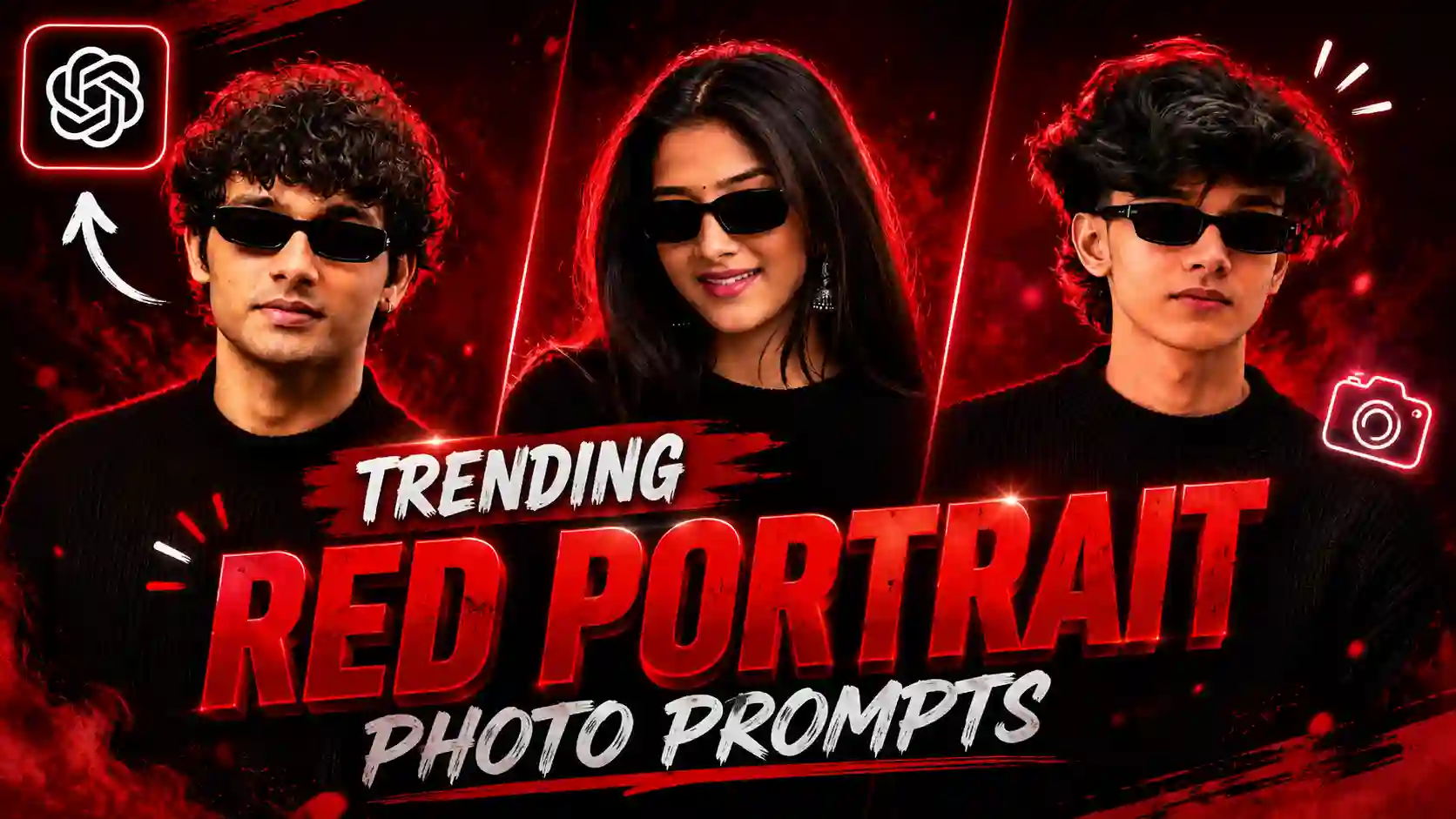
Red Background DP Photo Prompt – Look friends, I am telling you the truth. That this type of photos are being traded the most, in which people are making red profile pictures. And by creating this type of profile photos, they are putting them on their Instagram, Facebook, WhatsApp DP. This type of red profile photos look very professional type. That is why a lot of people are currently engaged in creating this type of trading photos. See, some time ago, when AI had not come, people were getting these types of photos from graphic designers. We used to get edited, because in this we also needed lighting. And for this, many times people used to go to big studios, where there were different types of lighting. And then they were able to get this type of photo created. For this, they had to spend a lot of money. But friends, after the arrival of AI, this type of photos are generated within just a few seconds. And we do not even need to pay money for this. So, in today’s article, we will teach you the same. How to create such rad aesthetic profile picture photos.
New Trend: FIFA World Cup Photo Prompts
Red Background DP Photo Trend
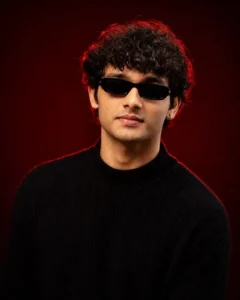
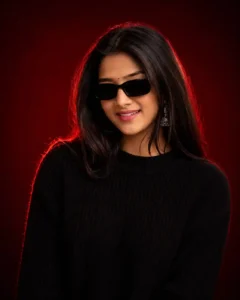
Friends, if you are using social media these days, especially if you are using Instagram, then you must have seen this type of red profile picture photo somewhere. Many people are creating this type of photo. And especially they are creating it to put on their DP, because it is a type of portrait photo in which our face is shown zoomed. And the background is of red color, and our own body is also of light red color. Light keeps coming, due to which the photo looks very cinematic. It seems as if we have gone to a big studio and got this photo clicked. But as friends, I have told you that people are making this photo using chatgpt, because it is created very easily. And we do not have to wait much time. So today we are going to teach you how to create this type of red profile picture photo.
Create Your Photos
How to create Red Cinemetic DP Photo?
Look friends, if you guys also want to create your own red portrait DP profile photo like this, then for this we will first need to match the face in the photo. And to match the face in the photo, you will need a selfie photo of yourself, in which your face will be clearly visible. After that, friends, you guys have to open the chatgpt app, which is available on the Play Store. And after opening it, you guys have to click on the plus icon there and select your selfie photo. You have to select and add it to chatgpt. After that, friends, you all have to copy the prompts of our website given above. And after copying it, you have to paste it on chatgpt. Then you have to send your own selfie photo and the prompt to chatgpt and wait for a few seconds. Like you will wait for a while, friends, this kind of red cinematic DP profile photo will be created in front of you. Then you can easily click on that photo. You can see it by doing this. And then you will be able to save it easily.
Chatgpt Prompts: All Best Photo Editing Prompts
Conclusion
Such red portrait DP profile photos are becoming very popular. Friends, you must be aware that every day new trends go viral on Instagram. Some have something different, and some have something different. But when a trend comes with which everyone can relate, then friends, in such a situation, that trend becomes the most viral, because everyone wants to become it at that time. Look, what is happening in this trend is that people change their profile picture in this way with a red background. You must have noticed that the people who have a professional profile picture have the same background color. And most of the people use red color, like content creators, YouTubers, and those who work on Instagram. They use this type of profile picture to make their profile look professional. That is why people are liking it the most. See, in this article, I have taught you how to create this type of trading red profile picture and the method in which. Here I have taught you to use Red Background DP Photo Prompt. By doing this, you can easily create your photo. If you still have any doubt, then you can ask us by commenting below.