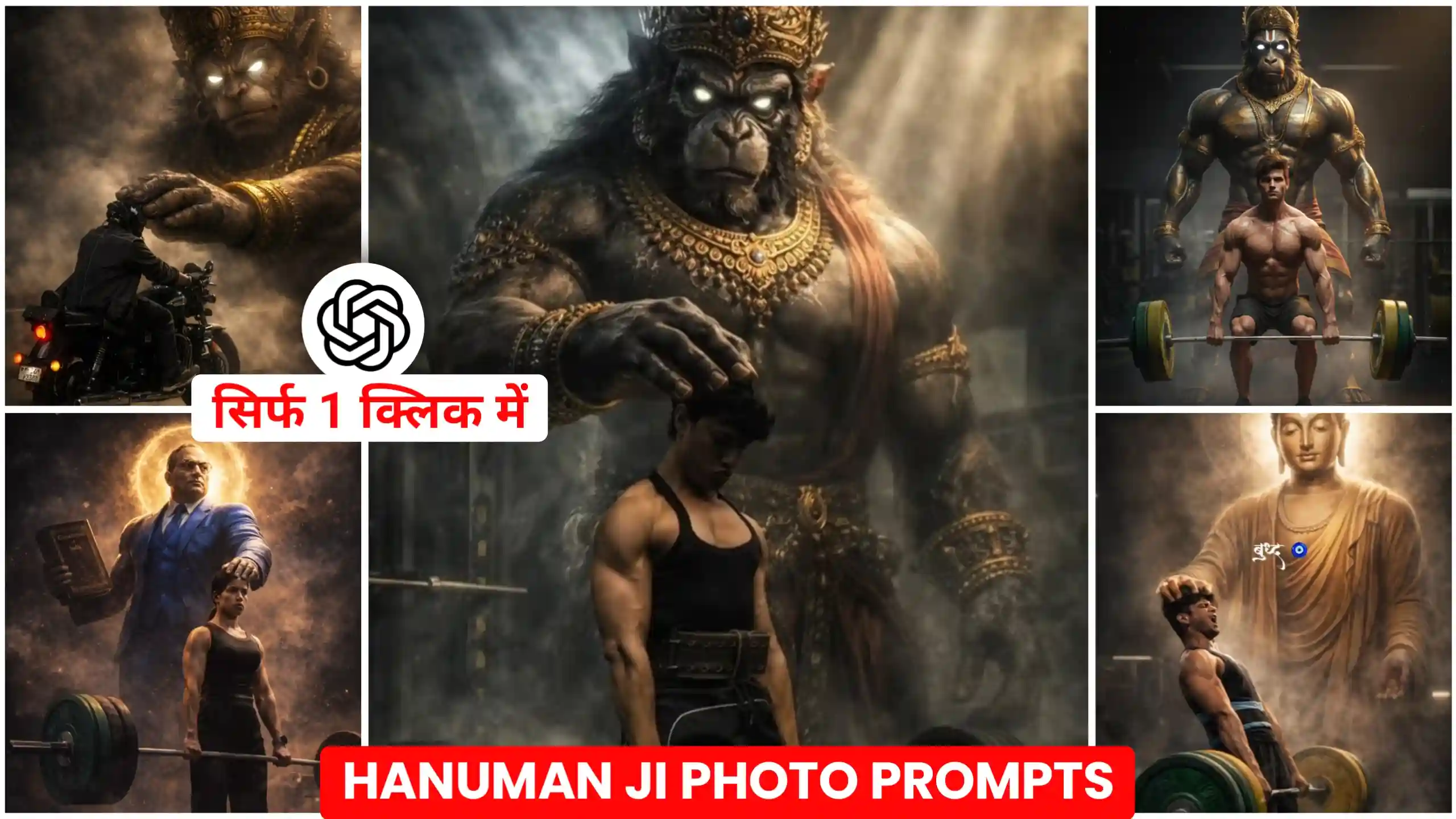
In today’s article, I’m going to give you AI photo editing prompts for Hanuman Ji, Buddha, and Babasaheb Ambedkar. And I’ll also explain in a very simple way how you can create your own photos using these prompts. Currently, people are creating various types of photos like these. Some are creating photos with Hanuman Ji. Some with Buddha. with Ganpati Bappa. And with Babasaheb Bhimrao Ambedkar. Basically, people are creating photos with whoever they believe in. These types of photos are currently trending. So, in this article, I’m going to tell you how you can create these kinds of photos. And I’ll also provide you with the prompts. All you need to do is read this article from beginning to end. I’ll teach you how to create all kinds of photos.
Hanuman Ji, Buddha, Babasaheb Gym Ai Photo Editing Prompts
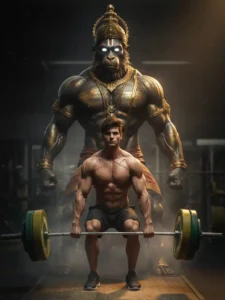
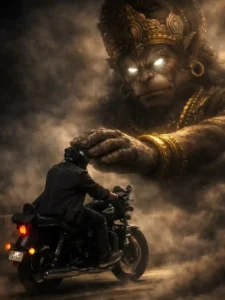
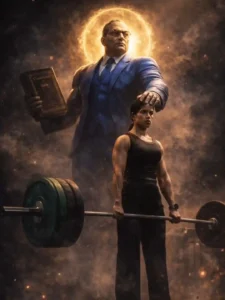
Look, as I’ve already told you, people are creating different types of photos like this. people are creating photos with Lord Hanuman. Some with Lord Ganesha. Some with Babasaheb Bhimrao Ambedkar. And others are creating photos with whichever god they believe in. In these photos, people are shown working out at the gym. Like some are lifting dumbbells. And there’s a very large statue behind them. Which is either of Lord Hanuman or another deity. And they have their hand placed on the statue’s head. It looks as if they are receiving blessings from the god. And these photos look absolutely amazing and dreamlike. So, if you also want to create such photos. And you’ve seen similar photos elsewhere. You’ll know how amazing they look. They look like something miraculous. So, we’re going to create one here. And I’m going to tell you the easiest way to do it. You can create it using ChatGPT or Google Gemini. Both methods are the best. So, let’s talk about how to create it below.
Hanuman Ji Gym Photo Prompts
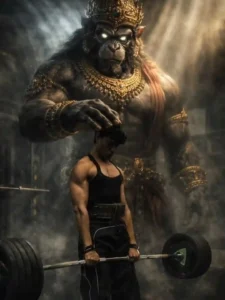
Create a hyper-realistic cinematic mythological scene from the uploaded image. Preserve the same man, exact pose, barbell, gym environment, and camera angle. Behind the lifter, a colossal Hanuman-inspired divine monkey guardian appears — towering, extremely muscular, dark stone-textured skin, glowing white eyes, majestic gold crown, detailed Hindu jewelry and sacred ornaments. A powerful divine aura surrounds him.
One huge hand rests gently on the lifter’s head, symbolizing protection and strength. Dramatic volumetric lighting with god rays cutting through darkness, floating chalk smoke in the air, deep cinematic shadows. Intense emotion, dark fantasy realism, mythic atmosphere, ultra-detailed muscles, strong contrast, shallow depth of field, epic composition, ultra-real cinematic color grading.
Bajrangbali Gym Ai Photo Prompts
Hanumaan Ji Riding Photo Prompts
Baba shahab Gym Photo Prompts
How To Create This Trending Photo
Now, if you want to create a trending photo like this, the first thing you need to do is record a video of yourself working out at the gym or lifting dumbbells. Then, go to the last part of the video and take a screenshot. Crop the screenshot. And then copy one of the prompts we’ve provided above. Click on the “Create Your Image” button. After clicking, ChatGPT will open. Paste the prompt there. And then click on the plus icon to add your screenshot of yourself working out at the gym. Send this to ChatGPT. And you’ll have to wait a few seconds. After waiting for a short time, your photo will be created. You can click on it to view it. And then click on the save icon to save it to your phone’s gallery.
How to create a photo with your favorite god.
Look, friends, I’ve already given you several prompts here that you can use to create your photos. But I know there will still be many people who haven’t found a prompt for their specific deity. If you worship a different god and don’t have a prompt for them. And we haven’t provided one on our website either. Then how can you create your photo? That’s what I’m going to tell you now. Look, friends, you’ll have to do a little work for this. First, you need to copy one of the prompts provided above. Then, go to the ChatGPT website. And paste that prompt into ChatGPT. Then, tell ChatGPT to modify that prompt for your specific deity. Simply tell ChatGPT which god you want to create the photo with. And then send the message. Within a few seconds, ChatGPT will give you a prompt to create a photo with that particular god. Then you can easily create photos with your favorite deity.
Conclusion
Look, I’ve provided you with all kinds of prompts here. And now you can easily create these kinds of photos with whichever god you believe in and want to use. I’ve explained everything thoroughly here. And just like I taught you how to create these kinds of photos using Hanuman Ji, Buddha, and Babasaheb Gym AI Photo Editing Prompts, you can now easily create them yourself. Friends, if you need any other type of prompt that you’ve seen somewhere else. Whether on Instagram, Facebook, or anywhere else. And you want to create a similar photo. You’ll need a photo prompt. So, if you need a prompt, you can let us know in the comments below. We’ll write a new article. And provide you with that prompt.