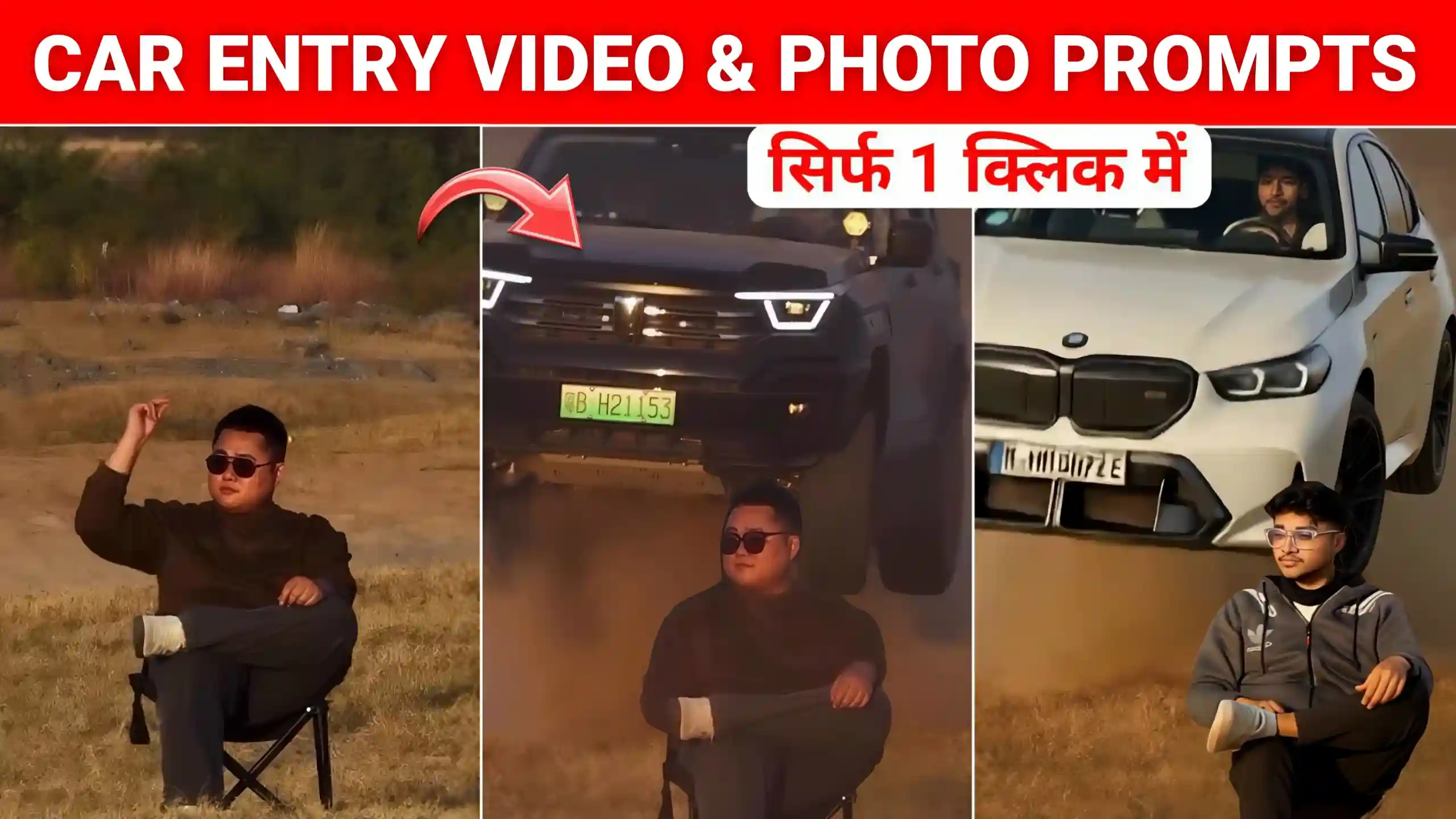
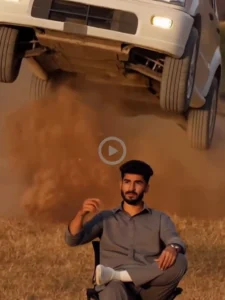
Friends, many people are currently creating car entry videos. So, in today’s article, I’m going to give you an Instagram Car Entry AI Video Editing Prompt. These videos are going viral very quickly on Instagram right now. If you’ve seen them, you’ll know that many people are creating videos on Instagram. In these videos, they’re sitting on a chair. A large car comes from behind, jumps, and passes right by them. These kinds of videos are going viral very fast. Everyone is creating their own versions. So, friends, you too can easily create your own video like this with just one click. In today’s article, I’m going to teach you how to edit it. And most importantly, I’ll tell you how to get the prompt. So, read each step carefully. And follow the instructions exactly.
Instagram Car Entry Ai Video Editing Prompt
Look, I’ll explain this in detail first. And then we’ll learn how to create this type of video. So, in this kind of video, a boy or a girl is sitting on a chair. And there’s sand all around, making it look like they’re sitting in a desert. Then, the boy raises his hand and snaps his fingers. And suddenly a car comes speeding from below, jumps, and this happens behind him, behind where the boy is sitting. The car then passes by him, giving the boy a cool, confident aura. Many people are creating their own videos like this. And some are even making funny versions. To be honest, these videos look incredibly realistic. And even young children are making them, which is why people are liking and commenting on them so much. So, how can you create this? We’ll explain it to you in a simple way below.
Best Way To Create This Trending Car Entry Video
Look, friends, people are creating this trending video in different ways. And some are even using Kling AI to create it. But let me tell you, with Kling AI, you can only generate one video for free. After that, you have to pay for a subscription. So, I’m going to tell you about a much simpler and better method. This allows you to easily create as many videos as you want with just one click. To do this, first, we’ll create a photo of ourselves sitting on a chair. Then, we’ll use that photo to create a video where a large car comes from behind and drives past us. So, first, we need to create our photo. And for that, we’ll be using Google Gemini. You need to read each step very carefully. Now, we’ll begin the steps.
How To Create This Type Sitting Image
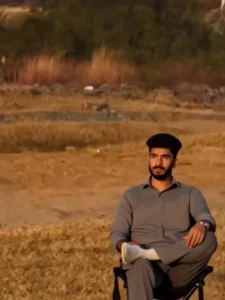
Friends, first you’ll need to create a photo. To do this, first copy the image prompt given below. Then click on the “Create Your Image” button. Clicking this will take you to the Google Gemini website. First, log in there. Then, on the bottom of the page, you’ll find an icon to add a photo. Click on that icon and add a photo of yourself where your face is clearly visible. After that, paste the copied prompt and turn on the “Create Image” button. Then send it to Gemini. Now, you’ll have to wait for a while. As soon as you wait, your photo will be created. You can then easily save it by clicking on your photo and then clicking the download icon. Now, it’s time to convert this into a video and add a trending car animation behind you. So, now you need to carefully follow every step explained below.
create your photos
Create Car Entry Video Using This Image
Friends, to convert this photo into a video, you need to copy the video prompt given below. After that, click on the “Create Your Video” button below. Clicking on this will take you to the Flow AI website. First, log in there. And then click on the “Text to Video” icon and select “Frame to Video.” Then, click on the plus icon and add the photo that we just created using Google Gemini. After that, paste the copied video prompt there and send it. Now, you will have to wait for a while. After waiting for a short time, your video will be created and appear before you. You can then play it there. If you like the video, you can easily save it by clicking on the save icon.
Conclusion
By following all the steps mentioned above and using the Instagram Car Entry AI Video Editing Prompt, you can create your own trending car entry video. We hope you enjoyed this article. If you did, please let us know in the comments. If you have any other questions, feel free to ask them in the comments below. We will also be bringing more trending video editing templates and materials to this website. So, you’ll be able to learn about the video editing process here as well.