
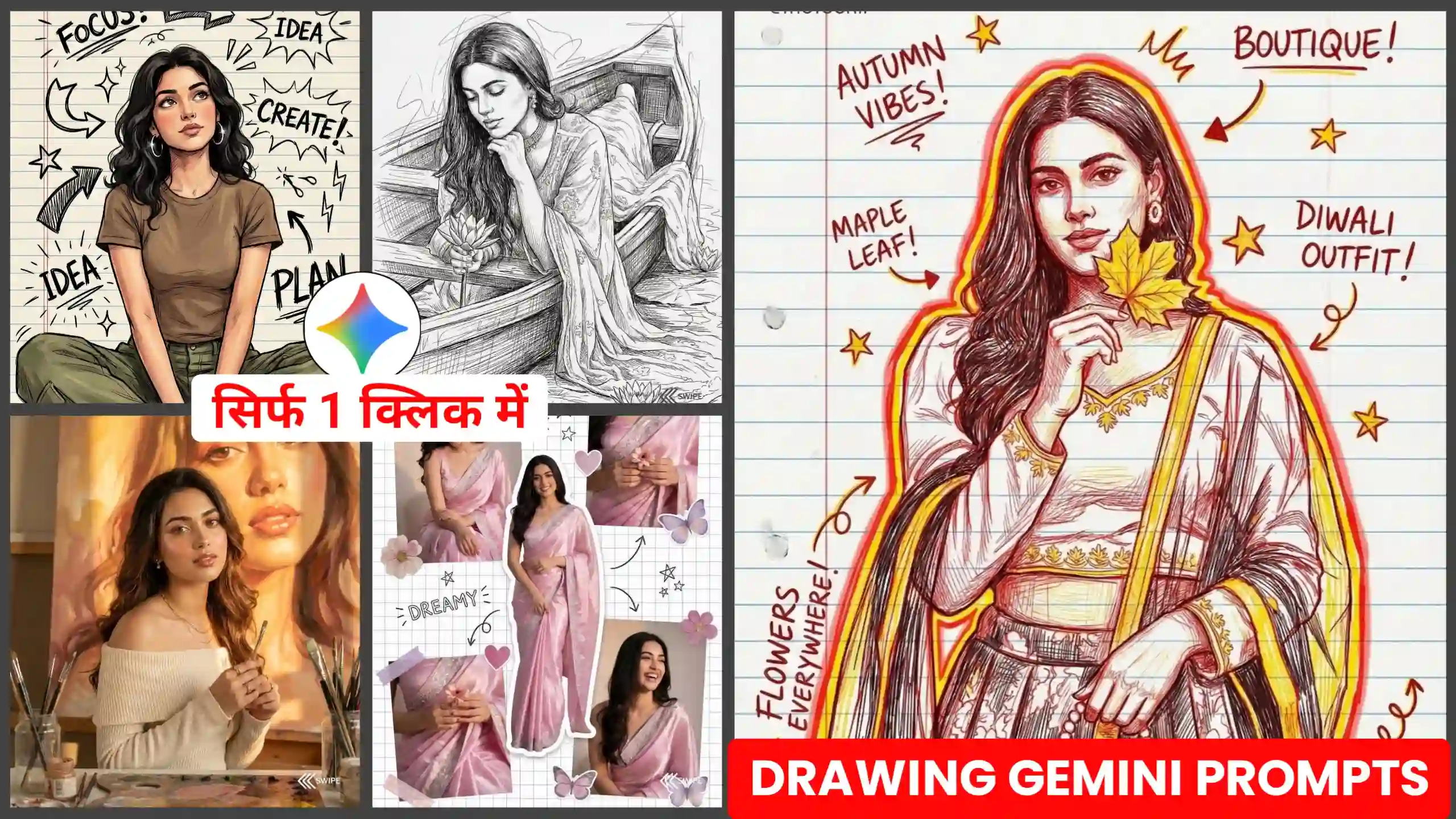
Friends, in today’s article I am going to give you Gemini Art Drawing AI Photo Editing Prompts, using which you can easily create some such AI drawing photo of yours. If you do not know, then let me tell you that many girls on Instagram are converting their photos into such AI drawing and uploading them on social media. Due to this, it looks very amazing to see. Friends, if you get this type of photo made by a professional, then he will charge a lot of money from you for making this type of photo because this is a type of drawing art photo. So many professionals make it, and they charge a lot of money for it because it takes a lot of time and a lot of hard work. And the best thing is that they also draw our face in our photo in a very realistic manner. But you people know that not everyone can afford so much money. And in today’s date AI has also progressed a lot, so you can make it in just one click. How to make it, I am going to tell you further below, so you have to read each step very carefully and do the same as I tell you.
Gemini Art Drawing AI Photo Editing Prompts
Look, the photo editing prompts I’m about to give you are mostly for girls, because girls are the ones creating these kinds of trending photos. Friends, these photos look like the ones we used to draw in notebooks as children. These are our photos in a similar way. Let me explain it to you in a simpler way. Like when we were little, we used to draw different things in our notebooks. So, this photo is also going to be similar. But the only difference is that instead of a drawing, our own photo has been drawn in it. It looks as if we ourselves drew our own photo with a pencil in this way, and our face matches it perfectly, which makes it look even more amazing. There are different types of drawings in this way. Like some people draw using pencil, some people draw using paint. There are different types of drawings in this way, so I’m going to give you all kinds of drawing art gemini photo prompts. If you want, you can create your photo using any one of these prompts. Otherwise you can create any type of photo, and whatever you like the most, you can save it in the gallery.
Cinematic vibrant digital painting style
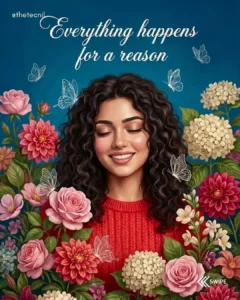
A highly detailed digital painting portrait of
a young woman with curly hair and an original, natural-looking face. The face structure and features must match 100% with the uploaded reference photo. She is smiling joyously with her eyes gently closed, wearing a bright red top. She is surrounded by an abundance of vibrant, meticulously detailed flowers in shades of pink, red, and cream. Soft white line-art butterflies flutter gracefully around her. The background is a
rich teal/blue, with the uplifting text “Everything happens for a reason” floating elegantly above her head. The overall style is painterly, vibrant, and maximalist, filled with rich textures, lush floral elements, and
dreamy lighting
Illustrated modern comic-sketch style
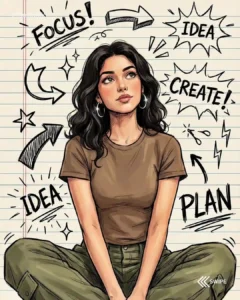
Ink-sketch minimalist hand-drawn style
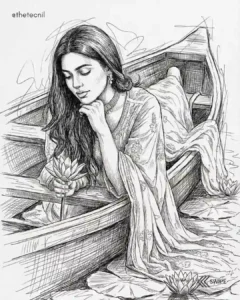
Hand-drawn doodle comic style
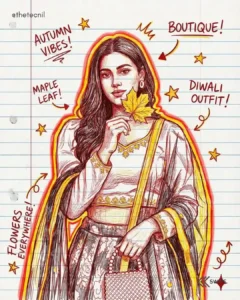
Dreamy pastel scrapbook collage style
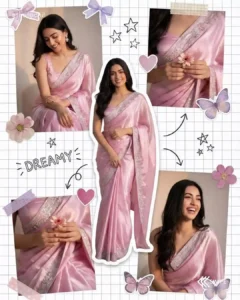
Ultra-realistic romantic painterly style
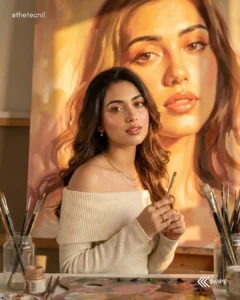
How to Create Drawing Art AI Photos?
I am going to give you different types of drawing photo editing prompts, so first of all, for this, friends, you have to copy any one of the photo editing prompts given below, whichever you like the most and with which you want to create your photo. Once you copy your photo prompt, after that comes the turn to create your own photo from it. So for that, you have to read all the steps given below very carefully and follow them in the same way as I will tell you.
- First, copy any one of the photo editing prompts above.
- After that you have to click on the button named Create Your Photo given above.
- After clicking on this, you will reach the Google Gemini website, where you will first have to login.
- Then you will find a plus icon there, by clicking on it you have to add a photo of yourself in which your face will be clearly visible.
- After doing this much work, you have to turn on the Create Photo Nano Banana button and send it to Google Gemini.
- Once your photo is created, you can easily save it by clicking on it and downloading it.
Creative Art Style Photos
The photo editing prompt that I am going to give you is going to be a kind of creative AI photo editing prompts because it makes our photo in a very creative way. Due to this, our photo looks absolutely cinematic and artistic. It seems as if some great artist has made these photos of ours. But as I told you that if you get your photo made by an artist in this way, then friends, he will charge you a lot of money because it takes a lot of time to make such photos. But you all know how well Google Gemini creates photos today, and it is also absolutely free. You do not have to pay any money for this. We just have to tell it by using some prompts what kind of photos we want to get made. It automatically makes our photos of this type and gives it to us. So friends, Google Gemini is a very powerful AI tool.
Conclusion
If you follow all these steps mentioned above carefully, then you can easily create such photos of yours using Gemini Art Drawing AI Photo Editing Prompts. Friends, we hope that you must have liked our today’s article very much. If you liked it, then please do let us know by commenting. And if you have any suggestion to give us, then you can tell us that too. Many more such photo editing prompts are going to come on this website, through which you can create such creative photos of yours in just one click. So, you can come to our website every day and create your photos using those prompts.



Photo ke background change karna